AI Photo Magic Editor
AI Photo Magic Editor by Protean Studios offers a comprehensive suite of AI-powered editing tools for quick photo enhancement. With over 10 million installs, it simplifies tasks like background removal, object cleanup, and artistic filters. Ideal for social media creators and casual users, it combines ease of use with advanced features. The app provides a free version with optional in-app purchases for premium tools.
Pros
- AI-powered background removal is fast and accurate
- One-tap filters and effects for instant photo enhancement
- User-friendly interface suitable for beginners
- No watermark on exported images in free version
- Regular updates with new AI features and tools
Cons
- Some advanced tools require a subscription or one-time purchase
- Occasional ads in the free version can be intrusive
- AI processing may take a few seconds on older devices
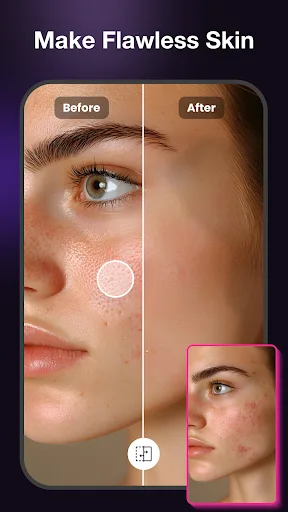
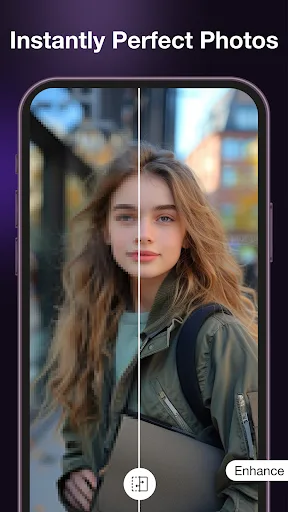
AI Photo Magic Editor Screenshots
Official app screenshots from the Google Play Store.
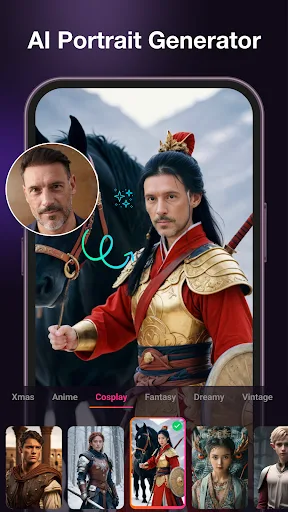
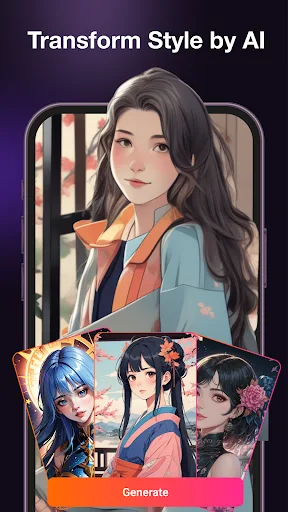
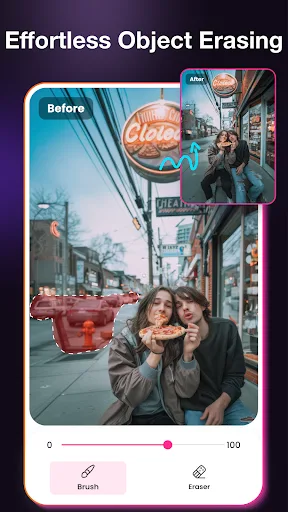
About AI Photo Magic Editor
🌟 Looking for simpler photo editing? Try AI Photo Magic Editor – a complete AI studio! In today’s visual world, social media posts, professional images, and creative designs require consistent, high-quality results. Traditional editing tools can be time-consuming and challenging to master. AI Photo Magic Editor combines AI technology with user-friendly tools to help you enhance your photos quickly. Whether you’re a content creator, blogger, or casual user, explore a range of creative possibilities with just a tap. 📌 Why Use AI Photo Magic Editor? 🖼️ Advanced AI Tools for Everyone: Generate AI Portrait & AI Styles: Transform selfies into digital art or apply cartoon effects, clay filters, and anime styles. Our AI image generator uses sophisticated algorithms to provide high-quality outcomes. Remove Unwanted Objects & Watermarks: Easily remove logos, blemishes, or distractions using AI erase tools while keeping background details intact. Replace Backgrounds with Ease: Swap uninteresting backdrops for scenic views, solid colors, or custom designs. Ideal for product images or headshot generation. Auto-Enhance & Retouch: Fix blurry, dark, or low-quality shots with AI-po…
Frequently Asked Questions
Is AI Photo Magic Editor safe to use?
Yes, the app is safe. It requests only necessary permissions (storage, camera) and does not access personal data without consent. All processing is done on-device or via secure servers.
Does the app contain ads?
The free version includes ads, but they can be removed via a one-time purchase or subscription. Ads are not overly frequent and do not interrupt editing severely.
Can I use AI Photo Magic Editor offline?
Some basic editing tools work offline, but AI features like background removal or style transfer require an internet connection to process images.
Who should install AI Photo Magic Editor?
It is ideal for social media users, bloggers, and anyone who wants quick, high-quality photo edits without learning complex software. Casual users will find the one-tap tools very convenient.