
Amina Cleaner
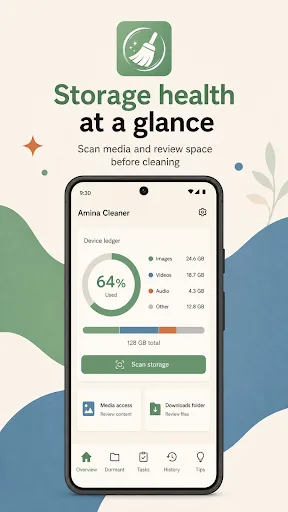
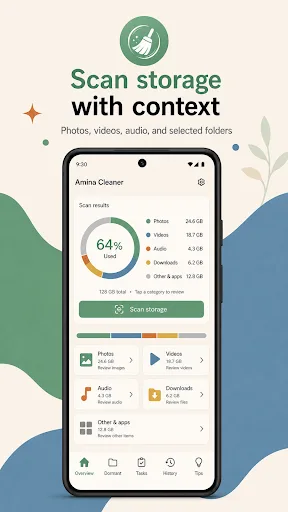
Amina Cleaner is a privacy-focused storage analyzer that lets you review files before deleting. It scans photos, videos, audio, and user-selected folders, then shows what's taking space. Cleanup actions use Android's trash or system confirmation for safety. With over 100 installs, it's a lightweight tool for manual storage management.
Pros
- Review-first approach prevents accidental deletions
- Scans multiple media types and custom folders
- Uses Android trash or system confirmation for safety
- Privacy-focused: no unnecessary permissions or data collection
- Lightweight app with minimal background activity
Cons
- No automatic or scheduled cleaning options
- Limited to basic file scanning; lacks advanced features like duplicate finder
- No user ratings or reviews yet, indicating early stage
Amina Cleaner Screenshots
Official app screenshots from the Google Play Store.
About Amina Cleaner
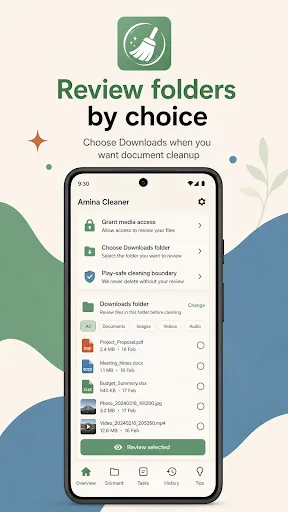
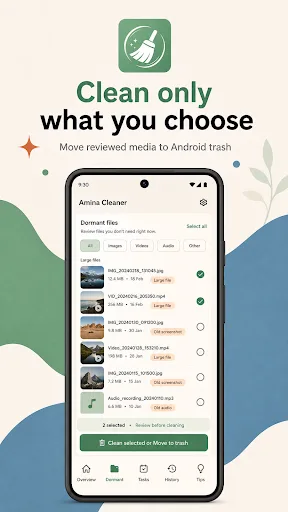
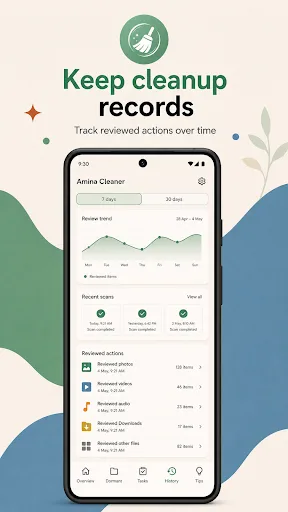
Amina Cleaner helps you understand your phone storage before you clean. Scan photos, videos, audio, and user-selected folders, review what takes space, and choose the items you want to handle. The app is built around a review-first cleanup flow. Media files are scanned through Android media access, Downloads and documents are reviewed only after you choose a folder, and cleanup actions use Android trash or system confirmation where supported. Key features: - Scan storage for photos, videos, audio, and selected folders - Review dormant files, old screenshots, large videos, cache-like names, and duplicate candidates - Clean selected items after you review them - Move supported media to Android trash so mistakes can be recovered from your gallery app - Choose a Downloads folder when you want document cleanup - See cleanup tasks generated from the current scan - Track cleanup history and recent storage changes - Open Android system storage for app cache and system-managed space - Use clear permission prompts for media access and selected folders Amina Cleaner does not request all-files access. It does not silently scan every folder, clear other apps' private cache, or remove personal f…
Frequently Asked Questions
Is Amina Cleaner safe to use?
Yes, it's safe. The app only requests media access and does not delete files without your review. Cleanup actions use Android's built-in trash or require system confirmation.
Does Amina Cleaner show ads?
No, the app does not display ads. It's a straightforward utility without monetization through ads.
Can I use Amina Cleaner offline?
Yes, the app works fully offline. All scanning and cleanup happens on your device without internet access.
Who should install Amina Cleaner?
It's ideal for users who want manual control over storage cleanup and prefer reviewing files before deletion. Not suitable for those wanting automatic cleaning.