محرر السيرة الذاتية بالعربية
The Arabic CV Editor is a visa-specific CV creation app that allows you to easily and professionally create a CV in Arabic. Whether you're looking for a new opportunity or want to update your professional profile, the app helps you create an attractive and organized CV that suits the region's job market. Within the CV Editor, you can easily fill in your information using a clear form that includes basic information,…
محرر السيرة الذاتية بالعربية Screenshots
Official app screenshots from the Google Play Store.
About محرر السيرة الذاتية بالعربية
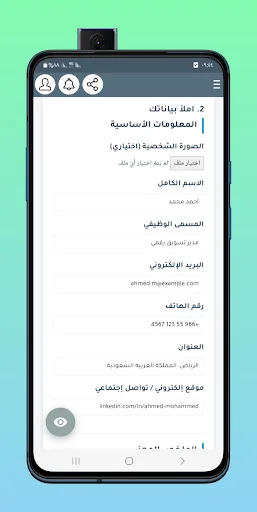
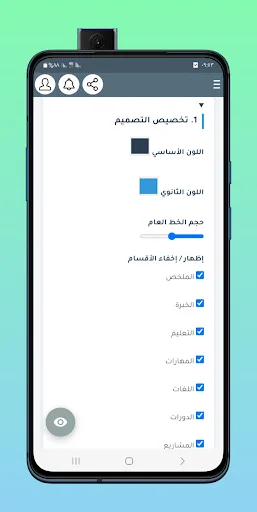
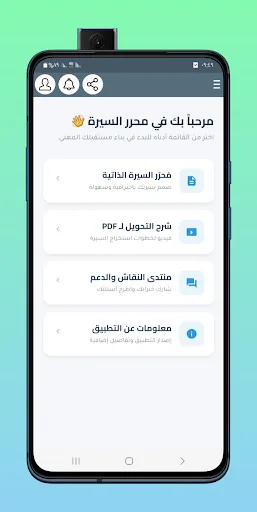
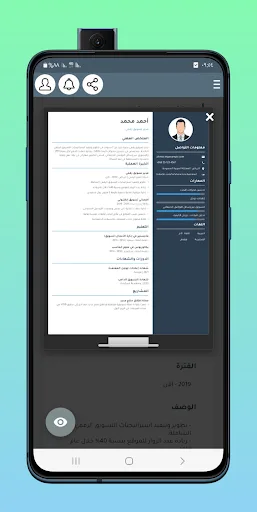
The Arabic CV Editor is a visa-specific CV creation app that allows you to easily and professionally create a CV in Arabic. Whether you're looking for a new opportunity or want to update your professional profile, the app helps you create an attractive and organized CV that suits the region's job market. Within the CV Editor, you can easily fill in your information using a clear form that includes basic information, a professional summary, experience, education, skills, languages, courses, and projects. Each section can be customized to your needs, with the ability to add or delete any element with a single click. The app features a fully customizable Arabic CV design, allowing you to choose colors and fonts and show or hide any section you want. It provides an instant preview in the form of a real A4 paper so you can see the result before copying. Then, the app generates a ready-made HTML code with a single click and provides a clear, step-by-step video tutorial on converting to PDF, ensuring you get a professional PDF file ready for printing or sending. The app also includes a discussion forum and support section where you can share experiences and get answers to your questions.…