AR Sketch & Draw: Trace
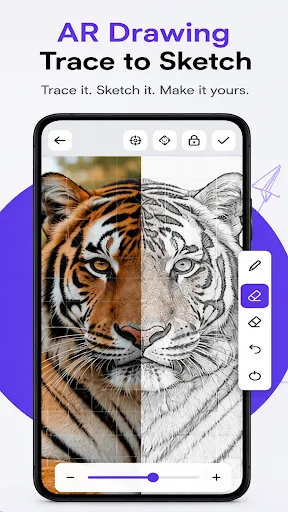
AR Sketch & Draw: Trace uses augmented reality to project any image onto paper, allowing you to trace outlines and create sketches with ease. It's designed for beginners learning to draw as well as experienced artists seeking a faster way to produce artwork. With over 5,000 installs, this tool is a practical choice for improving drawing skills. The app is currently unrated, so user feedback is limited.
Pros
- AR tracing projects images onto paper, making it easy to draw accurately.
- Suitable for both beginners and experienced artists.
- Helps improve drawing skills through practice and precision.
- Transforms ordinary photos into hand-drawn masterpieces.
- Simple and intuitive interface designed for ease of use.
Cons
- No user ratings yet, so quality and reliability are unverified.
- Limited install base (5,000+) may indicate a smaller community or support.
- Potential dependency on camera and AR features, which may not work on all devices.
AR Sketch & Draw: Trace Screenshots
Official app screenshots from the Google Play Store.
About AR Sketch & Draw: Trace
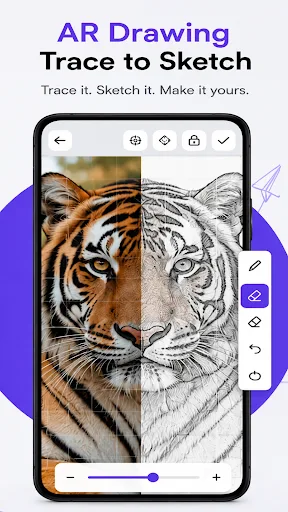
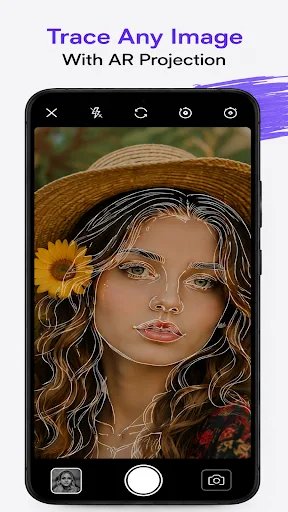
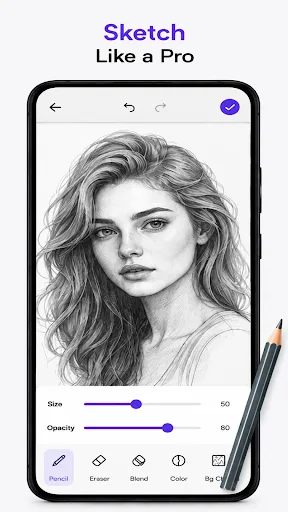
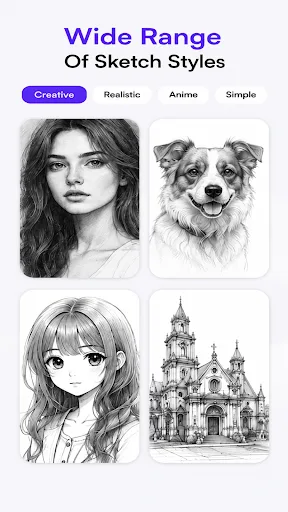
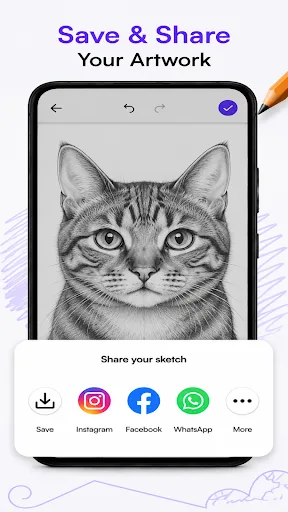
Turn your favorite photos into beautiful sketches with AR Sketch & Draw: Trace! Whether you're a beginner learning to draw or an experienced artist looking for a faster way to create amazing artwork, our powerful AR tracing technology helps you sketch with confidence. Project images onto paper using your camera, trace outlines with precision, and transform ordinary photos into stunning hand-drawn masterpieces. Practice your drawing skills, create realistic sketches, and bring your imagination to life. ✨ Key Features 🎨 AR Image Tracing Project any image onto paper using augmented reality and trace it accurately. 🖼 Trace Any Photo Import images from your gallery or capture a new one using your camera. ✏️ Easy Sketch Creation Convert photos into sketch outlines for easier tracing and drawing. 📷 Live Camera Projection Keep your phone steady while drawing with a transparent AR overlay. 🔒 Lock Image Position Lock the projected image to prevent accidental movement while tracing. 🎛 Adjust Opacity & Brightness Customize transparency and brightness for the perfect tracing experience. 🖌 Multiple Sketch Categories Explore a growing collection of drawings including: •…
Frequently Asked Questions
Is AR Sketch & Draw: Trace safe to use?
The app is available on the Play Store and has not raised specific safety concerns. However, as with any app, it's important to review permissions and ensure your device's camera is used appropriately. Since there are no user ratings yet, exercise caution and check the developer's privacy policy.
Does the app contain ads?
The Play Store listing does not specify the presence of ads. Given that the app is free, it may include ads or in-app purchases, but this is not confirmed. Check the app's details or contact the developer for more information.
Can I use AR Sketch & Draw: Trace offline?
The app relies on AR technology, which typically requires a camera and processing power. It may work offline for basic tracing if all features are local, but this is not guaranteed. For full functionality, an internet connection might be needed for updates or additional features.
Who should install this app?
This app is ideal for anyone interested in drawing, from complete beginners who want a guided way to learn, to experienced artists looking for a tool to speed up their sketching process. It's also great for hobbyists who want to turn photos into art.