AR Trace - Sketch Drawing
Discover the easiest way to sketch and draw with AR Trace! 🎨 Do you want to learn to draw but don't know how? AR Trace is the ultimate drawing app that helps you create masterpieces effortlessly. Use our advanced AR to draw technology or the screen overlay mode to trace and sketch any image. It is designed for everyone - from beginners looking for an easy draw tool to artists who need a quick trace reference. 🚀…
AR Trace - Sketch Drawing Screenshots
Official app screenshots from the Google Play Store.
About AR Trace - Sketch Drawing
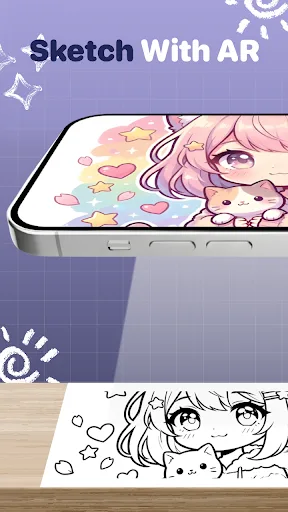
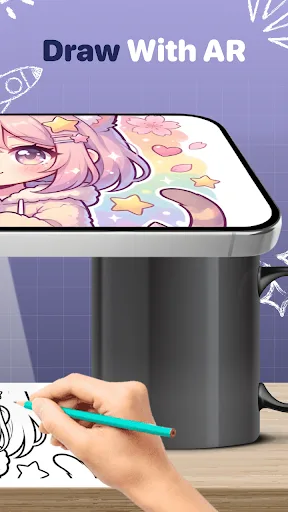
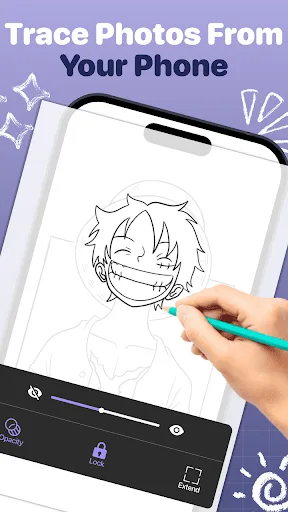
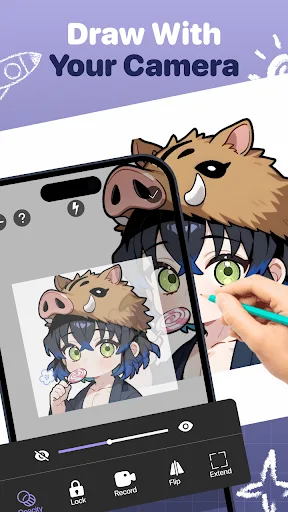
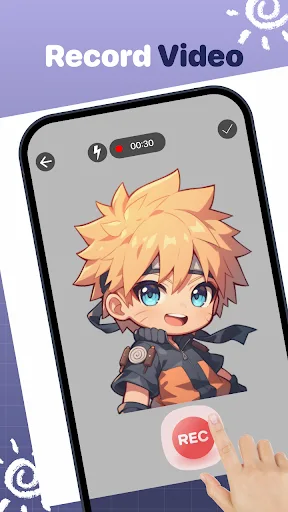
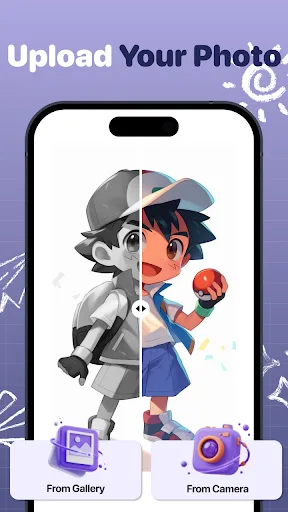
Discover the easiest way to sketch and draw with AR Trace! 🎨 Do you want to learn to draw but don't know how? AR Trace is the ultimate drawing app that helps you create masterpieces effortlessly. Use our advanced AR to draw technology or the screen overlay mode to trace and sketch any image. It is designed for everyone - from beginners looking for an easy draw tool to artists who need a quick trace reference. 🚀 TWO POWERFUL MODES TO TRACE & SKETCH We combine the best tools to help you draw easy: 1. AR Camera Mode (AR Sketch) Use your phone camera as a professional art projector. • Point your camera at a paper. • See the trace image on your screen. • Draw with AR by following the lines. This is the perfect AR trace method to see your hand while you work. 2. Screen Overlay Mode (Light Box) Turn your phone into a tracing table. • Place a paper over the screen. • Trace the sketch line directly. • Works great as a drawing pad for detailed art. 🌟 KEY FEATURES: 📸 Trace Anything & Sketch Photos Import any photo from your gallery and convert it into a traceable sketch. Whether it is a portrait, landscape, or cartoon, you can trace photos instantly. It’s the most co…