CarPlay Link for Android Auto
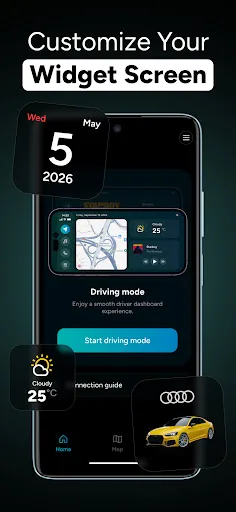
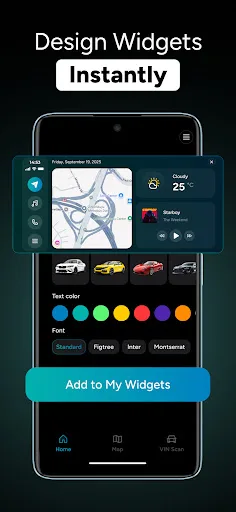
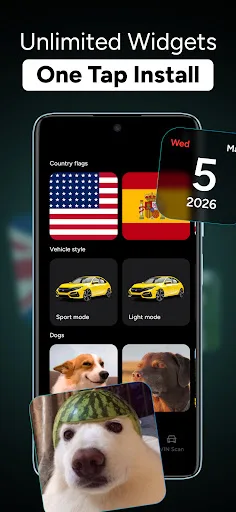
CarPlay Link for Android Auto transforms your phone into a smart driving companion with a clean, native-like interface. It offers driving mode with GPS, music playback, and hands-free calling, plus quick access to calendar, weather, and clock. Customize units and save vehicle details for a personalized experience. Ideal for drivers wanting a streamlined, safer in-car display.
Pros
- Clean, native-like interface that feels integrated with the car's display.
- Combines GPS navigation, music playback, and hands-free calling in one app.
- Quick access to calendar, weather, and clock without switching apps.
- Customizable units and vehicle details for a personalized driving experience.
- Minimal distractions with driving mode that prioritizes essential functions.
Cons
- May not support all car models or head units; compatibility depends on device.
- Free version likely includes ads or limited features; full features may require subscription.
- App requires a stable internet connection for real-time navigation and updates.
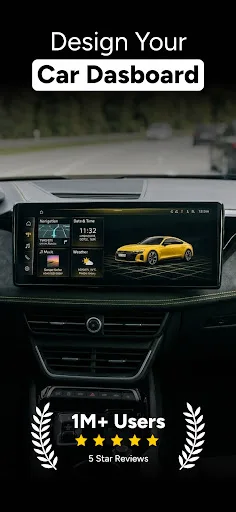
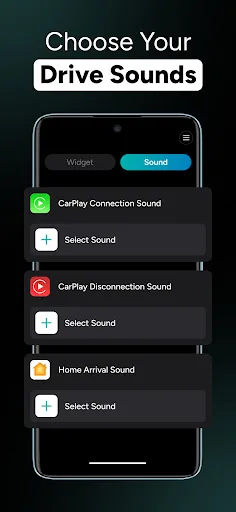
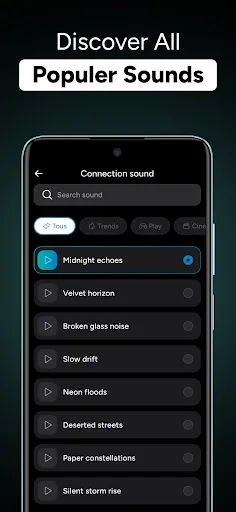
CarPlay Link for Android Auto Screenshots
Official app screenshots from the Google Play Store.
About CarPlay Link for Android Auto
Meet Car Play Connect — a focused driving companion built for you. It keeps navigation, calling, and music crystal clear with a clean layout that feels native in your car. Get the essentials you need, exactly where you expect them. From the moment you start the engine, Car Play Connect streamlines the trip: Driving mode with GPS guidance, music mode for effortless playback, and talk safely so you can keep your hands on the wheel. Your calendar, weather, and clock are always within easy reach—there when you need them, before every turn. Customize units to match your world, save vehicle details with quick VIN Scan, and enjoy a stable, responsive experience on Car Play whether you’re commuting across town or exploring new roads. Driving Mode (GPS-ready): Turn your phone into a distraction-lite driving screen that highlights what matters: a big map, clear directions, and large, reachable controls that reduce extra taps on Car Play. Reroute quickly, see what’s coming next, and stay oriented without clutter. When you need a stop, a built-in quick search finds nearby hotels, parking, ATMs, hospitals, and fuel stations in one go, then gets you back on your way. Music Mode: A stream…
Frequently Asked Questions
Is CarPlay Link safe to use while driving?
Yes, the app is designed with a driving mode that simplifies controls and minimizes distractions. However, always prioritize road safety and configure settings before driving.
Does the app contain ads?
The free version may include ads. An ad-free experience is likely available via in-app purchase or subscription.
Can I use CarPlay Link offline?
Basic features like music playback and clock may work offline, but GPS navigation and real-time updates require an internet connection.
Who should install CarPlay Link?
This app is ideal for drivers who want a cleaner, more focused interface for navigation, music, and calls without the clutter of a full smartphone screen.