Cast To TV - Screen Mirroring
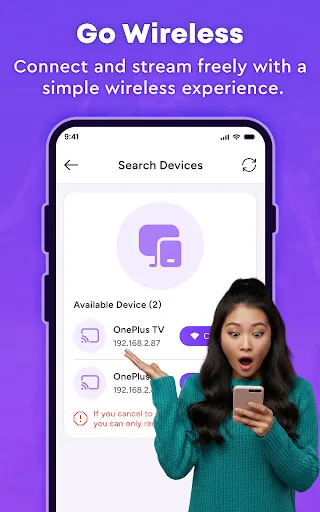
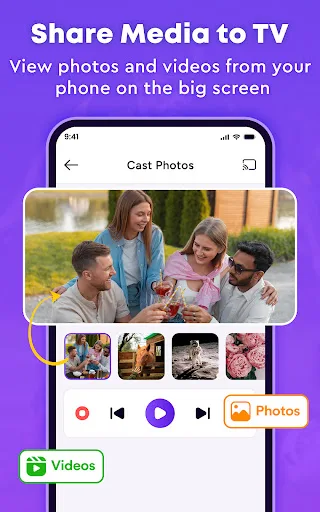
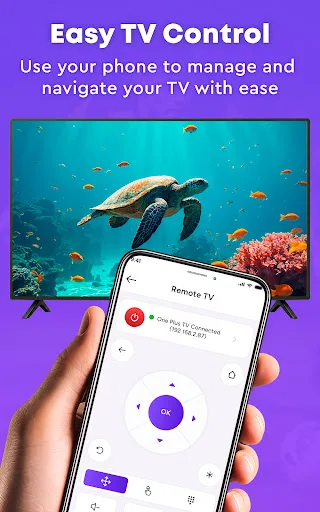
Your TV is bigger. Your phone is smarter. Why keep them separate? Cast To TV - Screen Mirroring gives you more ways to use the big screen. Turn your phone into a TV remote, use screen mirroring to share your display, or cast to TV with photos and videos. 🔗 Connecting shouldn't feel complicated. Search for available devices on your network and find the TV you want to use. Follow the pairing steps to connect phone t…
Cast To TV - Screen Mirroring Screenshots
Official app screenshots from the Google Play Store.
About Cast To TV - Screen Mirroring
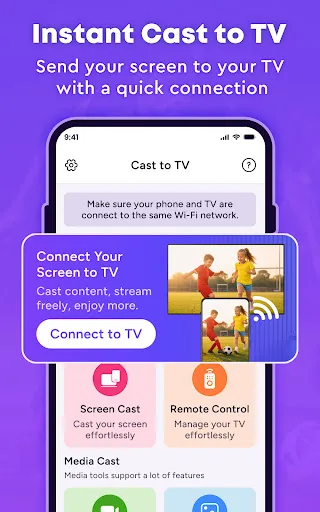
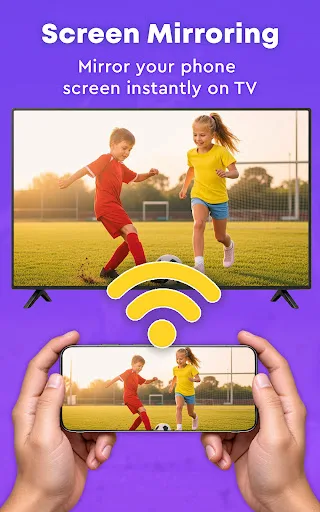
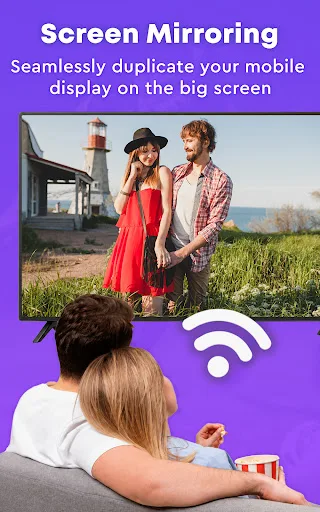
Your TV is bigger. Your phone is smarter. Why keep them separate? Cast To TV - Screen Mirroring gives you more ways to use the big screen. Turn your phone into a TV remote, use screen mirroring to share your display, or cast to TV with photos and videos. 🔗 Connecting shouldn't feel complicated. Search for available devices on your network and find the TV you want to use. Follow the pairing steps to connect phone to TV. Once connected, switch between remote control, mirroring, and casting whenever you need. 📺 One phone. Your TV, under control. Lost the remote? No problem. Navigate, change channels, adjust volume, and control playback from your phone. Keep controls close with a convenient remote control for TV. Use your phone as a universal TV remote for simple control. 📱 Your small screen doesn't have to stay small. Bring your phone display to the big screen with screen mirroring. Share what you're viewing with a simple screen mirroring app. Use screen cast when you want a larger view. 🎬 Share what matters, not everything. Want to show one video? Cast to TV and send selected content to the bigger screen. Cast video from your phone without mirroring your entire display. C…