
CleanSpark — Junk Cleaner
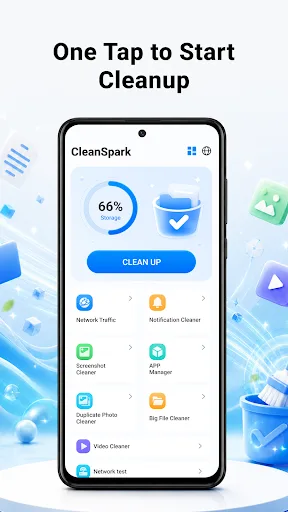
CleanSpark is a straightforward junk cleaner and phone organizer app for Android. It helps you scan and remove temporary files, cache, and other clutter to free up storage. The app also includes tools to review installed apps, manage large files, and check RAM usage. With over 1,000 installs and a 3.4 rating, it offers basic cleanup features with user control over what to delete.
Pros
- Provides a clear scan of junk files, cache, and temporary data for easy cleanup.
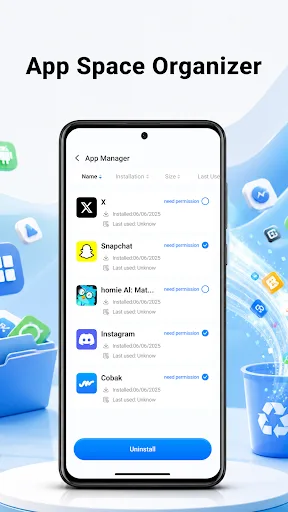
- Includes an app organizer to review and manage installed apps.
- Lets you choose which files to delete, giving you full control.
- Covers multiple cleanup categories: junk, photos, videos, big files, and notifications.
- Lightweight app with a simple interface that doesn't require advanced knowledge.
Cons
- Limited advanced features compared to more popular cleaners like SD Maid.
- Rating of 3.4 suggests some users may have encountered issues or lack of updates.
- Ads may be present, which can interrupt the cleaning experience.
CleanSpark — Junk Cleaner Screenshots
Official app screenshots from the Google Play Store.
About CleanSpark — Junk Cleaner
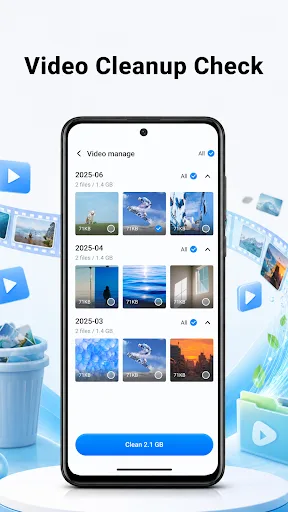
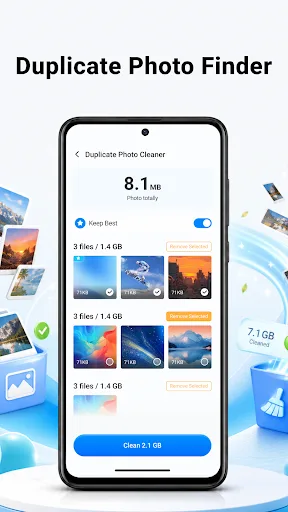
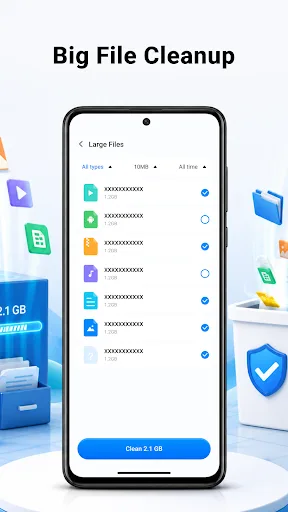
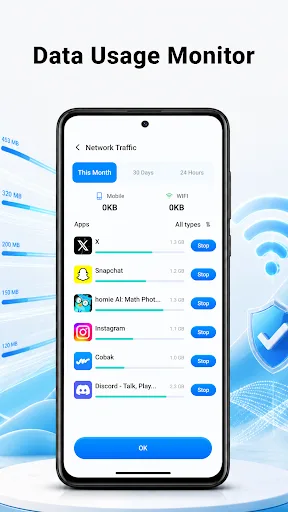
📱 CleanSpark – Junk Cleaner CleanSpark helps you keep your Android phone organized with simple cleanup tools for junk files, apps, photos, videos, big files, notifications, network usage, and RAM status. Review what is taking space, choose what to remove, and keep cleanup decisions under your control. 🧹 Junk Cleaner Temporary files, cache data, and unused items can build up over time. CleanSpark helps you scan and review cleanup suggestions so you can clear unnecessary files and make more room for daily use. 📱 App Organizer With CleanSpark’s app tools, you can: ● Review installed apps ● Check app storage usage ● Remove apps you no longer need 📸 Photo \& Video Cleanup Old videos, similar photos, and repeated screenshots can fill your gallery quickly. CleanSpark helps you: ● Review media files before cleanup ● Find similar or unwanted items ● Keep deletion choices fully manual 📂 Large File Review Large files can quietly use valuable space. CleanSpark helps you locate bulky items, check file details, and decide what should stay or be removed. 🔔 Device Status Tools CleanSpark also helps you check notification cleanup, network usage, and RAM status from…
Frequently Asked Questions
Is CleanSpark safe to use?
Yes, CleanSpark is safe as it only suggests files for deletion and requires your confirmation before removing anything. However, always review suggested files carefully.
Does CleanSpark contain ads?
Yes, the free version likely includes ads, which is common for utility apps. You may need to watch ads or upgrade to remove them.
Can CleanSpark work offline?
Yes, CleanSpark works offline for scanning and cleaning junk files. Some features like app reviews or updates may require internet.
Who should install CleanSpark?
CleanSpark is suitable for Android users who need a basic, no-fuss junk cleaner without extra bells and whistles. It's good for beginners or those with older devices.