
CleanWay: Storage Sweep
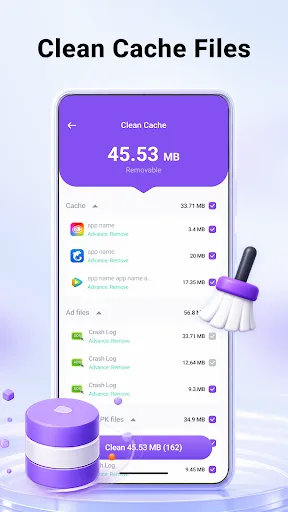
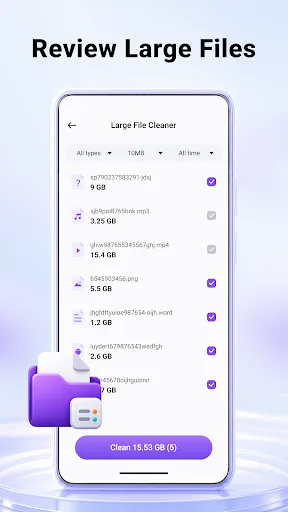
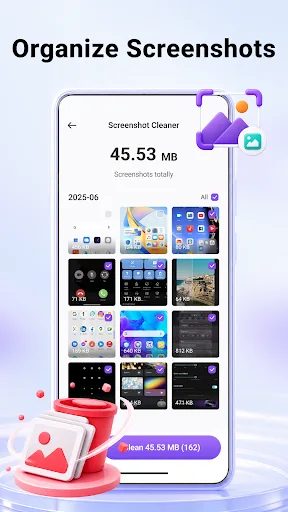
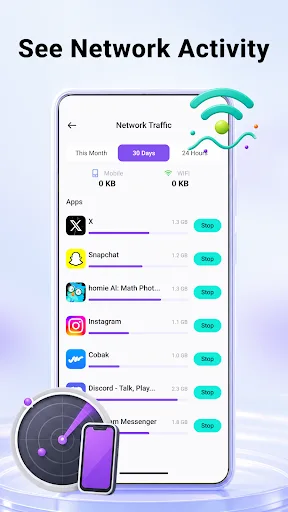
A busy phone can fill up with cache files, large items, screenshots, and apps that are no longer checked often. CleanWay: Storage Sweep gives you a clearer way to look through those storage areas before you decide what to clean. Start with cache files to see removable temporary data, then move through large files and screenshots to understand what is taking up space. You can also review installed apps and check recen…
CleanWay: Storage Sweep Screenshots
Official app screenshots from the Google Play Store.

About CleanWay: Storage Sweep
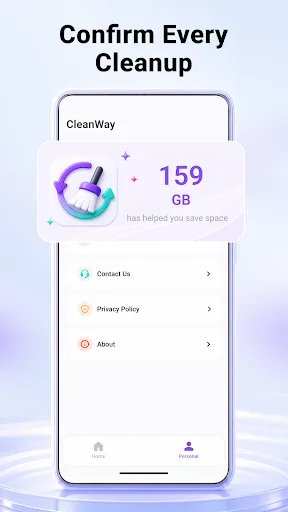
A busy phone can fill up with cache files, large items, screenshots, and apps that are no longer checked often. CleanWay: Storage Sweep gives you a clearer way to look through those storage areas before you decide what to clean. Start with cache files to see removable temporary data, then move through large files and screenshots to understand what is taking up space. You can also review installed apps and check recent network activity. Storage Tools Cache File Cleanup Check removable cache files and clear temporary data after reviewing the scan results. Large File Finder Locate storage-heavy files more easily and choose which items you want to keep or remove. Screenshot Organizer Browse saved screenshots faster and clean older images that are no longer useful. App Review See installed apps together and decide which apps may be uninstalled to release more storage. Network Activity View View recent network activity information to better understand data usage on your device. Cleanup With Confirmation CleanWay is built around visible, user-confirmed cleanup. Files and apps are not removed automatically in the background; cleanup actions happen only after you review the items and confir…