ClearPhone
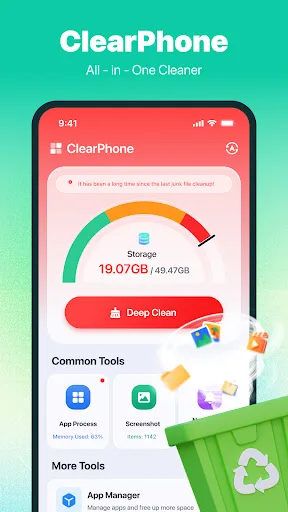
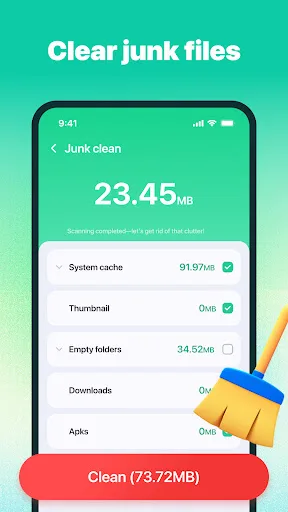
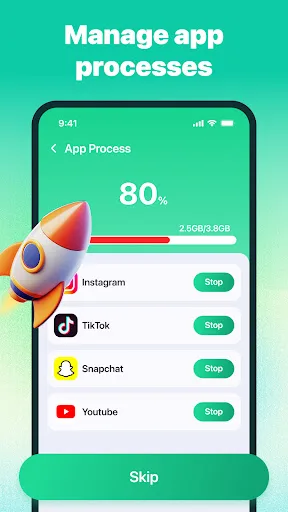
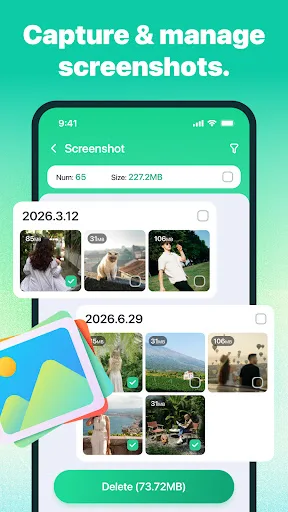
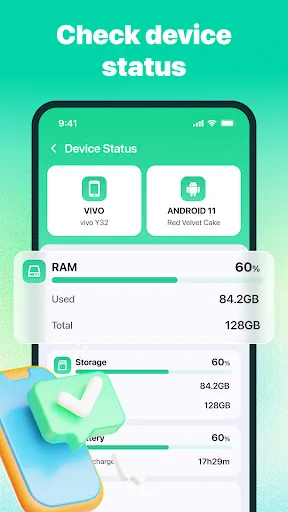
1. Junk Cleaning: Scan files that may be cleaned and remove only the items you select and confirm.2. Large File Management: Find files that may take up storage space and review them individually.3. App Activity Management: Review active apps and manage the activities you choose.4. App Management: Review installed apps and open the system uninstall confirmation for apps you select.5. Screenshot Management: Review scre…
ClearPhone Screenshots
Official app screenshots from the Google Play Store.
About ClearPhone
1. Junk Cleaning: Scan files that may be cleaned and remove only the items you select and confirm.2. Large File Management: Find files that may take up storage space and review them individually.3. App Activity Management: Review active apps and manage the activities you choose.4. App Management: Review installed apps and open the system uninstall confirmation for apps you select.5. Screenshot Management: Review screenshots and remove selected images you no longer need.6. Notification Organizer: Collect certain notifications in one place after you enable the feature, helping keep the notification area more organized.7. Device Information: View storage, memory, and basic device information at any time.