
ClearSpace Launcher
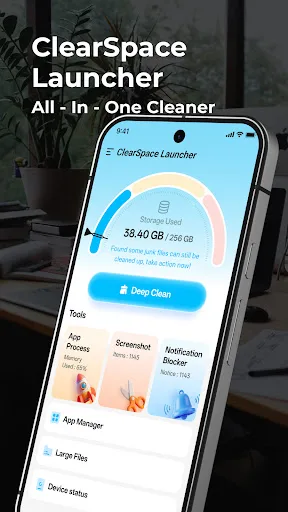
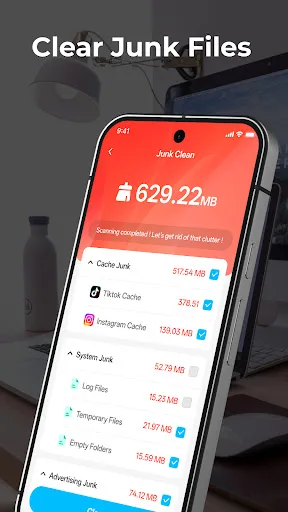
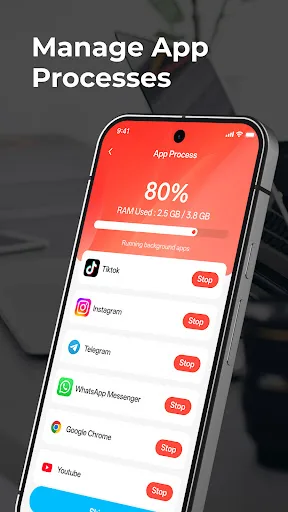
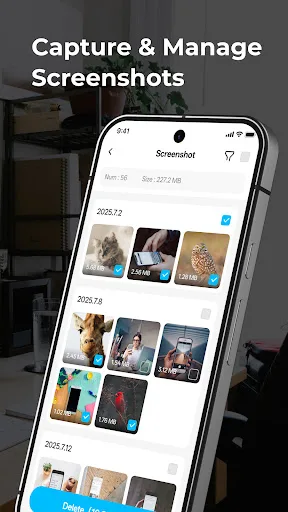
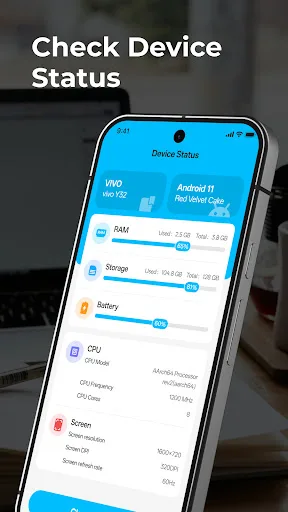
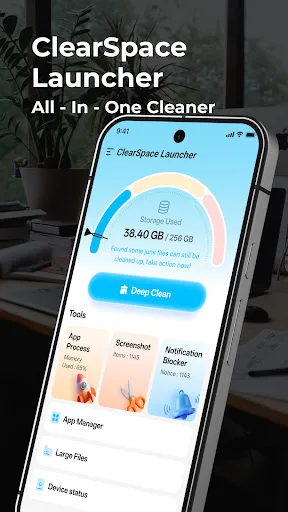
ClearSpace Launcher is a storage management tool that helps you review and organize phone content like large files, screenshots, and app data. It offers a review-first cleanup experience, letting you select what to remove after a storage scan. The app also provides device details and notification management. Ideal for users who want a simple, manual approach to freeing up space.
Pros
- Review-first approach prevents accidental deletion
- Helps identify large files and screenshots easily
- Provides device and notification details in one place
- Lightweight app with low install footprint
- Useful for regular storage health checks
Cons
- Limited to manual cleanup—no automatic scheduling
- Relatively new with fewer than 1,000 downloads
- No cloud backup or restore options for deleted files
ClearSpace Launcher Screenshots
Official app screenshots from the Google Play Store.
About ClearSpace Launcher
ClearSpace Launcher helps you find and organize everyday phone content with a clear set of cleanup and management tools. You can review large files, screenshots, app information, notifications and device details, then decide what you want to manage or remove. Start with a storage scan, check the results, and clean only the items you select. The app is designed for a visible, review-first cleanup experience. What you can do with ClearSpace Launcher: ClearSpace Launcher is useful for regular storage checks and simple content organization. Please review files before deleting them and back up important content when needed.
Frequently Asked Questions
Is ClearSpace Launcher safe to use?
Yes, the app is designed for a review-first cleanup, meaning you manually select files to delete. It does not automatically remove anything without your confirmation, reducing the risk of accidental data loss.
Does the app contain ads?
The Play Store listing does not specify ad behavior, but given its low download count and free status, it may include ads. Check the app description or settings for details.
Can I use ClearSpace Launcher offline?
Yes, the core cleanup and scanning features work offline since they only access local storage. However, some features like app info updates may require internet.
Who should install this app?
It's best for users who want a simple, manual storage cleaner without automated deletions. Ideal for those who prefer to review files before cleaning and need basic device info.