
Clyvia Cleaner
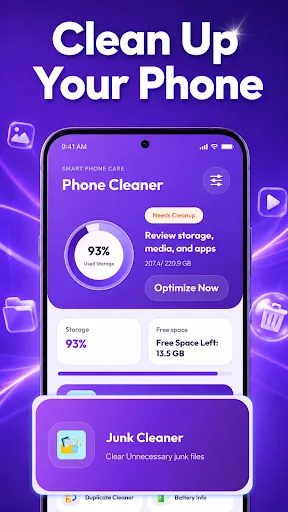
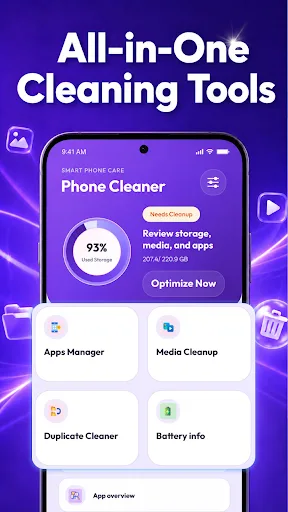
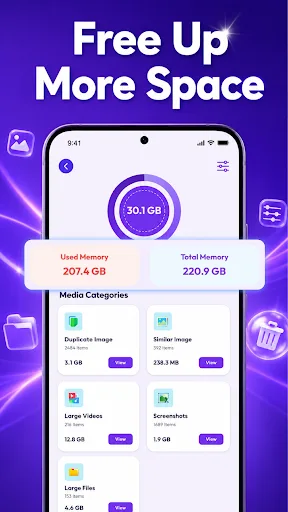
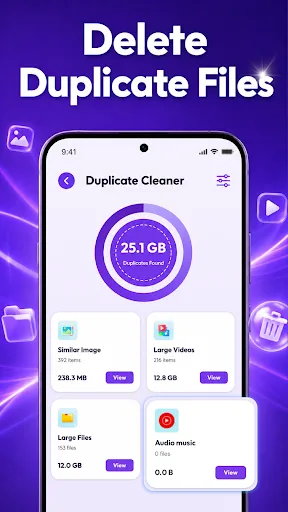
Clyvia Cleaner helps you review storage, organize media files, manage apps, and browse duplicates with a clean interface. It's a lightweight tool for basic phone maintenance, though it has limited installs and a moderate rating. Suitable for users who want simple storage insights without advanced cleaning features.
Pros
- Clean, easy-to-navigate interface
- Helps review storage usage and media files
- Allows browsing duplicate items
- Manages installed apps in one place
- Provides device information overview
Cons
- Limited install base (1,000+) suggests low popularity
- Rating of 3.9 indicates mixed user satisfaction
- No advanced cleaning or optimization features
Clyvia Cleaner Screenshots
Official app screenshots from the Google Play Store.
About Clyvia Cleaner
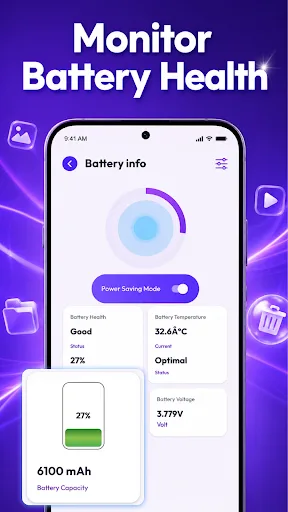
Clyvia Cleaner is a practical phone utility designed to help you review storage, organize media files, and manage installed apps in one easy place. With Clyvia Cleaner, you can view storage details, review media categories, browse duplicate items, manage installed apps, and check helpful device information through a simple and user-friendly interface. The layout is easy to navigate and suitable for everyday phone organization. Features include: View storage usage Review media files Browse duplicate items Manage installed apps Check device information Clean and easy-to-use interface
Frequently Asked Questions
Is Clyvia Cleaner safe to use?
Yes, it's developed by CloudCreators Trading Co., Limited and available on the Play Store. However, due to low installs, you should review permissions before installing.
Does Clyvia Cleaner contain ads?
The Play Store listing does not specify ad presence. Given its free nature, ads may be present, but this is not confirmed.
Can I use Clyvia Cleaner offline?
Yes, core features like viewing storage, media, and apps work offline. No internet connection is required for basic usage.
Who should install Clyvia Cleaner?
It's best for users who want a simple, no-frills tool to review storage and manage files/apps. Not recommended for those needing deep cleaning or performance boosts.