Document Reader & PDF Edit
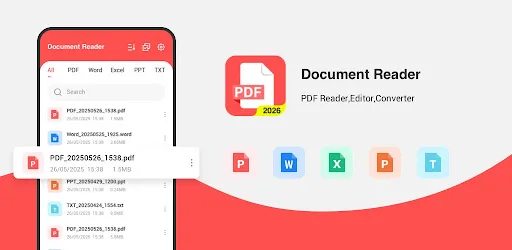
Document Reader & PDF Edit by RGKAMWALA is a versatile tool for viewing and editing PDFs and other office documents on Android. It offers fast startup, smooth navigation, and supports multiple file formats. The app includes practical features like format conversion and basic PDF editing, making it useful for study, work, and daily document management. With over 50,000 installs and a 4.22 rating, it's a reliable choice for light document tasks.
Pros
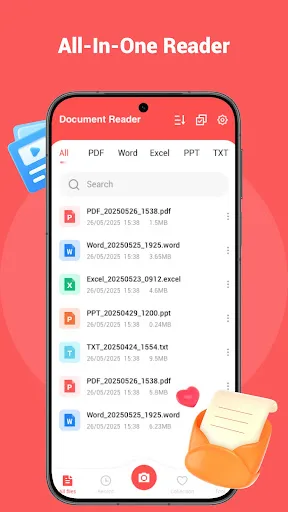
- Supports multiple document formats including PDF, DOCX, XLSX, and PPTX for versatile viewing.
- Fast app startup and smooth scrolling for quick access to documents.
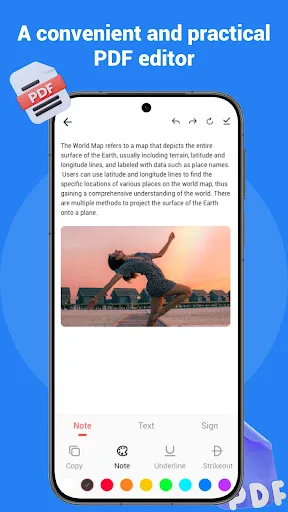
- Includes basic PDF editing features like annotation, highlighting, and text insertion.
- Built-in file manager for easy browsing and organizing of local documents.
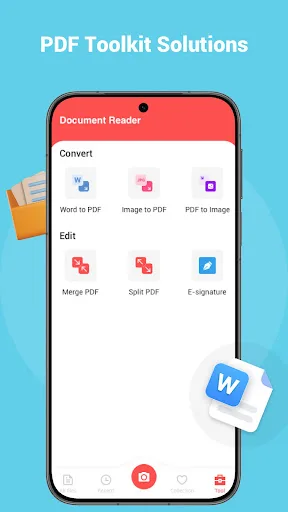
- Offers format conversion tools to convert documents to and from PDF.
Cons
- Advanced editing features like OCR or form filling are missing.
- Free version includes ads that can be intrusive during use.
- Occasional compatibility issues with complex or encrypted PDF files.
Document Reader & PDF Edit Screenshots
Official app screenshots from the Google Play Store.
About Document Reader & PDF Edit
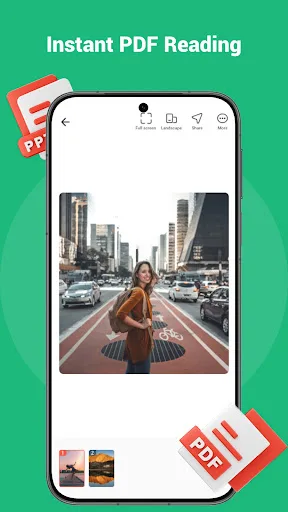
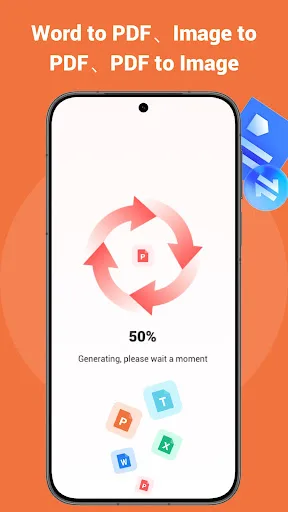
📄 Document Reader – PDF Viewer & PDF Tools This application comes with intuitive controls. On Android devices, you can access, view, convert and manage PDFs alongside various office files. Whether you need a PDF reader, format converter or a lightweight document viewer for study, daily work and business use cases, this app packs a full set of practical PDF features to streamline your daily tasks. 🔍 Document Viewing & Reading (Multi-format Supported) The app starts up quickly and offers a smooth viewing experience. You can open and go through PDFs and many other types of documents without hassle. It works with Word, Excel, PPT and PDF files, and is compatible with most commonly used document formats. As an all-in-one document utility, it suits regular file browsing and content review perfectly. 🔄 File Conversion – PDF Conversion & Creation This handy PDF generator and converter lets you switch formats for documents and images in quick steps. You can save photos, PNG and JPG images as PDF files. The image conversion feature makes it simple to produce new PDF documents. Built-in camera scanning is also available, letting you turn snapshots of physical paper documents dire…
Frequently Asked Questions
Is Document Reader & PDF Edit safe to use?
Yes, the app is safe. It has a 4.22 rating and over 50,000 installs, indicating no major security concerns. However, it requests storage permissions to access your files.
Does the app contain ads?
Yes, the free version displays ads. You can remove ads by purchasing the in-app upgrade.
Can I use this app offline?
Yes, most features like viewing and editing local documents work offline. However, some online features like cloud file access require an internet connection.
Who should install this app?
This app is ideal for students, professionals, and casual users who need a quick and simple document viewer and basic PDF editor on Android. It's not suited for heavy editing or advanced PDF tasks.