
EasyClean - Junk Cleaner
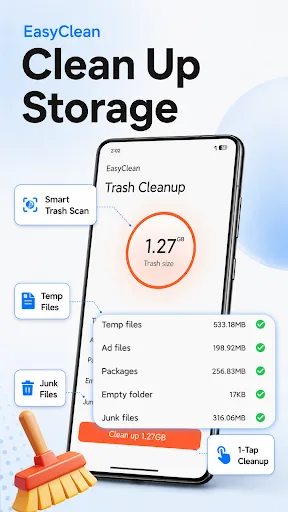
EasyClean - Junk Cleaner helps you free up storage by scanning and deleting junk files, cache, and temporary data. All cleaning operations are performed locally on your device, ensuring privacy. The simple interface makes it easy to review and select files for removal. With over 50,000 installs and a 4.60 rating, it's a reliable tool for decluttering your Android device.
Pros
- Privacy-focused: all operations are performed locally, no data collection.
- Simple and intuitive interface for easy file selection and cleaning.
- Effectively identifies junk files, cache, and temporary files.
- Lightweight app that doesn't consume many resources.
- High user rating (4.60) with over 50,000 installs.
Cons
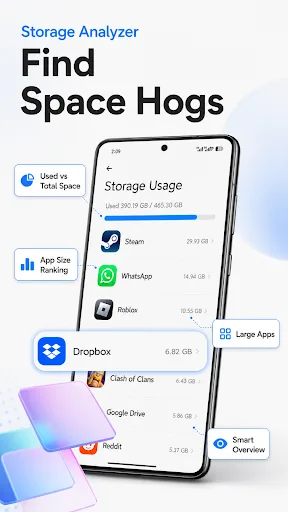
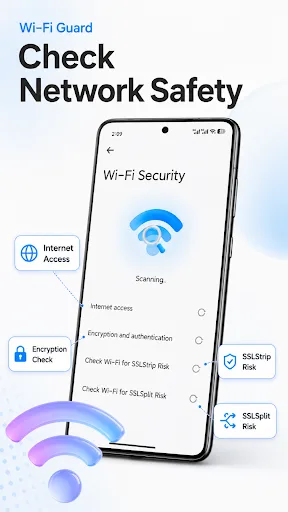
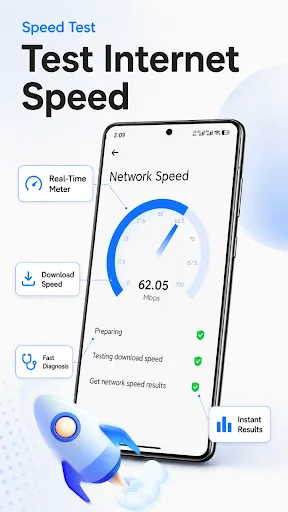
- Limited to basic junk cleaning; lacks advanced features like app management or duplicate file finder.
- May not detect all types of junk files on some devices.
- No automatic scheduling for regular cleanups.
EasyClean - Junk Cleaner Screenshots
Official app screenshots from the Google Play Store.
About EasyClean - Junk Cleaner
EasyClean - Junk Cleaner is a practical tool for Android devices. This application can scan your device and identify junk files, cache data and temporary files. You may select and delete these unnecessary files according to your own needs. All operations are completed locally on your device. The simple interface allows you to view file categories and complete related operations conveniently. This app only accesses file data on your device to complete scanning and cleaning tasks. We do not collect, sto re or share your personal information without your permission. All file processing records are kept locally. If you have questions or suggestions during use, you can contact us for support.
Frequently Asked Questions
Is EasyClean safe to use?
Yes, EasyClean only accesses file data locally on your device to scan and clean. It does not collect, store, or share your personal information without permission.
Does EasyClean contain ads?
The app summary does not mention ads, but as a free tool, it may include ads. Check the app's Play Store page for the most current information.
Can I use EasyClean offline?
Yes, EasyClean works offline since all scanning and cleaning operations are performed locally on your device without needing an internet connection.
Who should install EasyClean?
Anyone looking to quickly free up storage space by removing junk files, cache, and temporary data, especially those who prefer a simple, privacy-respecting tool.