File Management Home
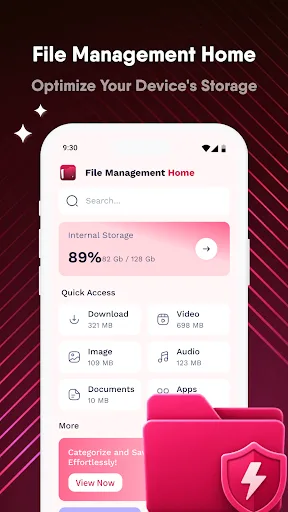
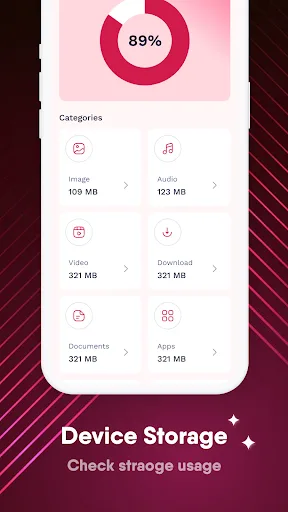
File Management Home offers a clear dashboard to monitor storage usage and categorizes files into Images, Videos, Audio, Documents, Apps, and Downloads for quick access. Its space-saving tools help identify and remove unnecessary items like similar photos, screenshots, and empty folders. The app is designed to simplify file organization and free up storage efficiently. As a new app with no ratings yet, it's worth trying for basic file management needs.
Pros
- Intuitive dashboard provides a comprehensive overview of storage usage at a glance.
- Smart categorization automatically sorts files into Images, Videos, Audio, Documents, Apps, and Downloads.
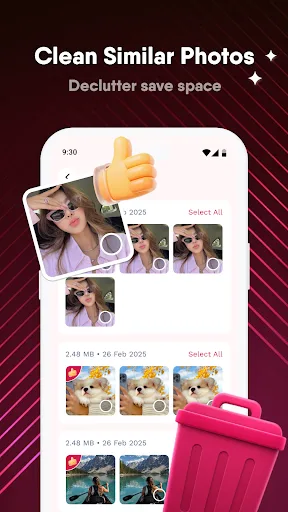
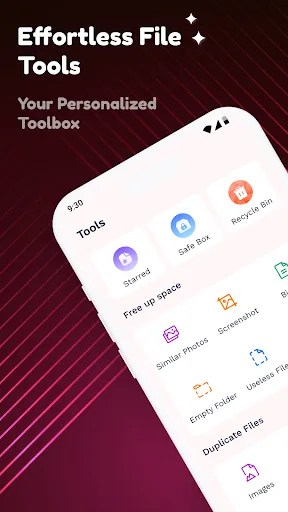
- Space-saving tools identify similar photos, screenshots, and empty folders for easy cleanup.
- Lightweight app with no bloatware or unnecessary permissions.
- Simple interface makes file management accessible for all users.
Cons
- No ratings or reviews yet, making it difficult to gauge reliability.
- Limited advanced features like cloud integration or file encryption.
- Last update date unknown, which may raise concerns about ongoing support.
File Management Home Screenshots
Official app screenshots from the Google Play Store.
About File Management Home
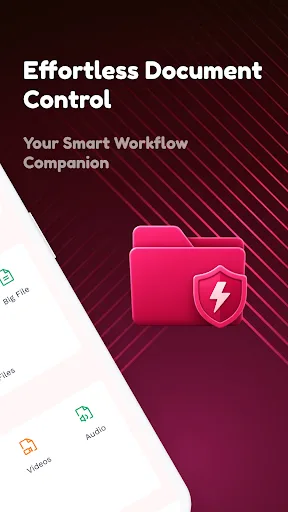
File Management Home helps you organize and manage your files efficiently. Key Features: Comprehensive Storage Overview: Easily monitor your internal storage usage with a clear, intuitive dashboard that shows exactly how much space you have available. Smart Categorization: Access your files instantly by category, including Images, Videos, Audio, Documents, Apps, and Downloads. Space-Saving Tools: Free up valuable storage space by identifying and removing unnecessary items. Easily clean up similar photos, screenshots, empty folders, and other useless files. Enhanced Organization: Keep your important files secure and organized with dedicated tools, including a "Starred" section for favorites and a "Safe Box" for sensitive content. Effortless Management: Manage large files and duplicate content with ease, ensuring your device remains organized and runs smoothly. Download File Management Home today and keep your digital life organized! Privacy URL: https://sites.google.com/view/fehp/home
Frequently Asked Questions
Is File Management Home safe to use?
The app requests only standard storage permissions needed for file management. As a new app with no ratings, it's advisable to review permissions and check for any updates before granting access.
Does the app contain ads?
The Play Store listing does not mention ads. However, since it's free, there may be ads in future updates. Currently, no ad-related information is provided.
Can I use File Management Home offline?
Yes, the app works offline for local file management tasks like browsing, categorizing, and deleting files. No internet connection is required for core functionality.
Who should install File Management Home?
This app is ideal for users who need a simple, no-frills file manager to organize files and free up storage space. It's suitable for beginners or those who prefer a straightforward tool without advanced features.