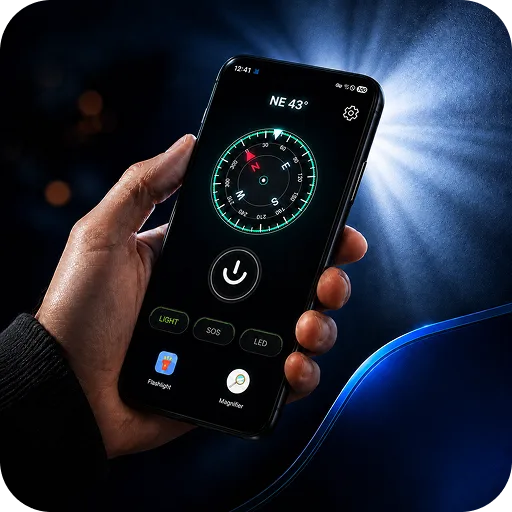
FlashGo: LED Flashlight
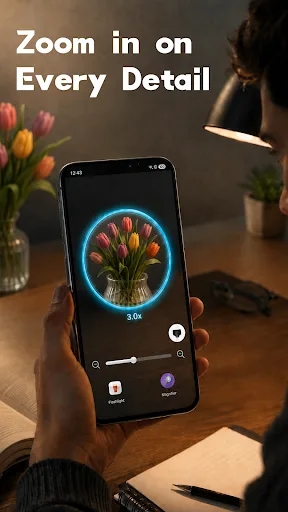
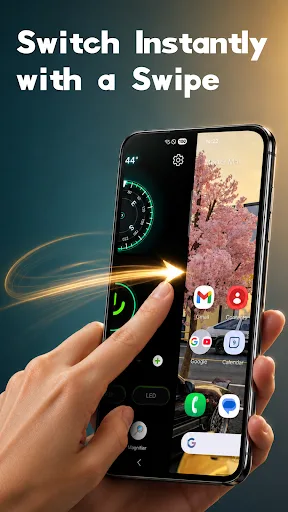
FlashGo: Flashlight & Launcher** is an all-in-one convenient launcher and ultra-bright flashlight utility. Designed to grant you one-tap access to lighting and essential tools exactly when you need them, it is your perfect companion for daily life and emergencies. 🚀 Convenient Launcher & Quick Access Swipe Right for Instant Light:Simply,swipe,right,from your main home screen to instantly access and turn on the ful…
FlashGo: LED Flashlight Screenshots
Official app screenshots from the Google Play Store.
About FlashGo: LED Flashlight
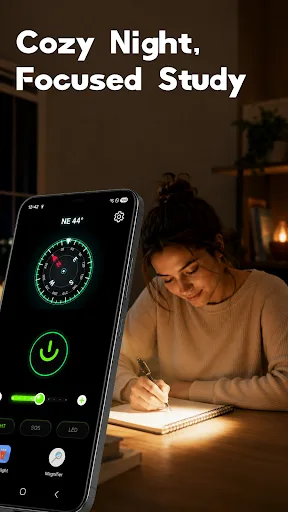
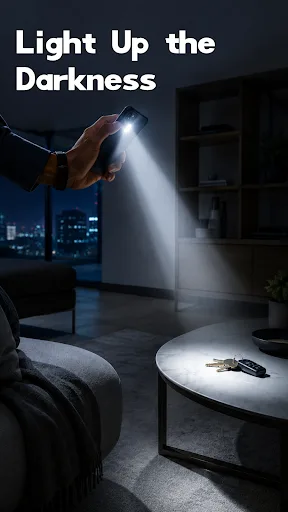
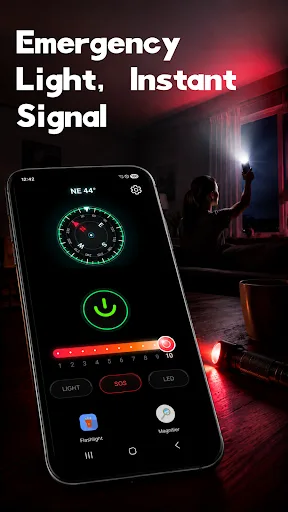
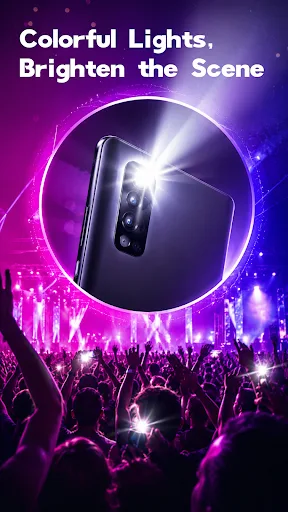
FlashGo: Flashlight & Launcher** is an all-in-one convenient launcher and ultra-bright flashlight utility. Designed to grant you one-tap access to lighting and essential tools exactly when you need them, it is your perfect companion for daily life and emergencies. 🚀 Convenient Launcher & Quick Access Swipe Right for Instant Light:Simply,swipe,right,from your main home screen to instantly access and turn on the full flashlight feature—no more searching through app menus. Tools at Your Fingertips:Streamline your home screen to keep essential utility tools just one tap away, saving you time and effort. 📌 User Notice: Setting FlashGo as your default launcher will replace your current home screen layout to enable the quick-access and swipe-right functionality. You can easily switch back to your phone’s original system launcher at any time by going to :Settings > Apps > Default Apps > Home App. (Note: Settings paths may vary slightly depending on your phone's brand and Android version, but you can always change it back 100% whenever you want.) 🔦 Core Lighting & Utility Features Bright LED & SOS: Powerful LED illumination equipped with a built-in emergency SOS flashing signal…