
Game Booster FPS: Turbo Speed
Game Booster FPS: Turbo Speed by NEWTON INTERNATIONAL JSC is a gaming utility app that helps optimize your Android device for smoother gameplay. It offers multiple performance modes—Standard, Balance, Performance, and Maximum—to adjust CPU, GPU, and memory settings. The app also provides quick game launching and real-time FPS monitoring. With over 10,000 installs, it's a lightweight tool for gamers seeking better control over their device's performance.
Pros
- Multiple performance modes (Standard, Balance, Performance, Maximum) for flexible optimization.
- Real-time FPS monitoring to track gaming performance.
- Quick game launcher for faster access to installed games.
- Lightweight app with minimal background resource usage.
- Simple interface suitable for casual and hardcore gamers.
Cons
- No built-in game library or automatic game detection.
- Some features may require device root access for full effect.
- Effectiveness varies across different phone models and games.
Game Booster FPS: Turbo Speed Screenshots
Official app screenshots from the Google Play Store.
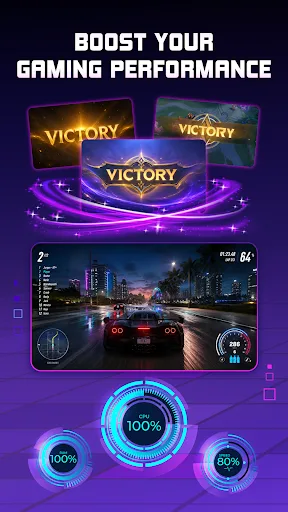

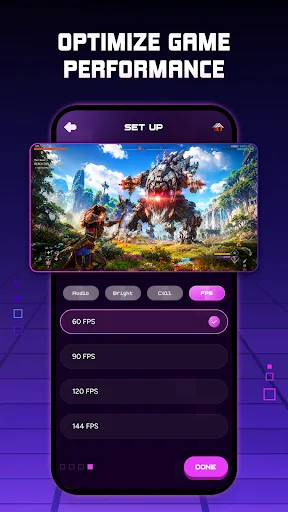

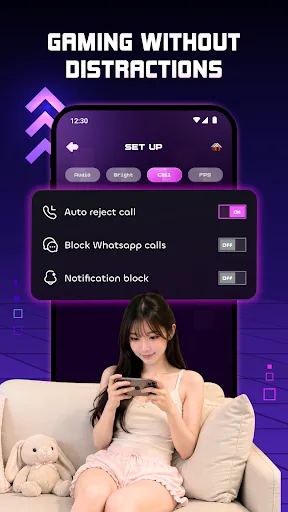
About Game Booster FPS: Turbo Speed
🚀 Smarter Gaming Starts Here Enjoy a more organized gaming experience with Game Booster FPS: Turbo Speed. Built as an all-in-one gaming utility, the app helps prepare your device before every match with customizable settings, quick game launching, and real-time monitoring. Whether you're playing competitive shooters, RPG, or casual games, Game booster tools help simplify your setup while FPS, turbo, and speed options give you more control over your gaming environment. 🎮 Optimize Your Gaming Setup • Standard Mode • Balance Mode • Performance Mode • Maximum Mode The built-in performance booster lets you quickly apply your preferred configuration before launching your games. ⚡ Personalized FPS Profiles Switch between profiles easily and customize settings for each game individually using Game booster features. ✔ 60 FPS ✔ 90 FPS ✔ 120 FPS ✔ 144 FPS 📊 Monitor Performance in Real Time Keep an eye on important gaming information while you play. Real-time statistics help you better understand your device performance without interrupting gameplay. • FPS Monitor • Network Latency • Device Status • Gaming Dashboard 🔕 Stay Focused During Every Match • Bl…
Frequently Asked Questions
Is Game Booster FPS: Turbo Speed safe to use?
Yes, the app is safe as it only adjusts system settings within Android's allowed parameters. It does not modify system files or require sensitive permissions beyond accessibility and overlay for performance modes.
Does the app contain ads?
Yes, the free version displays ads, but they are not intrusive. You can remove ads via an in-app purchase.
Can I use it offline?
Yes, the core optimization features work offline. However, some functions like game recommendations or updates may require an internet connection.
Who should install this app?
This app is ideal for mobile gamers who experience lag or stutter in games and want a quick way to boost performance. It's also useful for users who want to monitor FPS in real-time.