Honeywell Device Utility
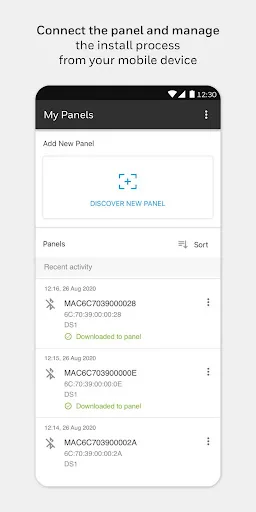
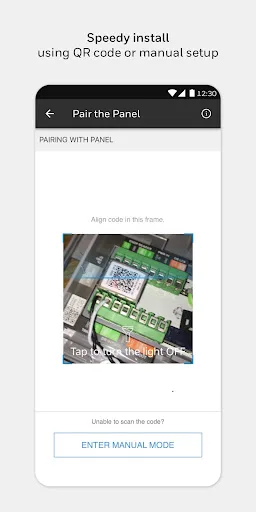
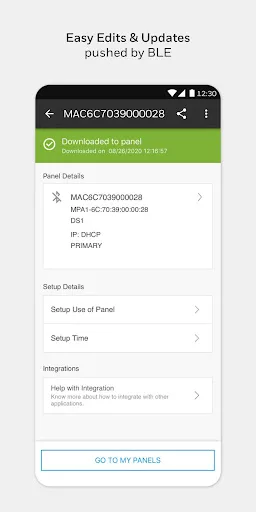
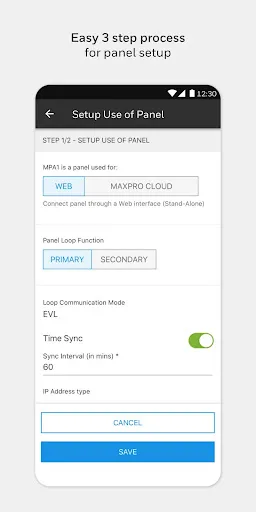
The Honeywell Device Utility mobile app gives you ease of commissioning at the tip of your fingers. Commissioning a Honeywell Security device is secure, fast and intuitive. Commissioning functions for the device: - Set up device as Stand Alone Web Mode access control panel - Set up device as access control panel in MAXPRO Cloud - Set up network properties - Set up time - Share device commission configurations via reg…
Honeywell Device Utility Screenshots
Official app screenshots from the Google Play Store.
About Honeywell Device Utility
The Honeywell Device Utility mobile app gives you ease of commissioning at the tip of your fingers. Commissioning a Honeywell Security device is secure, fast and intuitive. Commissioning functions for the device: - Set up device as Stand Alone Web Mode access control panel - Set up device as access control panel in MAXPRO Cloud - Set up network properties - Set up time - Share device commission configurations via regular communication platforms for assistance and support Supported Devices: - MPA1 Series: MPA1C1 Single door Access control panel