Little Flower Teacher
Little Flower is an app for use by teachers of Little Flower schools which use SchoolMagica School Management Software in their school. Using this app, teachers can do the day to day activities from their phone – they do not need to login on the computers for daily use. Teachers have the following features available in the app: 1. Send school diary entries – Teachers can select the class/section and send diary en…
Little Flower Teacher Screenshots
Official app screenshots from the Google Play Store.
About Little Flower Teacher
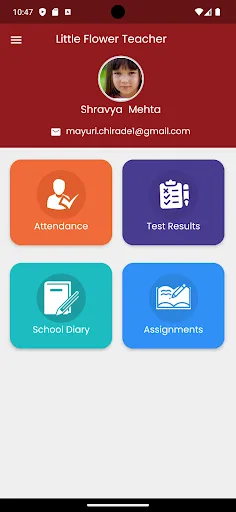
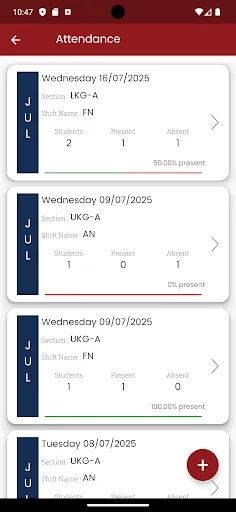
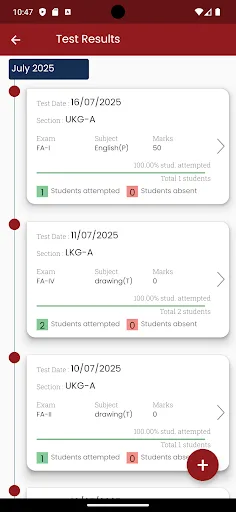
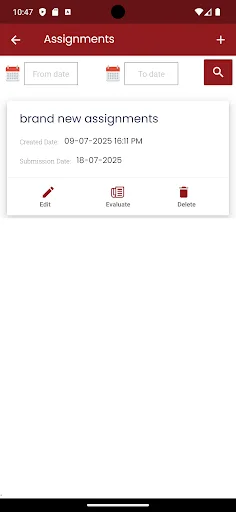
Little Flower is an app for use by teachers of Little Flower schools which use SchoolMagica School Management Software in their school. Using this app, teachers can do the day to day activities from their phone – they do not need to login on the computers for daily use. Teachers have the following features available in the app: 1. Send school diary entries – Teachers can select the class/section and send diary entries to all students or selected students in the selected class/section. Digital diary is used to send homework, notices, activity related messages, etc. Here teachers can enter the title, description and also attach any files for further details. For homework, a submission date can also be defined – so students know by which date they are supposed to submit the answers to the homework. 2. Send assignments – Teachers can select class/section and send assignments to students. Little Flowe Teachers can define the total marks for the assignments. While creating an assignment, teachers can enter the title, description, submission date, total marks and also add any files as attachment. 3. Take attendance – Teachers can take attendance for a selected date, class and se…