
My Century Bank
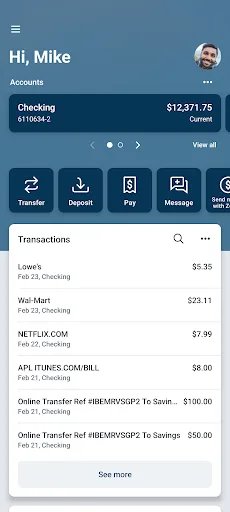
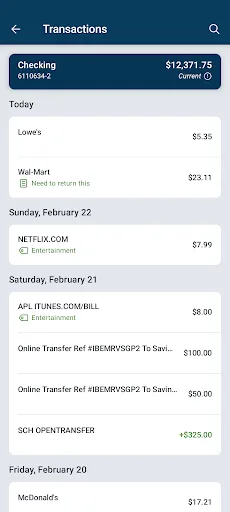
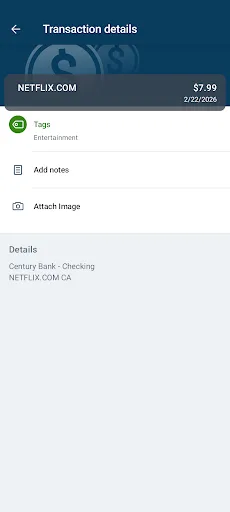
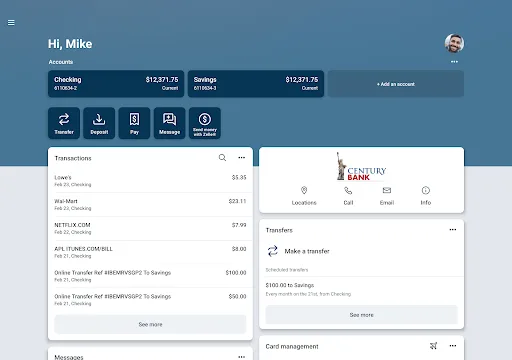
My Century Bank is a mobile banking app for personal and business customers of My Century Bank. It allows you to check balances, view transactions, transfer funds, deposit checks remotely, pay bills, and set up alerts. The app also supports linking external accounts, person-to-person payments, and electronic statements.
Pros
- Remote deposit capture lets you deposit checks from anywhere.
- Link external accounts to view all your finances in one place.
- Person-to-person payments and transfers are improved for convenience.
- Set up custom alerts for balances and account activity.
- Supports both personal and business banking needs.
Cons
- Only available to My Century Bank customers, not a general-purpose banking app.
- Requires internet connection for most features, so offline access is limited.
- No user ratings yet, so it's hard to gauge real-world performance.
My Century Bank Screenshots
Official app screenshots from the Google Play Store.
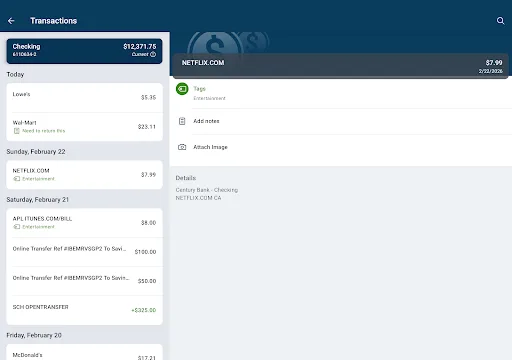
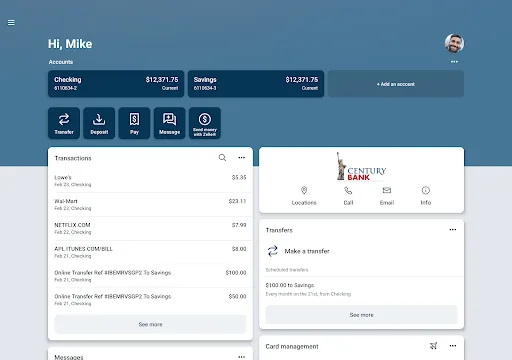
About My Century Bank
My CB My Century Bank: Banking Your Way Manage your money anytime, anywhere with features designed for you: • Check balances and view recent transactions. • Transfer funds between your accounts. • Deposit checks with Remote Deposit Anywhere • Set up alerts for balances and activity. • Pay bills quickly and securely. • New and Enhanced Features: • Link external accounts to see your full financial picture in one place. • Improved person-to-person payments and transfers • Seamless experience across devices. • Sign up for electronic statements and notices. Business users can: • Create, Approve and Initiate ACH, Wires and Positive Pay on the go. • Collect payments including Tap to Pay and/or send invoices via Autobooks. Getting Started is Easy: Download the app and log in using your Century Bank online user ID and password. For more details on mobile and online banking, visit http://www.MyCenturyBank.com or call us during business hours at 505.995.1200. Speak with a customer representative regarding fees online and mobile fees that may apply Message and data rates may apply. Check with your wireless provider for details. Century Bank — YOUR BANK! Member FDIC
Frequently Asked Questions
Is My Century Bank app safe to use?
Yes, the app is provided by My Century Bank, a regulated financial institution. It uses standard security measures like encryption and secure login to protect your data.
Does the app contain ads?
No, the app is a banking utility and does not include third-party ads. You may see promotional messages from the bank itself.
Can I use the app offline?
Most features require an internet connection. You can view previously loaded data only if the app caches it, but real-time updates and transactions need connectivity.
Who should install this app?
Anyone who has an account with My Century Bank, including personal and business customers, and wants convenient mobile access to their finances.