
Open Browser: Private Web
Open Browser: Private Web is a lightweight Android browser focused on quick web tasks, file saving, and video playback. It offers a clean interface for everyday browsing, searching, and managing bookmarks. The app prioritizes privacy and simplicity, making it ideal for users who need a no-frills browser for small, frequent online activities. With over 50,000 installs and a 4.62 rating, it's a reliable tool for efficient web access.
Pros
- Fast and lightweight, ideal for quick browsing and searches without heavy resource usage.
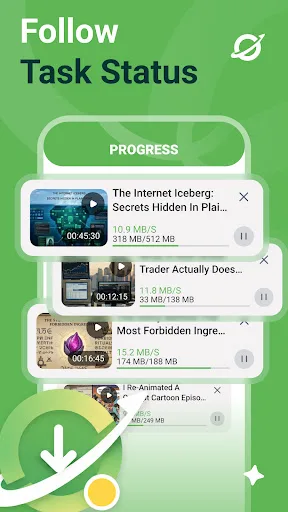
- Built-in file download manager and video player for seamless saving and watching content.
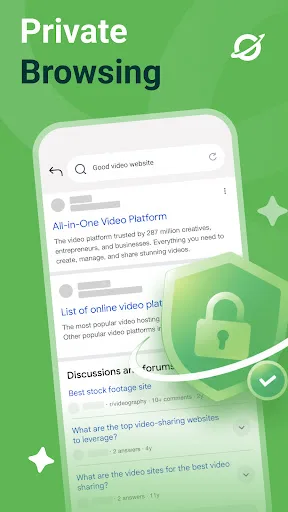
- Privacy-focused with no unnecessary permissions or data tracking, enhancing user security.
- Customizable shortcuts and bookmark management for easy access to favorite sites.
- Simple, intuitive interface that avoids bloat, perfect for users who prefer minimalism.
Cons
- Lacks advanced features like ad-blocking or incognito mode found in other privacy browsers.
- Limited customization options for appearance and toolbar layout.
- No sync or cross-device support for bookmarks and settings.
Open Browser: Private Web Screenshots
Official app screenshots from the Google Play Store.
About Open Browser: Private Web
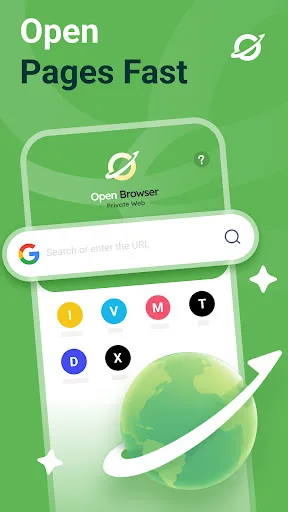
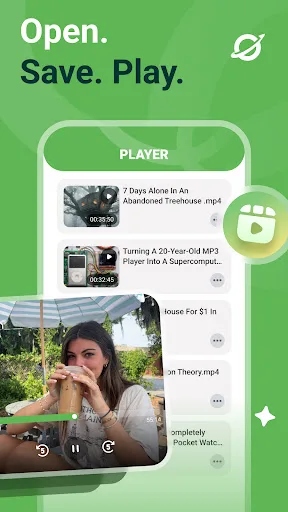
Open Browser: Private Web helps you open pages, keep useful website shortcuts, save files, and play saved videos from one Android browser. Use it for the small web tasks that happen every day: checking a page, searching for information, saving a file, returning to a useful site, or opening a saved video. Open Browser keeps the experience direct, with browsing and file tools arranged around the pages you choose to visit. 🌍 Open the Web Type a search term or website address and go directly to the page you need. Open Browser is built around quick access to websites, links, and daily web pages. 🧭 Designed Around Pages Open Browser focuses on the pages you visit: open a website, return to it later, save a file from it, or play a saved video when the task is done. 🎥 Saved Video Player Play saved videos inside Open Browser with built-in playback controls. Keep browsing and saved media in the same app.
Frequently Asked Questions
Is Open Browser safe to use for private browsing?
Yes, the app is designed with privacy in mind, does not track user activity, and requires minimal permissions. However, it lacks a dedicated incognito mode, so browsing history may be stored locally unless manually cleared.
Does this app contain ads?
No, Open Browser is ad-free. The developer does not include advertisements, ensuring an uninterrupted browsing experience.
Can I use Open Browser offline?
You can access saved files and play downloaded videos offline, but browsing the web requires an active internet connection. The app does not support offline page caching.
Who should install Open Browser?
This app is ideal for users who want a simple, fast browser for daily tasks like checking websites, saving files, or playing videos. It's not suited for those needing advanced features like extensions, ad-blocking, or cross-device sync.