
PDF Compressor
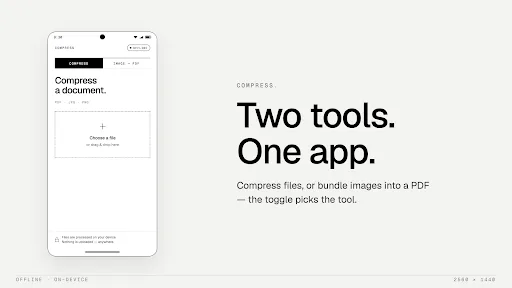
This app reduces PDF file sizes directly on your Android device without needing an internet connection, ensuring your documents remain private. It offers fast compression while maintaining acceptable quality, and its lightweight design makes it easy to use. Ideal for freeing up storage or speeding up file sharing.
Pros
- Fully offline compression, no data upload required
- Fast processing, reduces large PDFs in seconds
- Lightweight and simple interface, easy to navigate
- Files remain on device, enhancing privacy
- Helps save storage space and speed up sharing
Cons
- Limited features beyond basic compression
- No batch compression option
- May reduce image quality on heavy compression
PDF Compressor Screenshots
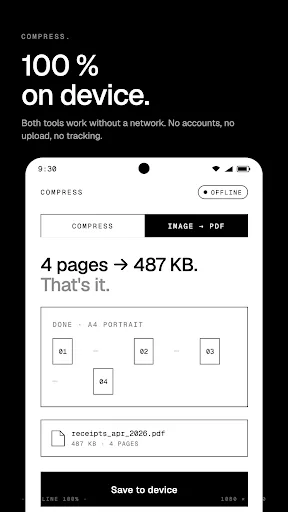
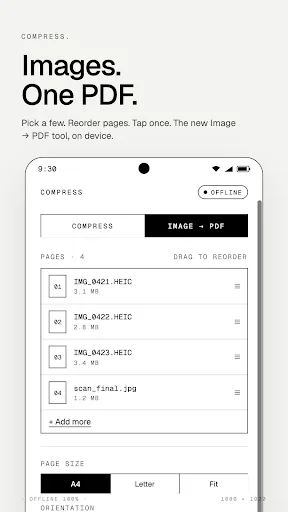
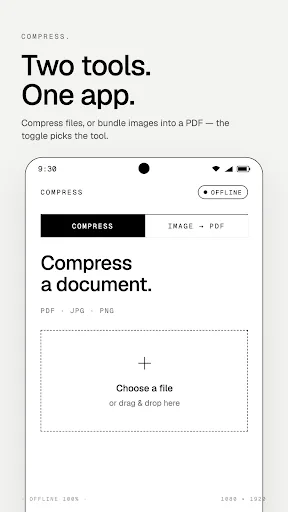
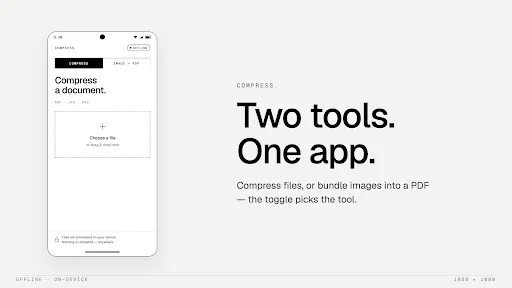
Official app screenshots from the Google Play Store.
About PDF Compressor
Compress PDF files quickly, securely, and completely offline with PDF Compressor. Reduce large PDF file sizes directly on your device without uploading files to the internet. Save storage space, share documents faster, and keep your files private. PDF Compressor is designed for fast and simple PDF optimization while maintaining good document quality. Features: • Compress PDF files offline • No internet required • Files stay on your device for better privacy • Reduce large PDF sizes in seconds • Fast and lightweight performance • Simple and easy-to-use interface • Share compressed PDFs instantly • Maintain readable PDF quality Why use PDF Compressor? Many PDF tools upload your files to external servers. PDF Compressor processes files locally on your device, helping keep sensitive documents secure and private. Perfect for: • Email attachments • Sharing documents on messaging apps • Saving device storage • Student and office documents • Faster uploads and transfers Download PDF Compressor and reduce PDF file sizes easily with fast offline compression and privacy-focused processing.
Frequently Asked Questions
Is PDF Compressor safe to use?
Yes, it is safe. All processing is done offline on your device, so your files never leave your phone. The app does not require unnecessary permissions.
Does the app contain ads?
The app description does not mention ads, but given it is free and has few installs, it may include limited ads. Check the Play Store page for the latest details.
Can I use PDF Compressor without internet?
Absolutely. The app works completely offline, so no internet connection is needed to compress PDF files.
Who should install PDF Compressor?
Anyone who needs to quickly reduce PDF file sizes on the go, especially those concerned about privacy or with limited data plans. It is also useful for freeing up storage space on devices.