PDF Highlighter & Markup
PDF Highlighter & Markup helps you mark important parts of a PDF and share the result without changing the original file. Open a PDF from your device, draw translucent highlights directly on the page, adjust the view for small text, and create a share-ready PDF with your marks included. Key features - Open PDF documents from the system file picker - Draw highlights in multiple colors - Choose thin, medium, or thick h…
PDF Highlighter & Markup Screenshots
Official app screenshots from the Google Play Store.
About PDF Highlighter & Markup
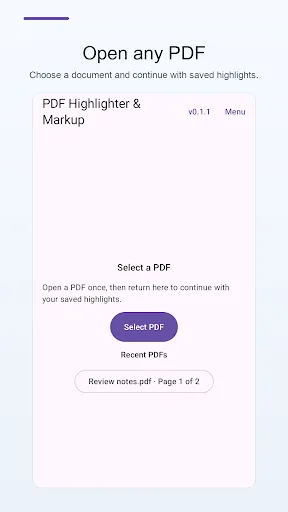
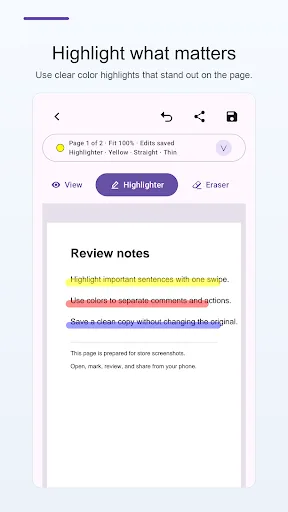
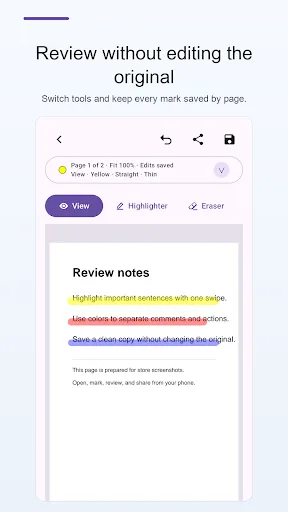
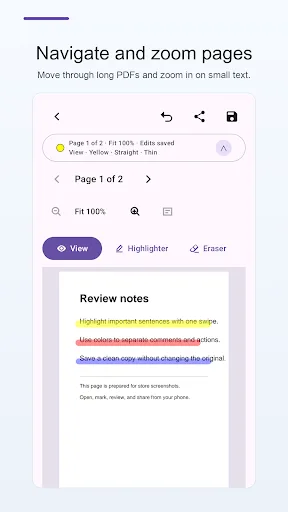
PDF Highlighter & Markup helps you mark important parts of a PDF and share the result without changing the original file. Open a PDF from your device, draw translucent highlights directly on the page, adjust the view for small text, and create a share-ready PDF with your marks included. Key features - Open PDF documents from the system file picker - Draw highlights in multiple colors - Choose thin, medium, or thick highlight strokes - Use freehand or straight-line highlighting - Zoom in for small text and move around the page in view mode - Erase selected highlights or undo the last highlight on the current page - Move between pages while keeping highlights organized by page - Export and share a new PDF with visible markup - Keep the original PDF unchanged This app is useful for reading study materials, reviewing contracts, marking reports, checking forms, and sharing highlighted documents from your phone. PDF Highlighter & Markup focuses on a simple workflow: select a document, highlight what matters, and share the marked PDF.