PDF Home - Reader & Editor
PDF Home is a unique Android app that replaces your standard home screen launcher with a PDF reader and editor. It allows you to launch apps, search for files, and manage documents all from one interface. The app includes a clean home screen, swipeable shortcuts, and basic PDF editing tools. Ideal for users who want to combine their launcher and document management into a single app.
Pros
- Combines launcher and PDF reader in one app, reducing clutter.
- Built-in search helps find apps and files quickly.
- Swipe left for quick access to shortcuts and information.
- Customizable home screen for faster navigation.
- Lightweight app with minimal permissions.
Cons
- Requires setting as default launcher, which may confuse some users.
- Limited PDF editing features compared to dedicated editors.
- No rating or reviews yet, so reliability is unproven.
PDF Home - Reader & Editor Screenshots
Official app screenshots from the Google Play Store.
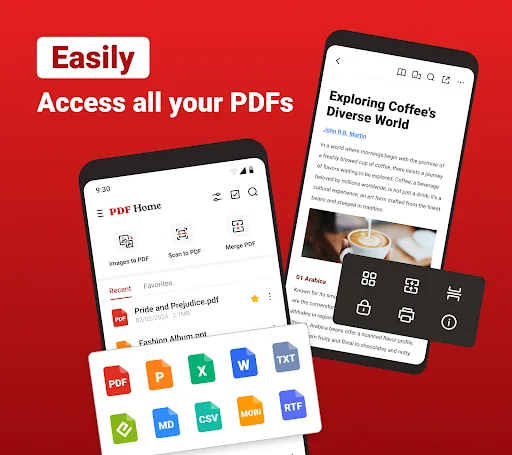
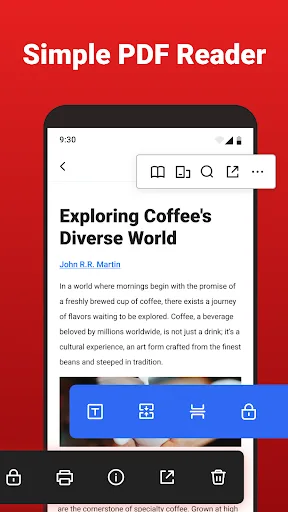
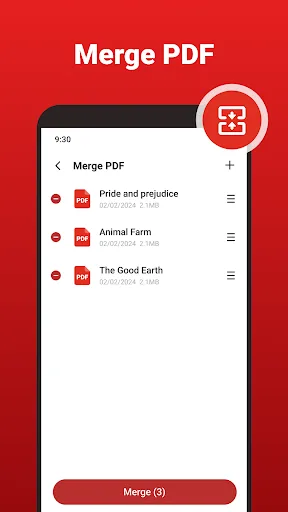
About PDF Home - Reader & Editor
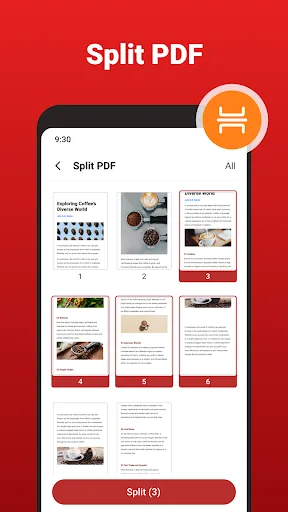
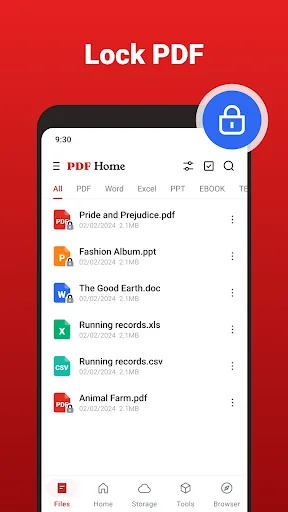
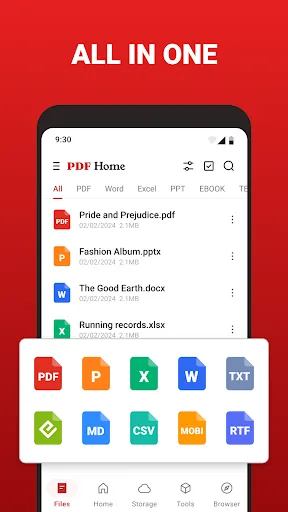
PDF Home combines an Android home screen launcher with built-in PDF reading and editing tools. Set it as your default Home app to launch apps, access documents, and manage everyday tasks from one convenient place. Home Screen Launcher • Organize and launch your installed apps from a clean home screen • Find apps and files quickly with built-in search • Swipe left from the home screen to access useful information and shortcuts • Personalize your home screen for faster everyday navigation • Change your default Home app at any time in Android Settings PDF Reader and Document Viewer • Automatically find PDF files stored on your device • Open PDFs with smooth page navigation and zoom • Select, and copy text while reading • Keep recent and favorite documents easy to access • Open common document and eBook formats, including Word, Excel, PowerPoint, EPUB, MOBI, FB2, TXT, CSV, RTF, and Markdown PDF Editor and Annotation Tools • Add text, notes, highlights, underlines, and drawings to PDF pages • Fill PDF forms and add handwritten signatures • Merge multiple PDF files or split pages into separate documents • Compress PDFs to reduce file size • Print documents d…
Frequently Asked Questions
Is PDF Home safe to use?
The app requests minimal permissions and is developed by Eternal Mobile Labs. However, since it has no ratings yet, you should review its permissions carefully before installing.
Does PDF Home contain ads?
The Play Store listing does not mention ads. Based on the summary, it appears to be ad-free, but this may change with updates.
Can I use PDF Home offline?
Yes, the launcher and PDF reader work offline. Some features like search may be limited without an internet connection, but core functionality remains available.
Who should install PDF Home?
This app is best for users who frequently work with PDFs and want a unified home screen experience. It is not suitable for those who prefer a traditional launcher or need advanced PDF editing.