PDF Reader Lite - Fast Viewer
PDF Reader Lite is a practical reading tool designed specifically for PDF files. We focus on one thing: helping you read and manage PDF documents quickly, conveniently, and safely on any device. Whether it's contracts, reports, e-books, or study materials, PDF Reader Lite makes it easy. 📄 Core Reading Experience Open PDFs instantly – Optimized for mainstream devices, smooth scrolling even with large PDFs, less w…
PDF Reader Lite - Fast Viewer Screenshots
Official app screenshots from the Google Play Store.
About PDF Reader Lite - Fast Viewer
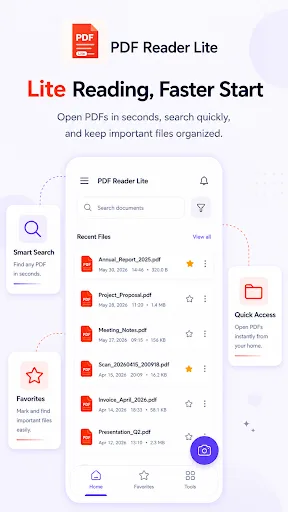
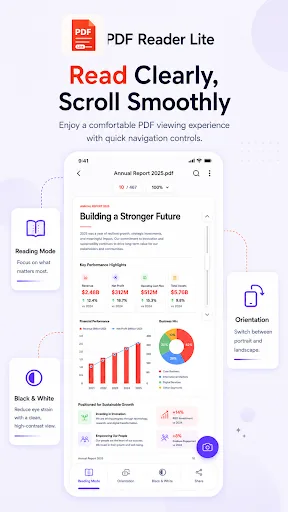
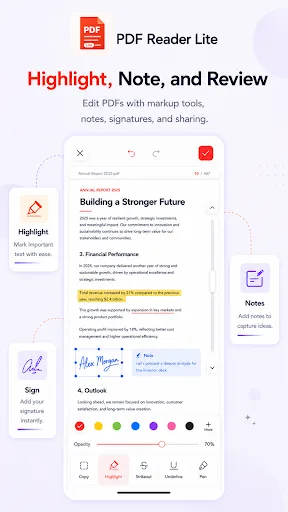
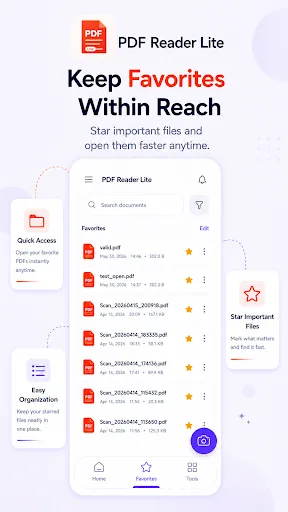
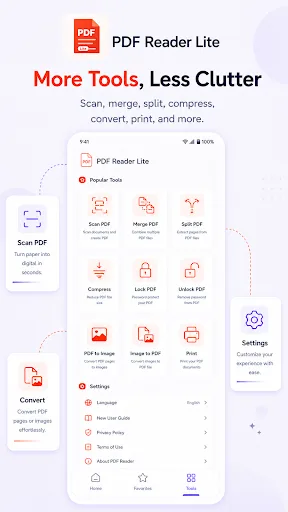
PDF Reader Lite is a practical reading tool designed specifically for PDF files. We focus on one thing: helping you read and manage PDF documents quickly, conveniently, and safely on any device. Whether it's contracts, reports, e-books, or study materials, PDF Reader Lite makes it easy. 📄 Core Reading Experience Open PDFs instantly – Optimized for mainstream devices, smooth scrolling even with large PDFs, less waiting time. Immersive reading mode – Hide the toolbar, switch between day and night themes to protect your eyes and stay focused. Smart document management – Automatically scan all PDF files on your device, sort by date, name, or size, and support folder organization and quick search. ✏️ Easy Annotation & Markup Highlight & underline – Mark key content with multiple colors, add notes with a long press. Hand drawing – Draw, circle, or sign on PDFs using your finger or a stylus. Undo/redo – Roll back any editing action with one tap, no worries about mistakes. 🔐 Security & Privacy Password protection – Set a separate password for private PDFs, or enable an app lock (pattern or PIN) to prevent unauthorized access. Offline use – All files are processed…