PDF Reader & PDF Editor
PDF Reader & PDF Editor by Hypers Tools is a multifunctional app for handling PDFs on Android. It offers reading, editing, annotating, scanning, converting, and organizing features, all in one place. With over 10,000 installs and a 3.00 rating, it serves basic document needs but may lack polish. Suitable for students and professionals needing quick PDF tools without extra frills.
Pros
- Comprehensive all-in-one PDF toolset including reading, editing, annotating, scanning, converting, and organizing
- Smooth scrolling, zoom, full-screen mode, and page navigation for comfortable reading
- Text search functionality within PDFs for quick information retrieval
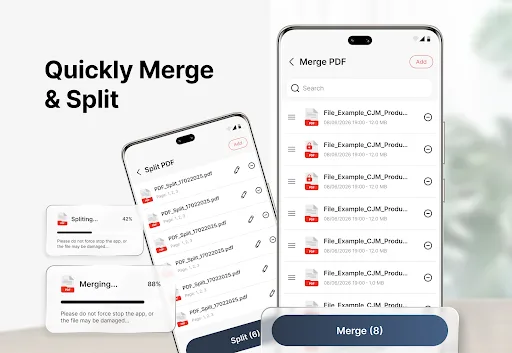
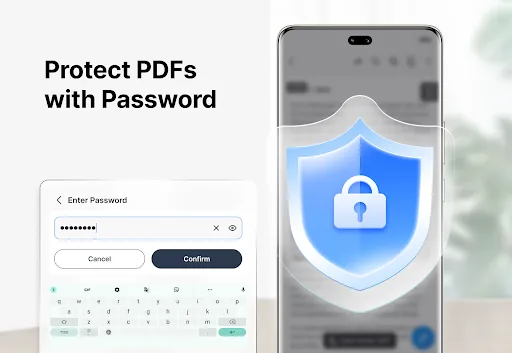
- Supports merging, splitting, and protecting PDF files with password security
- Lightweight app with straightforward interface suitable for everyday document tasks
Cons
- Rating of 3.00 suggests stability issues or missing advanced features compared to competitors
- Limited to basic editing capabilities; lacks advanced OCR or form filling
- May contain ads that could disrupt user experience (common in free tools)
PDF Reader & PDF Editor Screenshots
Official app screenshots from the Google Play Store.
About PDF Reader & PDF Editor
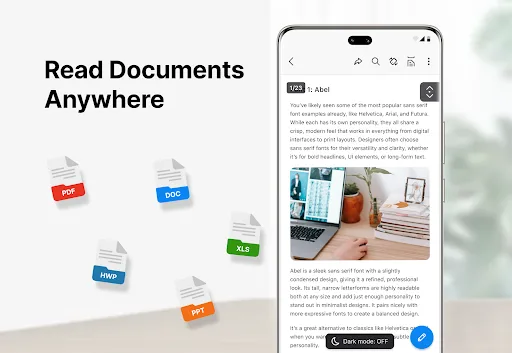
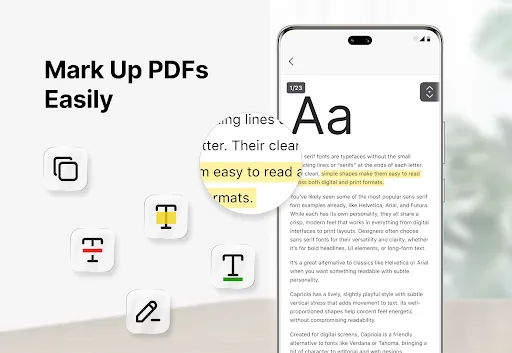
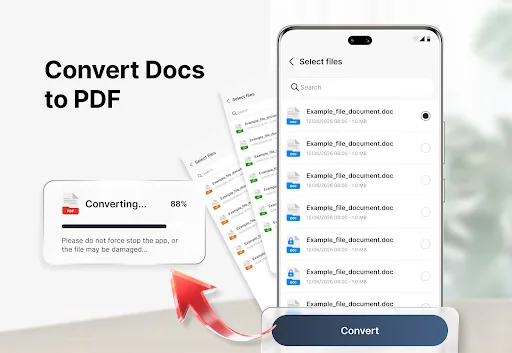
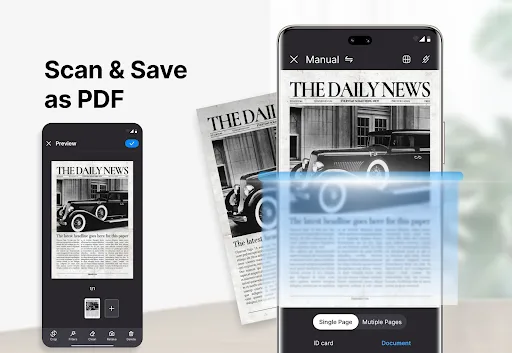
PDF Reader & PDF Editor helps you handle everyday documents with tools for reading, editing, annotating, scanning, converting, organizing, merging, splitting, protecting, and sharing PDF files on Android. Whether you are checking study notes, reviewing work files, reading eBooks, saving receipts, or managing personal documents, the app keeps common PDF tasks in one simple place. All Files, One Reader Open and view PDF files with a clear reading layout. Use smooth scrolling, zoom, full-screen mode, and page navigation to read documents more comfortably. You can also search for text inside PDF files to find information faster. Light and dark reading modes are available to suit different reading environments. Mark Up PDFs Easily Review documents with useful annotation tools. Highlight important text, add notes, draw on pages, and mark key details directly on your PDF files. These tools are suitable for study materials, reports, eBooks, forms, and office documents. Scan Paper into PDFs Use your phone camera to scan paper pages, receipts, books, forms, and other documents. Save scanned pages as PDF files and use edge detection with cropping to help adjust the document area. Create PDFs…
Frequently Asked Questions
Is PDF Reader & PDF Editor safe to use?
The app is developed by Hypers Tools and has over 10,000 installs with no major security reports. However, as with any app handling sensitive documents, review permissions and consider using a trusted antivirus.
Does the app contain ads?
Yes, as a free tool with a 3.00 rating, it likely includes ads. You may need to upgrade to a pro version or tolerate occasional advertisements.
Can I use the app offline?
Yes, most features like reading, annotating, and editing work offline. However, cloud-related functions like PDF conversion or sharing may require internet access.
Who should install this app?
This app is ideal for students managing study notes, professionals reviewing work documents, or casual users needing a simple PDF reader and editor without complex features.