PDF Reader - PDF Editor
PDF Reader - PDF Editor by JuXin Ltd is a lightweight document tool for viewing, editing, and managing PDFs and other formats like Word, Excel, and PPT. It offers annotation features such as highlighting, underlining, and strikethroughs, plus PDF merge/split and conversion tools (Word to PDF, images to PDF, etc.). With over 50,000 installs and a 2.90 rating, it's a basic option for quick edits but may lack advanced features. Ideal for users needing simple PDF tasks without heavy processing.
Pros
- Lightweight and fast performance even on older devices
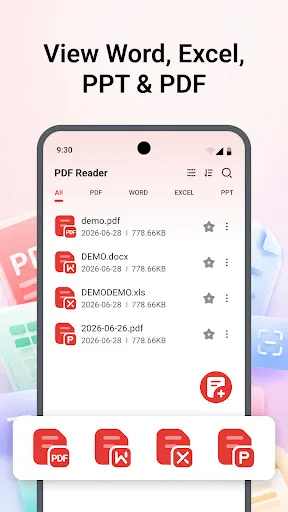
- Supports multiple document formats including Word, Excel, PPT, and PDF
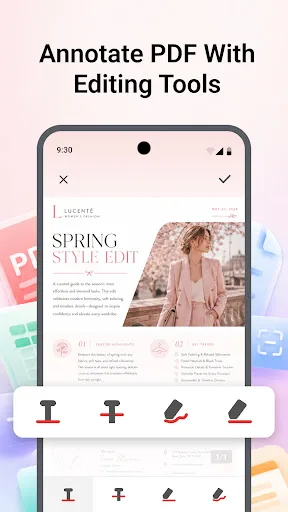
- Easy-to-use annotation tools like highlight, underline, and strikethrough
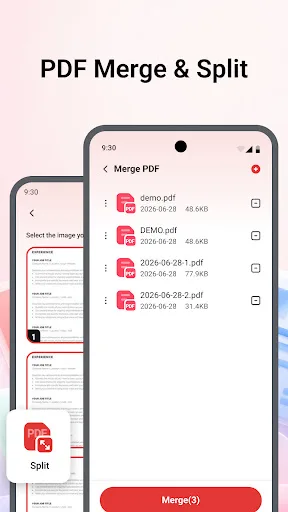
- One-tap PDF merge and split for efficient document management
- Free basic PDF conversion such as Word to PDF and images to PDF
Cons
- Low app rating (2.90) suggests bugs or reliability issues
- May contain intrusive ads that disrupt the user experience
- Limited advanced editing capabilities compared to premium readers
PDF Reader - PDF Editor Screenshots
Official app screenshots from the Google Play Store.
About PDF Reader - PDF Editor
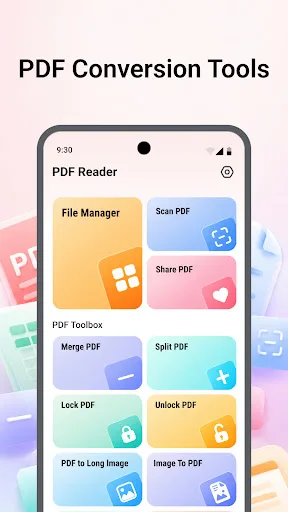
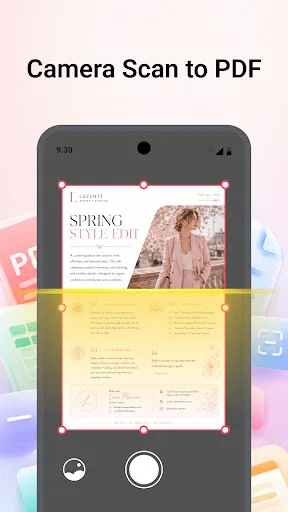
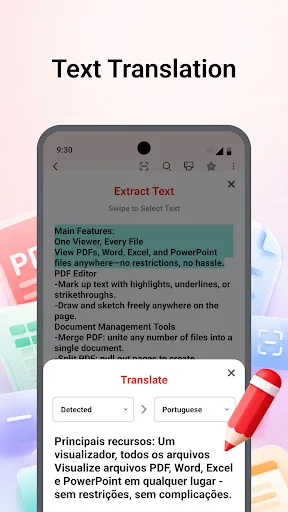
PDF Reader is a lightweight and convenient document tool that helps you view, edit, convert, and manage your PDF files in one place. 📖 Multi-Format Document Viewer: Smoothly open and view Word, Excel, PPT and PDF files. ✏️ Edit PDFs With Ease: Annotate PDF with practical editing tools — highlight key content, add underlines and strikethroughs, and more. 🔗 PDF Merge & Split: Merge multiple PDF files into one single document in one tap; split large PDF into separate files for better document management. 🔄 PDF Conversion Tools: Word to PDF, images to PDF, PDF to images, or PDF to long image. 📱 Camera Scan to PDF: Use your phone camera to scan paper documents, auto convert scanned files into PDF instantly. 🔒 Password Protect: Add passwords to your PDFs to keep private. Download now to handle your documents in one place!
Frequently Asked Questions
Is PDF Reader - PDF Editor safe to use?
The app has over 50,000 installs and is from developer JuXin Ltd, but its low rating (2.90) suggests some users may have encountered issues. It requests standard permissions for file access. As with any app, ensure you download from the official Play Store and review permissions.
Does the app contain ads?
Yes, the app likely includes ads, which is common for free tools. Some users have reported intrusive ads that can interrupt workflow. An ad-free version may be available via in-app purchase.
Can I use PDF Reader offline?
Basic viewing and editing features should work offline once the app is installed. However, some conversion tools or cloud-related functions may require an internet connection.
Who should install this app?
This app is suitable for users who need a quick, lightweight PDF reader for basic tasks like viewing, annotating, merging, or converting documents. It is not ideal for professionals requiring advanced editing or high reliability.