PDF Reader & PDF Editor
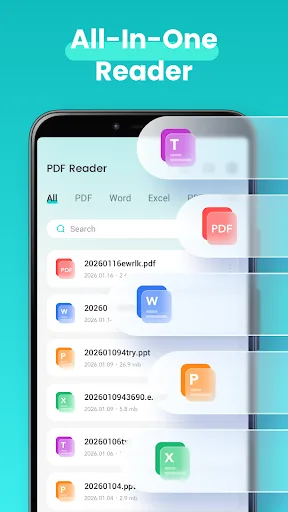
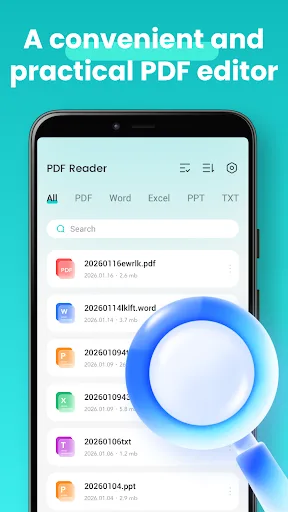
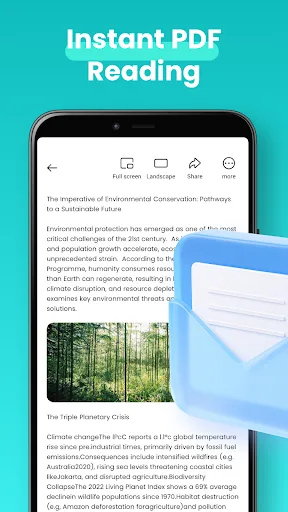
PDF Reader & PDF Editor is a lightweight document viewer that supports multi-format reading including PDF, Word, Excel, and PowerPoint. It offers essential PDF tools like conversion, merge, split, and annotation for daily work and study. The app launches quickly and provides a smooth browsing experience. It's designed for users who need a simple yet functional document management solution on Android.
Pros
- Supports multiple document formats: PDF, Word, Excel, PowerPoint, and images.
- Fast launch and smooth scrolling for large PDF files.
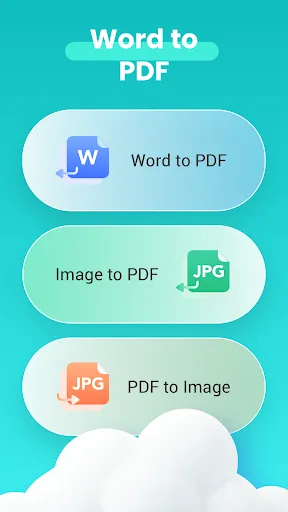
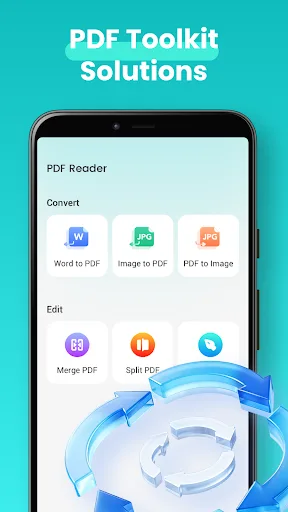
- Includes essential PDF editing tools: merge, split, compress, and convert.
- Lightweight app size suitable for low-end devices.
- User-friendly interface with simple navigation and quick access to recent files.
Cons
- Free version contains ads that can be intrusive during reading.
- Advanced editing features like OCR or form filling are missing.
- Some users report occasional crashes on Android 13+ devices.
PDF Reader & PDF Editor Screenshots
Official app screenshots from the Google Play Store.
About PDF Reader & PDF Editor
📄 Document Reader – PDF Viewer & PDF Tools This app features simple operations. On Android devices, you can view, read, convert and manage PDF files as well as various office documents. Whether you need a PDF reader, PDF converter or a lightweight document viewer for daily work, study and business scenarios, this app integrates a full range of practical PDF functions to boost your work efficiency. 🔍 Document Viewing & Reading (Multi-format Supported) The app launches fast and delivers a smooth browsing experience, allowing you to open and read PDF and many other types of documents with ease. It supports files such as Word, Excel, PPT and PDF, and is compatible with most mainstream document formats. As an all-in-one document tool, it is ideal for daily file browsing and document checking. 🔄 File Conversion – PDF Conversion & Creation This powerful PDF creator and converter enables quick format conversion for documents and images. You can turn photos, PNG and JPG images into PDF files. The image-to-PDF function helps you create PDF documents effortlessly. Equipped with a camera scanning feature, the app can directly convert captured images of paper documents into PDF fil…
Frequently Asked Questions
Is PDF Reader & PDF Editor safe to use?
Yes, the app is safe. It requires only standard storage and internet permissions for file access and ads. No personal data is collected beyond what's needed for core functionality.
Does the app show ads?
Yes, the free version displays banner and interstitial ads. You can remove ads via an in-app purchase.
Can I use this app offline?
Basic reading and viewing of local PDFs works offline. However, PDF conversion and other cloud features require an internet connection.
Who should install this app?
This app is ideal for students, office workers, and casual users who need a quick and simple PDF reader with basic editing capabilities. It's not recommended for professionals requiring advanced PDF manipulation.