
Pixel Audio Services
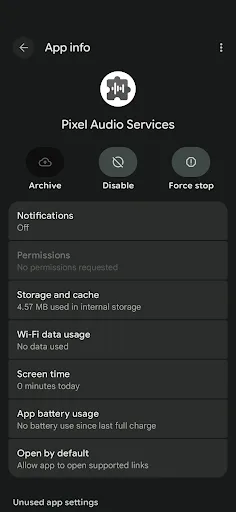
Pixel Audio Services is a pre-installed system component on Google Pixel devices that delivers critical updates and bug fixes for audio modules. It ensures optimal audio performance, stability, and compatibility with the latest features. Keeping it updated is essential for a seamless audio experience, from calls to media playback. This app runs silently in the background and does not require user interaction.
Pros
- Ensures latest audio updates and bug fixes for Pixel devices
- Improves overall audio stability and performance
- Seamless background updates with no user intervention needed
- Comes pre-installed, no manual setup required
- Essential for maintaining compatibility with new audio features
Cons
- Only available on Google Pixel devices, not for other Android phones
- Provides no user-facing interface or controls
- Some users may not notice immediate benefits after updates
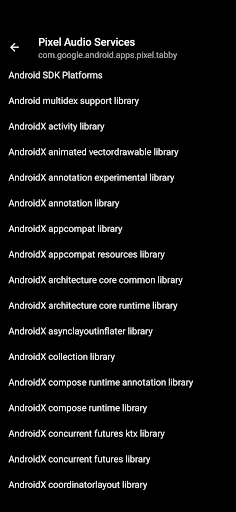
Pixel Audio Services Screenshots
Official app screenshots from the Google Play Store.


Frequently Asked Questions
Is Pixel Audio Services safe to install?
Yes, it is a legitimate system component developed by Google LLC, pre-installed on Pixel devices. It is safe and essential for audio functionality.
Does Pixel Audio Services contain ads?
No, it is a system component with no ads or user interface. It runs silently in the background.
Can I use Pixel Audio Services offline?
Yes, the app works offline once installed. However, updates require an internet connection to download.
Who should install Pixel Audio Services?
It is automatically installed on all Google Pixel devices. Users should keep it updated to ensure optimal audio performance. No manual installation is needed.