Pixeova - AI Toy Lab
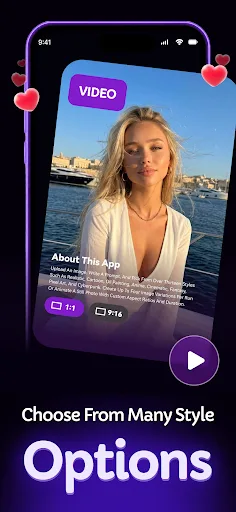
Pixeova - AI Toy Lab transforms your photos into stylized artwork and short cinematic videos using over thirteen artistic styles like Realistic, Cartoon, Anime, and Cyberpunk. You can create up to four image variations per run or animate still photos with custom aspect ratios and duration. The app features a home gallery with trending presets, preview and regeneration options, and a My Creations section for saving, sharing, and downloading outputs. Coin packages and subscriptions support ongoing use, making it a versatile tool for creative photo editing.
Pros
- Offers over 13 distinct artistic styles including Pixel Art and Cyberpunk
- Supports both image stylization and short cinematic video creation
- Allows up to four image variations per run for experimentation
- Includes a home gallery with trending presets for inspiration
- Provides save, share, and download options for all creations
Cons
- Requires coin purchases or subscription for continued use beyond initial credits
- Limited offline functionality; most features need internet connection
- No batch processing option for multiple images at once
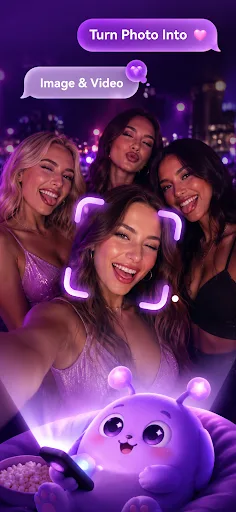
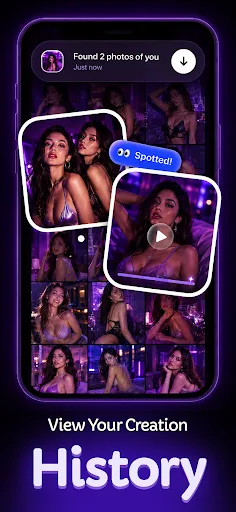
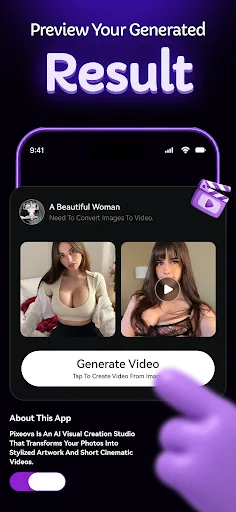
Pixeova - AI Toy Lab Screenshots
Official app screenshots from the Google Play Store.
About Pixeova - AI Toy Lab
Pixeova is an AI visual creation studio that transforms your photos into stylized artwork and short cinematic videos. Upload an image, write a prompt, and pick from over thirteen styles such as Realistic, Cartoon, Oil Painting, Anime, Cinematic, Fantasy, Pixel Art, and Cyberpunk. Create up to four image variations per run or animate a still photo with custom aspect ratios and duration. Explore trending presets on the home gallery, preview and regenerate results, then manage all outputs in My Creations with save, share, and download options. Coin packages and subscriptions support ongoing use, and privacy policies are always available in Settings. No design experience needed—just upload, describe, and create.
Frequently Asked Questions
Is Pixeova safe to use?
Yes, Pixeova is safe. It only processes images you upload and does not share them without your permission. The app follows standard privacy practices.
Does Pixeova contain ads?
The app may display occasional ads, but they are not intrusive. You can remove ads with a subscription.
Can I use Pixeova offline?
No, Pixeova requires an internet connection to process images and generate artwork, as it relies on cloud-based AI.
Who should install Pixeova?
Pixeova is ideal for creative individuals, social media enthusiasts, and anyone who wants to transform photos into unique art styles or short videos quickly.