
Settings Home
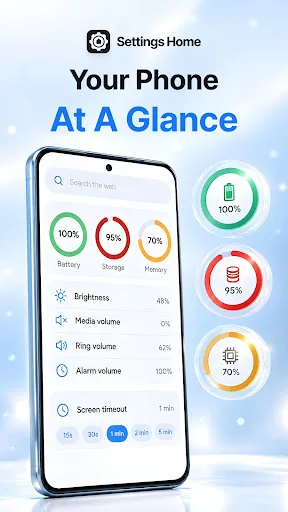
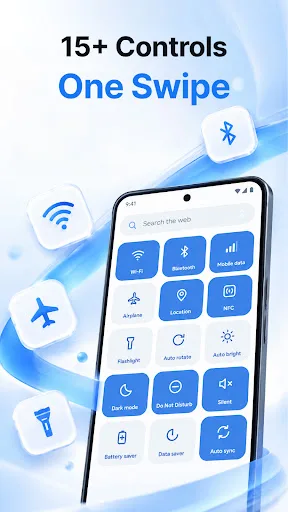
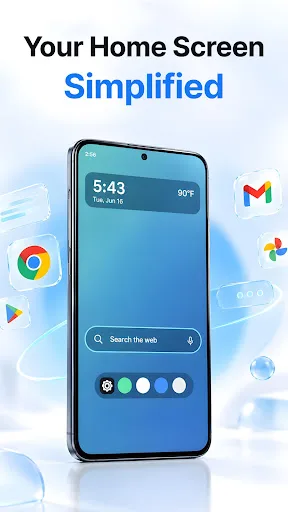
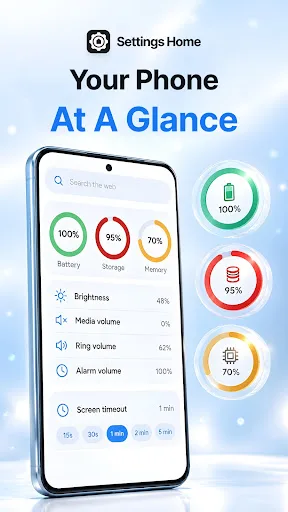
Settings Home turns your home screen into a control panel for your phone. Flip the flashlight, drag brightness and volume, check your battery and storage, and open any settings screen in one tap — all from the moment you unlock your phone. ⚙️ YOUR PHONE'S CONTROLS, ONE SWIPE AWAY • A grid of 15 toggles — Wi-Fi, Bluetooth, mobile data, location, NFC, airplane mode, flashlight, auto-rotate, adaptive brightnes…
Settings Home Screenshots
Official app screenshots from the Google Play Store.
About Settings Home
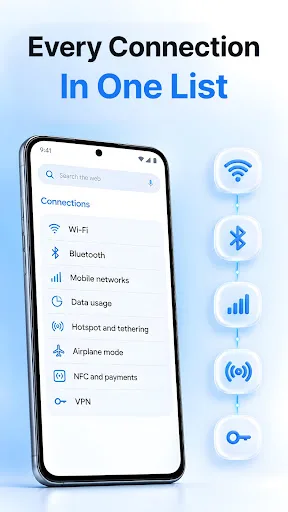
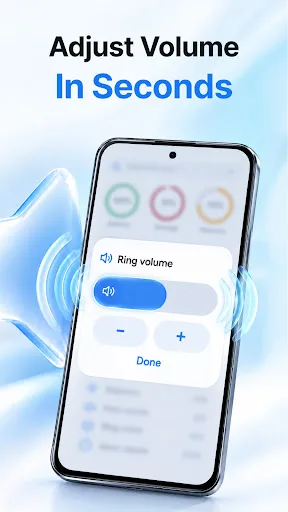
Settings Home turns your home screen into a control panel for your phone. Flip the flashlight, drag brightness and volume, check your battery and storage, and open any settings screen in one tap — all from the moment you unlock your phone. ⚙️ YOUR PHONE'S CONTROLS, ONE SWIPE AWAY • A grid of 15 toggles — Wi-Fi, Bluetooth, mobile data, location, NFC, airplane mode, flashlight, auto-rotate, adaptive brightness, dark mode, Do Not Disturb, silent mode, battery saver, data saver, and auto-sync • Every tile shows its real state, so you can see what's on before you tap • Sliders for brightness and for media, ring, notification, and alarm volume • Pick your screen timeout without hunting through menus • Battery, storage, and memory at a glance, right above the grid 🔍 ALL OF SETTINGS, WITHOUT THE HUNT • Shortcuts to more than 30 system settings screens, grouped the way you expect — Connections, Sound, Display, Apps, Battery & storage, Privacy & security, and General • Wi-Fi, Bluetooth, hotspot, data usage, VPN, notifications, storage, accessibility, keyboard, date & time, device info, and more • Search to jump straight to what you need 🏠 YOUR HOME SCREEN, UPG…