
Sherlock: AI Face Search
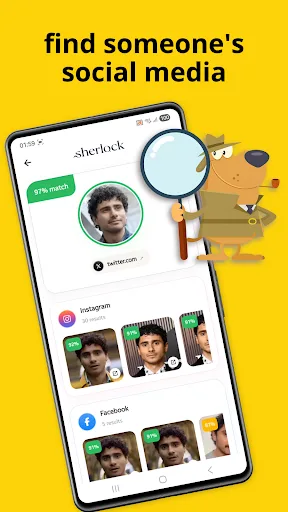
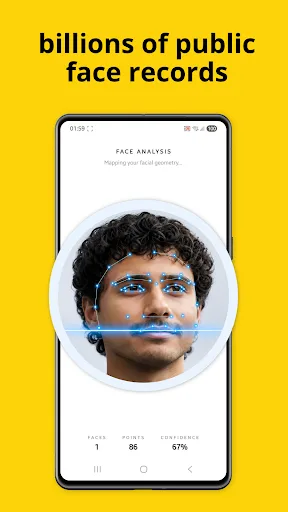
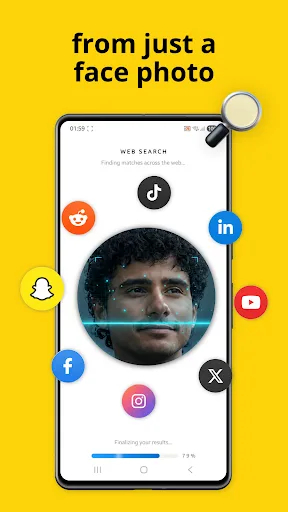
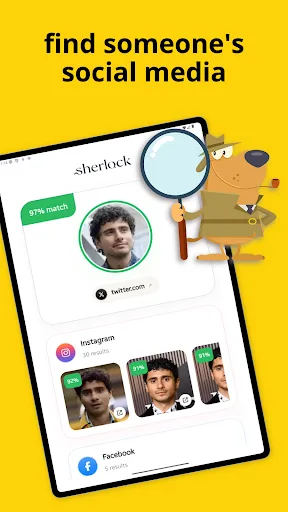
Sherlock: AI Face Search helps you search public online sources using a face photo. Upload or capture a photo, crop the face, and Sherlock uses AI-powered face search to look for visually similar results across public web pages and social profile sources. Results are organized with match scores, preview images, and source links so you can review what was found and open only the pages you choose. Use Sherlock to: •…
Sherlock: AI Face Search Screenshots
Official app screenshots from the Google Play Store.
About Sherlock: AI Face Search
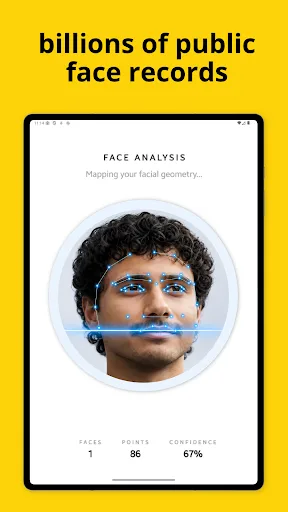
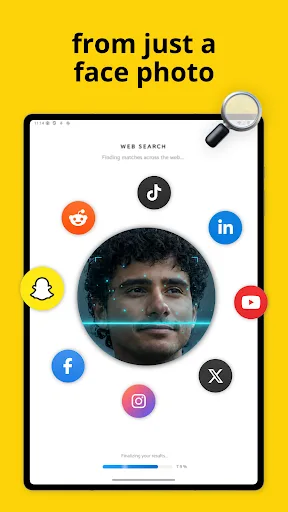
Sherlock: AI Face Search helps you search public online sources using a face photo. Upload or capture a photo, crop the face, and Sherlock uses AI-powered face search to look for visually similar results across public web pages and social profile sources. Results are organized with match scores, preview images, and source links so you can review what was found and open only the pages you choose. Use Sherlock to: • Search by face photo instead of typing names • Find visually similar public web results • Review possible social profile matches • Compare photo previews and match scores • Open source links directly from the results page • Keep a history of previous searches on your device Sherlock is designed for public online discovery. It can help you review publicly available pages where similar face images may appear, including social media profiles, blogs, websites, and other indexed public sources. How it works: 1. Choose a photo from your gallery or take a new picture. 2. Position and crop the face you want to search. 3. Sherlock securely sends the cropped image for AI face search. 4. Review public results with scores, previews, and links. Important: Sherlock does not…