Signature Maker - Sign App
Signature Maker - Sign App lets you create and save digital signatures, sign PDFs and images, and add text or dates. It's a simple tool for handling contracts, forms, and invoices without printing. The app is secure and easy to use, making it ideal for quick document signing on the go.
Pros
- Create and save multiple signature styles for repeated use
- Sign PDF documents directly within the app
- Add signatures to images and photos with ease
- Insert custom text and dates anywhere on a document
- No account or registration required to start signing
Cons
- Limited free features; some options may require in-app purchases
- No advanced PDF editing capabilities beyond signing and text insertion
- App interface could feel basic for power users
Signature Maker - Sign App Screenshots
Official app screenshots from the Google Play Store.
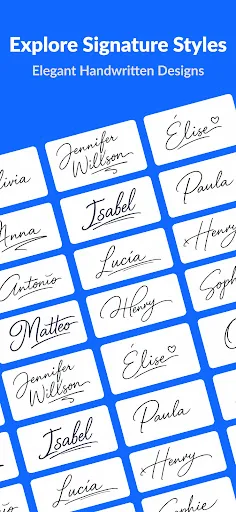
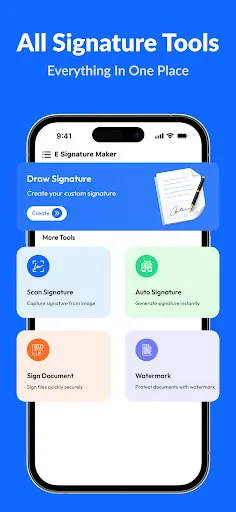
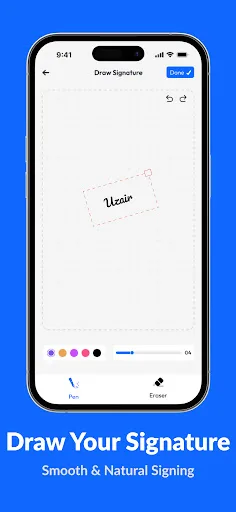
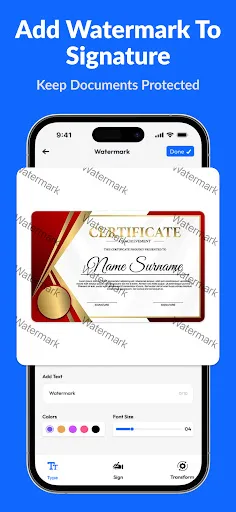
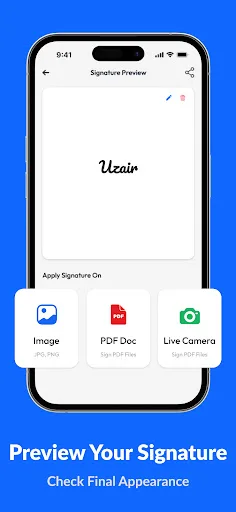
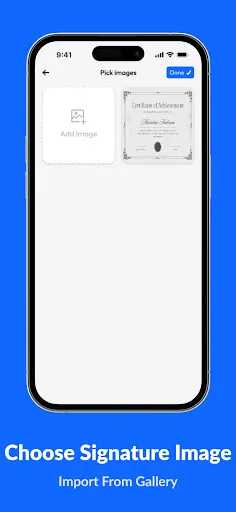
About Signature Maker - Sign App
Signature Maker - Sign App is a simple and secure digital signing tool that helps you sign documents and images anytime, anywhere. Create professional signatures, add them to your files, and save time by eliminating the need to print and scan documents. Whether you need to sign contracts, forms, agreements, invoices, or personal documents, Signature Maker makes the process fast and convenient. Key Features ✔ Create and save your digital signature ✔ Sign PDF documents quickly and easily ✔ Add signatures to images and photos ✔ Insert custom text anywhere on a document ✔ Add dates and timestamps ✔ Apply stamps and marks to documents ✔ Add watermarks for extra protection ✔ Resize, rotate, and position signatures freely ✔ Save and manage signed files on your device ✔ Clean, simple, and user-friendly interface Why Choose Signature Maker? Fast and easy document signing No printing or scanning required Professional-looking signatures Useful for business, education, and personal use Secure local storage for your signed documents Designed for productivity and convenience Perfect For Contracts and agreements Business documents Forms and applications Invoices and receipts P…
Frequently Asked Questions
Is Signature Maker safe to use for signing documents?
Yes, the app processes signatures locally on your device and does not upload documents to servers, ensuring your data remains private and secure.
Does Signature Maker contain ads?
The app may display ads, but they are generally non-intrusive and do not interfere with the signing process.
Can I use Signature Maker offline?
Yes, the core signing features work offline since all processing is done on your device. However, some cloud-based features or purchases may require an internet connection.
Who should install Signature Maker?
This app is ideal for professionals, freelancers, and anyone who needs to sign documents frequently without access to a printer or scanner. It's also great for personal use like signing letters or forms.