TV Cast & Mirroring: All TV
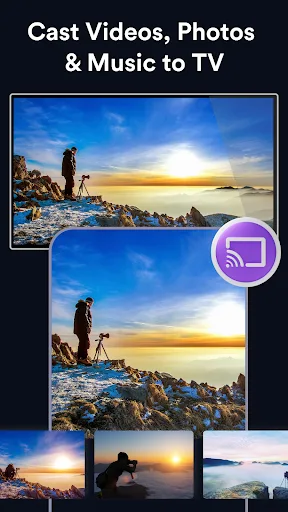
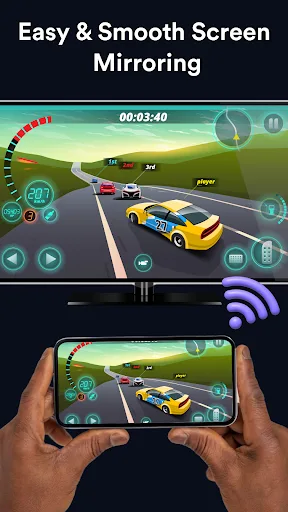
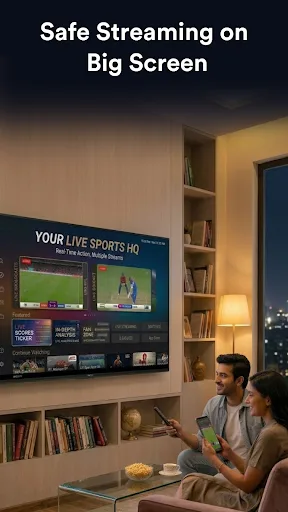
TV Cast & Mirroring: All TV turns your phone into a smart TV companion, enabling seamless screen mirroring, media casting, and remote control. Connect via Wi-Fi to stream videos, share photos, play music, or mirror games on your TV. Supports a wide range of smart TVs with no cables or complicated setup. Ideal for users who want an all-in-one casting and remote solution.
Pros
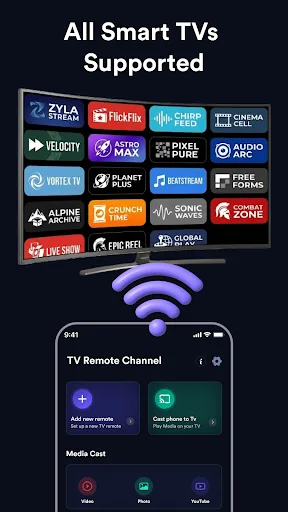
- Supports most major smart TV brands and models for broad compatibility.
- Simple one-tap casting over Wi-Fi without cables or adapters.
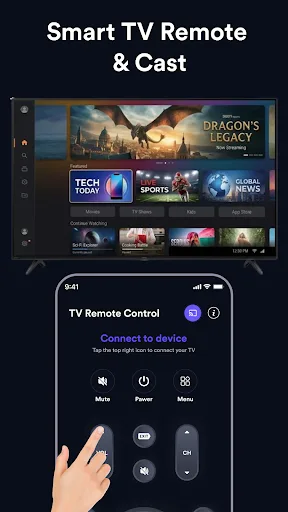
- Combines screen mirroring, media casting, and remote control in one app.
- Fast and stable connection with minimal lag for video and games.
- Free to use with essential features; no account required.
Cons
- Requires both devices on the same Wi-Fi network, limiting use on cellular data.
- Free version may include ads that can interrupt casting experience.
- Some advanced features like 4K streaming or extended remote functions may require in-app purchase.
TV Cast & Mirroring: All TV Screenshots
Official app screenshots from the Google Play Store.
About TV Cast & Mirroring: All TV
📺 Cast to TV, Mirror Screen & Control Your Smart TV with Ease Turn your phone into a powerful TV companion with TV Cast & Mirroring: All TV. Enjoy seamless screen mirroring, media casting, and smart TV remote control in one easy-to-use app. Whether you want to watch videos, share photos, stream music, or mirror mobile games, everything looks better on the big screen. Connect your phone and Smart TV over the same Wi-Fi network and start casting in seconds—no cables, adapters, or complicated setup required. 🌟 Key Features 📺 Supports Most Smart TVs Easily connect and cast to a wide range of Smart TVs and streaming devices. Enjoy a smooth experience across different TV brands and models. 🎮 Smart TV Remote Control ✔ Power On / Off ✔ Volume Control ✔ Channel Navigation ✔ Menu Controls ✔ Media Playback Controls ✔ Quick Access Functions No need to search for a physical remote anymore. 📱 Screen Mirroring Mirror your phone screen to TV in real time. ✔ Mirror mobile games on a larger display ✔ Share presentations and documents ✔ Browse photos and videos on TV ✔ View apps and content on the big screen ✔ Stable and low-latency screen casting Perfect for en…
Frequently Asked Questions
Is TV Cast & Mirroring safe to use?
Yes, the app is safe. It uses standard Wi-Fi protocols and does not access your personal data without permission. However, always download from official stores and review permissions.
Does the app contain ads?
The free version displays ads, which can appear during app usage. A premium version is available to remove ads and unlock additional features.
Can I use the app offline?
No, the app requires both your phone and TV to be connected to the same Wi-Fi network. It does not work offline or over mobile data without a network.
Who should install this app?
This app is ideal for users who want to easily cast content from their phone to a smart TV, mirror their screen for presentations or gaming, and control their TV remotely without extra hardware.