
WiFi QR Connect
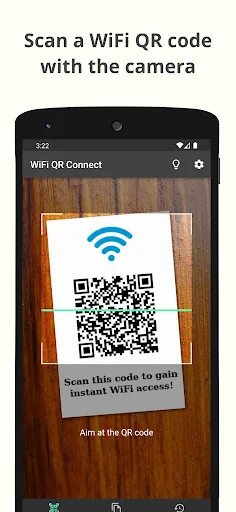
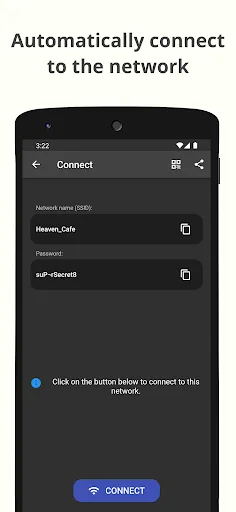
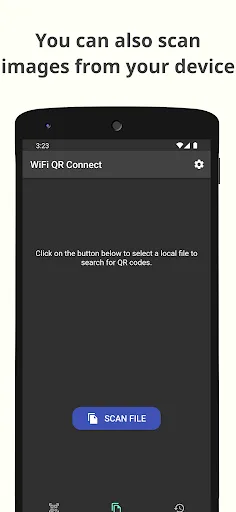
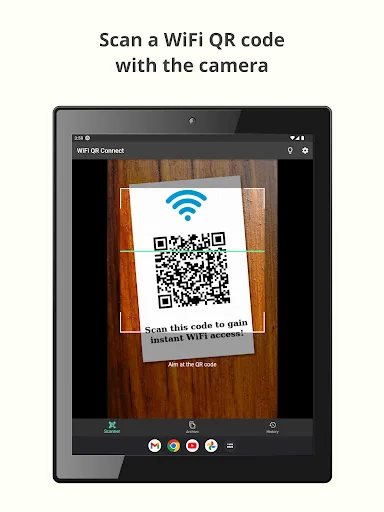
WiFi QR Connect allows you to connect to a Wi-Fi network by scanning a QR code. Just open the app and point your device's rear camera at the code you want. The app will scan it and allow you to join that network without the need to enter any data manually. Features: - Automatic connection to Wi-Fi networks by scanning QR codes - You can also scan an image file from your device that contains a code - Quickly retrieve…
WiFi QR Connect Screenshots
Official app screenshots from the Google Play Store.
About WiFi QR Connect
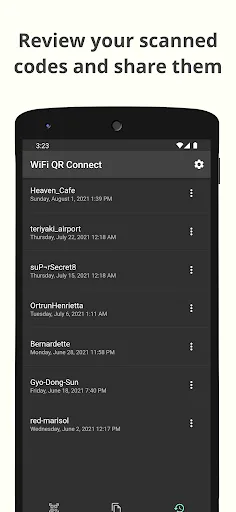
WiFi QR Connect allows you to connect to a Wi-Fi network by scanning a QR code. Just open the app and point your device's rear camera at the code you want. The app will scan it and allow you to join that network without the need to enter any data manually. Features: - Automatic connection to Wi-Fi networks by scanning QR codes - You can also scan an image file from your device that contains a code - Quickly retrieve all scanned codes in History section - Ability to view the password of the network > Where can I found the QR codes? You can find QR codes with Wi-Fi network information in various places, for example on the bottom of routers (to be able to connect to the network they provide) or in public places such as cafes or restaurants where the owners have printed these codes so that customers can easily connect to the network that these places provide. > Is it possible to generate these types of codes myself for guests to connect to my home network? Yeah! You can use a code generation tool to create these codes. You can then print them out or simply show them to your guests right from your phone to get them connected. An example of an online generation tool is QiFi: https://qifi…