Blackmagic Camera vs Camera for Android: Professional Cinematic Tool vs Simple HD Snapper
Blackmagic Camera is designed for filmmakers and content creators who want professional-grade controls like frame rate, shutter angle, and color science to achieve a cinematic look. Camera for Android is a lightweight, fast HD camera app aimed at casual users who need a simple, reliable way to capture photos and videos without fuss. Both offer unique strengths depending on your photography or videography goals.

Blackmagic Camera
Recommended- Rating
- ★ 4.59
- Downloads
- 1,000,000+
- Developer
- Blackmagic Design Inc.
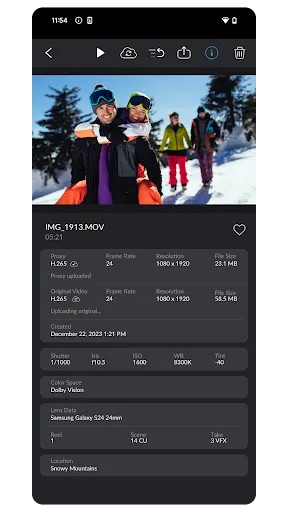
Blackmagic Camera unlocks the power of your phone by adding Blackmagic’s digital film camera controls and image processing! Now you can create the same cinematic ‘look’ as Hollywood feature films. You get the same intuitive and user friendly interface as Blackmagic Design�…
Pros
- Professional digital film camera controls (frame rate, shutter angle, ISO, white balance)
- Blackmagic color science for cinematic look
- Intuitive interface similar to Blackmagic Design's cameras
- Advanced features like histogram, focus peaking, and zebra stripes
- Direct integration with Blackmagic Cloud for collaboration
Cons
- Limited to 1 million+ installs, niche audience
- May overwhelm casual users with complex settings
- Requires a powerful device for smooth performance
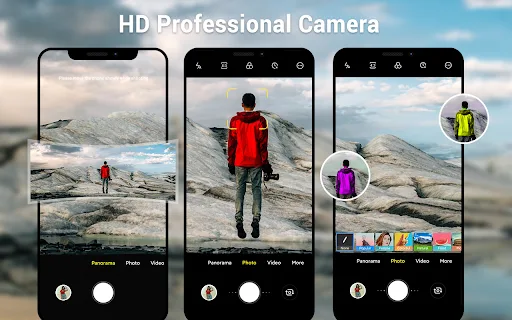
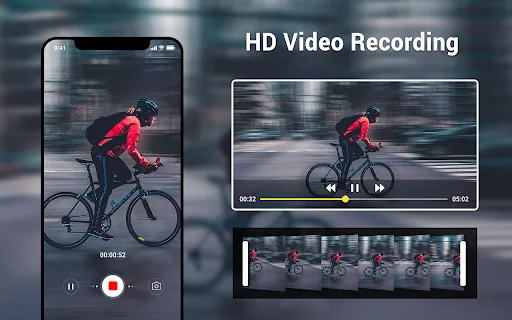
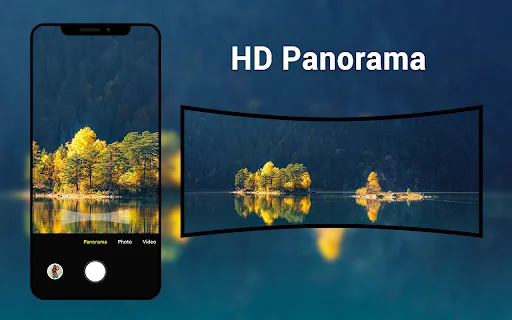
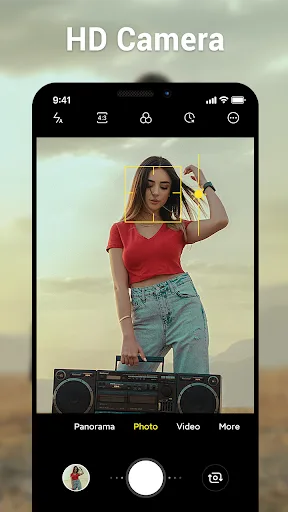
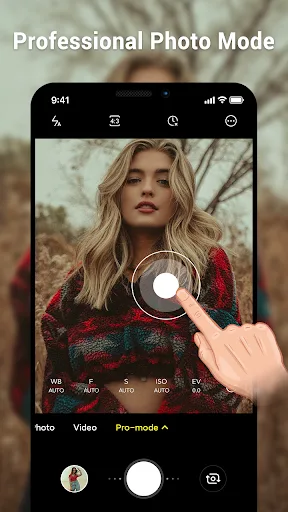
A simple and faster way to capture moments. This is an native system HD camera app. You can easily to shoot excellent photos, utilizing all advantage of your phone or tablet. Key features: - 3 modes: camera, video recorder & panorama - HD camera and video features - Pinch to zoom…
Pros
- Extremely simple and fast interface for quick captures
- High rating (4.8) and 50 million+ installs, trusted by many
- Includes panorama mode and countdown timer
- Adapts to phone and tablet with dynamic UI
- Lightweight and works well on lower-end devices
Cons
- No manual controls for exposure or focus
- Limited video features (no frame rate or resolution options)
- Basic image processing, lacks cinematic color science
Final Verdict
Our pick: Blackmagic Camera
For serious videographers or anyone aspiring to create cinematic content, Blackmagic Camera is the clear winner despite its lower rating and fewer installs. Its professional controls and image processing are unmatched. However, for everyday snapshots, quick videos, and simplicity, Camera for Android excels with its higher rating and massive user base. If you prioritize ease of use and reliability, choose Camera for Android. For creative control and filmmaking, Blackmagic Camera is the better choice.
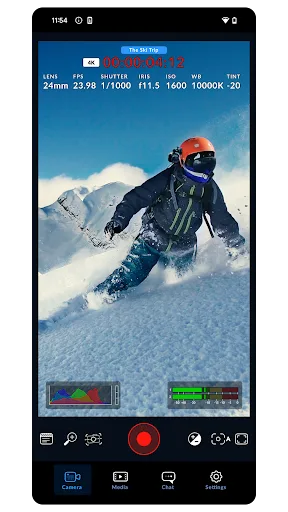
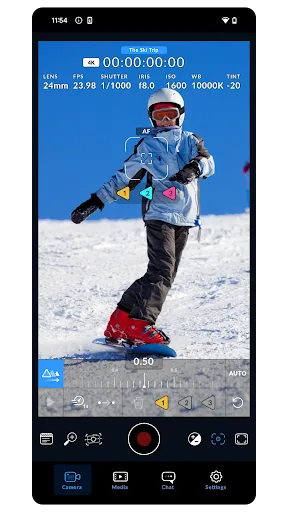
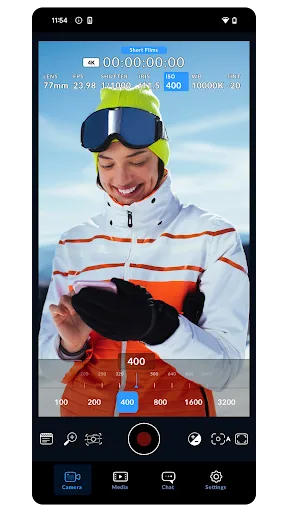
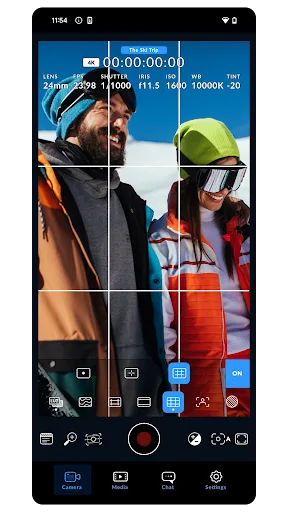
Blackmagic Camera Screenshots
Official app screenshots from the Google Play Store.
Camera for Android Screenshots
Official app screenshots from the Google Play Store.
Frequently Asked Questions
Which app has a higher rating?
Camera for Android has a higher rating (4.8) compared to Blackmagic Camera (4.58), reflecting its broader appeal and simplicity.
Can I use these apps offline?
Both apps work fully offline for capturing photos and videos. Blackmagic Camera's cloud features require internet, but basic shooting does not.
Do these apps contain ads?
Neither app includes ads. Both are free to download and use without advertisements.
What are the device requirements?
Camera for Android runs on most Android devices with minimal requirements. Blackmagic Camera requires Android 8.0 or later and a device with a good camera sensor for best results.
Which app should I choose for professional video?
Choose Blackmagic Camera for professional-grade video controls and cinematic output. It's designed for filmmakers, not casual snapshots.
Related Comparisons
VS
Blackmagic Camera vs Ultra Camera HD: Pro DSLR – Which Cinematic App Wins
 VS
VS

Camera Pro vs Manual DSLR: Best Camera App for Android
 VS
VS
ProCam X Lite vs Professional HD Camera: Which Camera App Reigns Supreme?
 VS
VS
HD Camera Pro vs HD Camera PRO Beauty Camera: Which Android Camera App is Best for You?
 VS
VS

HD Camera vs ProCam X: Which Android Camera App is Best for You?
VS