Google Assistant vs Google Gemini: Which Android AI Assistant Reigns Supreme
Google Assistant is the tried-and-true voice assistant for everyday tasks, perfect for users who need quick hands-free help like setting reminders, making calls, or controlling apps. Google Gemini, on the other hand, is Google's latest AI powerhouse designed for deep conversations, creative brainstorming, and multimodal interactions using the latest models. Both are developed by Google LLC, but they cater to different needs: Assistant for efficiency and simplicity, Gemini for advanced AI capabilities. This comparison will help you decide which assistant fits your lifestyle.
Google Gemini
Recommended- Rating
- ★ 4.58
- Downloads
- 1,000,000,000+
- Developer
- Google LLC
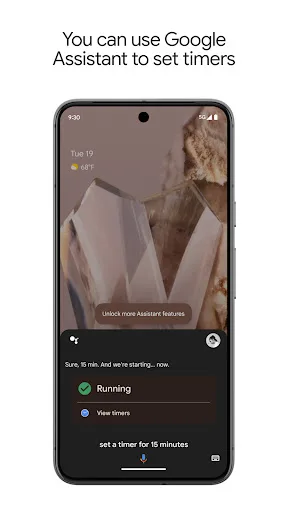
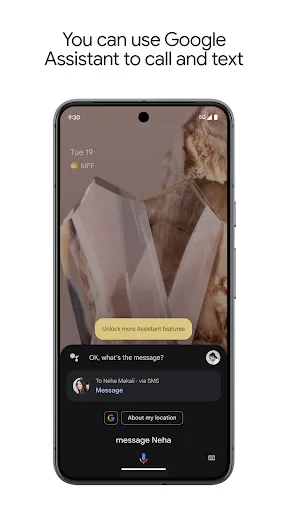
Google Assistant: Your Hands-Free Helper. Get instant help with everyday tasks using just your voice. Google Assistant makes it easy to: - Control your phone: Open apps, adjust settings, turn on the flashlight, and more. - Stay connected: Make calls, send texts, and manage emails…
Pros
- Hands-free control for calls, texts, and app actions with high reliability
- Seamless integration with Google services like Maps, Calendar, and Gmail
- Lightweight and fast, works well on older devices
- Supports multiple languages and regional accents globally
- Works offline for basic commands like setting alarms
Cons
- Limited to simple, task-oriented interactions without deep reasoning
- Outdated AI models compared to Gemini, less creative and conversational
- Occasional misinterpretation of complex or ambiguous queries
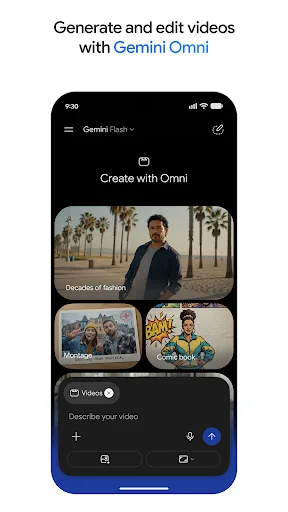
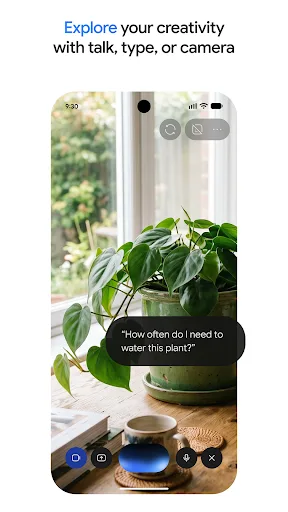
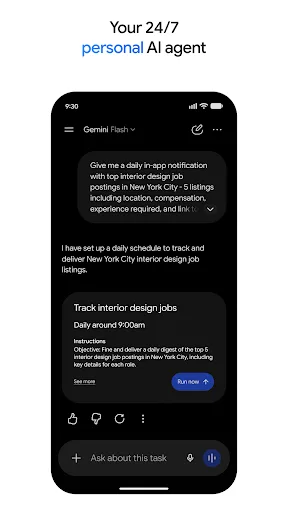
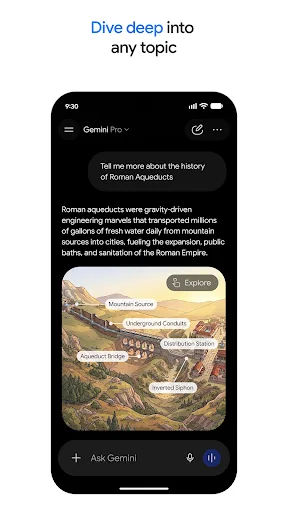
From your morning commute to late-night deep dives, Google Gemini is your personal, proactive and powerful AI assistant. WHY USERS LOVE GEMINI • Our latest models, Gemini 3.5 and Gemini Omni, unlock a new world of productivity and creativity. • Talk things out with Gemini Liv…
Pros
- Latest Gemini 3.5 and Omni models for advanced reasoning and creativity
- Gemini Live allows real-time voice brainstorming and screen/camera sharing
- Generates detailed, context-rich responses rather than just snippets
- Higher user rating (4.59) indicating strong user satisfaction
- Proactive assistance that anticipates needs based on context
Cons
- Requires internet connection for most features, no offline mode
- Can be resource-intensive, may lag on older devices
- Still evolving; occasional inaccuracies in niche or real-time data
Final Verdict
Our pick: Google Gemini
For most users, Google Gemini is the better choice due to its superior AI capabilities, higher rating (4.59 vs 3.84), and innovative features like Gemini Live and real-time screen sharing. However, Google Assistant remains unbeatable for quick, reliable hands-free commands and has a massive install base. If you prioritize cutting-edge AI and creative assistance, choose Gemini. If you need a stable, no-nonsense voice helper for basic tasks, Assistant is still excellent. Overall, Gemini's proactive and powerful experience edges out Assistant for future-proofing.
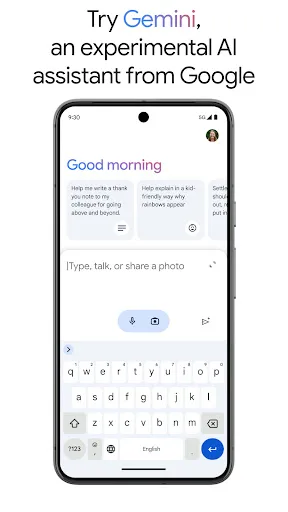
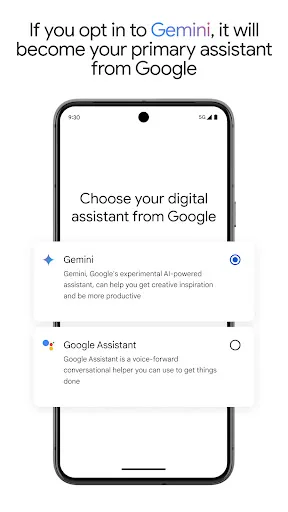
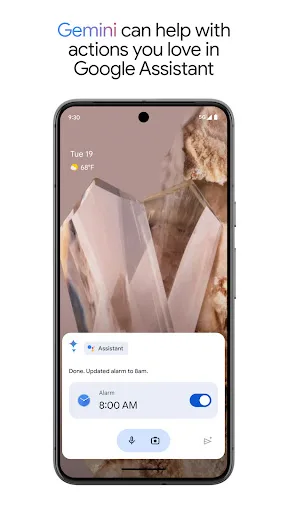
Google Assistant Screenshots
Official app screenshots from the Google Play Store.
Google Gemini Screenshots
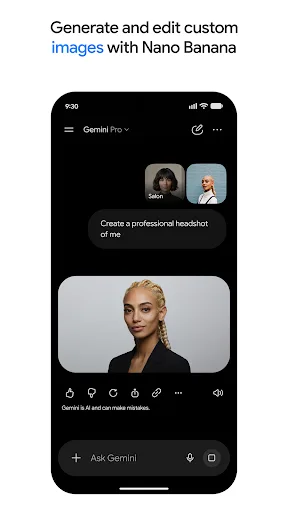
Official app screenshots from the Google Play Store.
Frequently Asked Questions
Which app has a better rating on Google Play?
Google Gemini has a higher rating of 4.59 compared to Google Assistant's 3.84, based on user reviews.
Can I use Google Assistant or Gemini offline?
Google Assistant supports basic offline commands like setting alarms or opening apps. Google Gemini requires an internet connection for all its advanced features.
Do these apps show ads?
Neither Google Assistant nor Google Gemini displays ads within the assistant interface. Both are free from advertisements.
What are the device requirements for each app?
Google Assistant works on almost any Android device running Android 5.0+ with minimal resources. Google Gemini requires Android 8.0+ and at least 4GB of RAM for optimal performance.
Which app should I choose for everyday tasks vs creative work?
For quick everyday tasks like calling, texting, and reminders, Google Assistant is more efficient. For creative brainstorming, deep research, or multimodal interactions, choose Google Gemini.
Related Comparisons
 VS
VS

ChatOn vs LumoAI: Best AI Assistant for 2026
 VS
VS
Amazon Alexa vs Offline AI Chat Private: Which AI Assistant Is Right for You
 VS
VS

Microsoft Copilot vs Meta AI: Which AI Assistant Reigns Supreme
 VS
VS

ChatGPT vs DeepSeek AI Assistant: Which Android AI App Reigns Supreme?
 VS
VS
Grok AI vs ChatGPT: Which AI Assistant Reigns Supreme
VS