Google Classroom vs Khan Academy Kids: Best Education App for Schools vs Young Learners
Google Classroom is designed for teachers and students in K-12 and higher education, streamlining assignment distribution, grading, and communication. Khan Academy Kids targets children ages 2–8 with interactive reading, math, and phonics lessons through engaging games and storybooks. Google Classroom suits formal school settings, while Khan Academy Kids excels at early childhood learning at home or on the go. Both apps are free, but their purposes and age groups differ significantly.

Khan Academy Kids
Recommended- Rating
- ★ 4.60
- Downloads
- 10,000,000+
- Developer
- Khan Academy
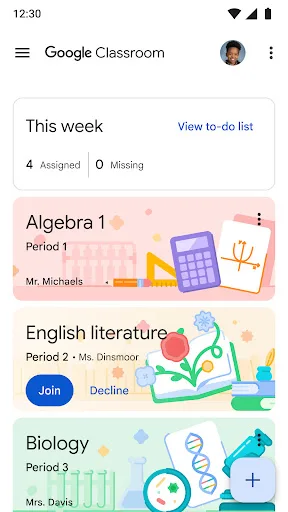
Classroom makes it easy for learners and instructors to connect—inside and outside of schools. Classroom saves time and paper, and makes it easy to create classes, distribute assignments, communicate, and stay organized. There are many benefits to using Classroom: • Easy to s…
Pros
- Seamless integration with Google Drive, Docs, and other Workspace tools
- Easy assignment creation, distribution, and grading
- Supports real-time feedback and private comments
- Free for schools with unlimited storage via Google Workspace for Education
- Works across devices and platforms (Android, iOS, web)
Cons
- Low user rating (2.8) due to frequent bugs and sync issues
- Limited customization and design options for classes
- Requires internet connection for most features; no robust offline mode
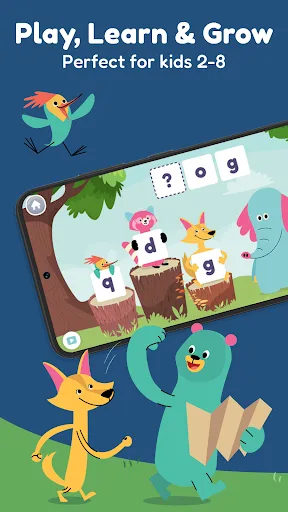
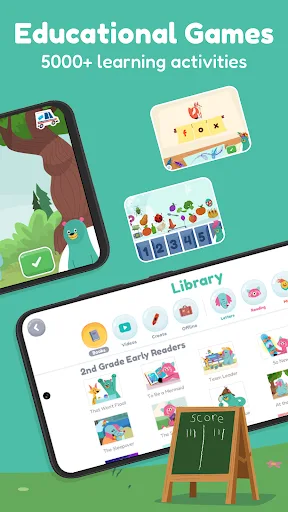
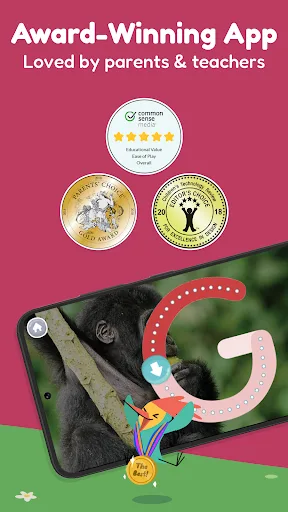
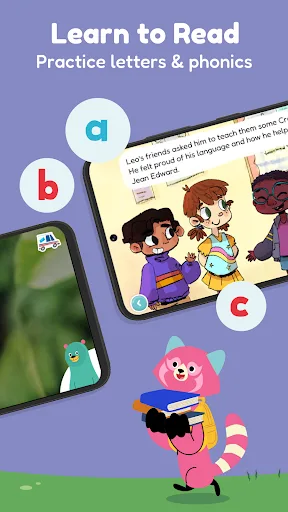
Make screen time more meaningful with Khan Academy Kids—the award-winning, educational app for kids ages 2–8. Packed with fun, standards-aligned reading games, math games, phonics lessons, and interactive storybooks, the app has helped over 21 million preschool and elementary…
Pros
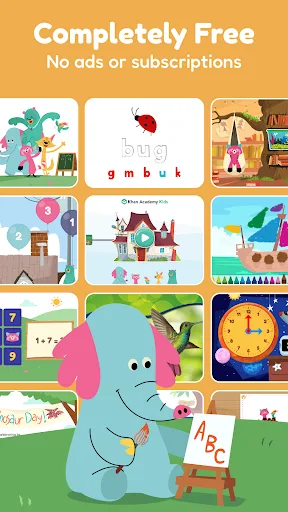
- Award-winning, ad-free content for ages 2–8
- Personalized learning path with adaptive activities
- Includes thousands of standards-aligned math, reading, and phonics lessons
- Offline access allows learning without internet
- Parent dashboard to track progress and manage profiles
Cons
- Only suitable for young children (ages 2–8), not older students
- Limited to pre-built curriculum; no custom assignment creation
- Some users report repetitive activities after extended use
Final Verdict
Our pick: Khan Academy Kids
For formal classroom management and older students, Google Classroom is the clear winner with its robust integration with Google Workspace and massive install base. However, for early learning and young children (ages 2–8), Khan Academy Kids offers superior educational content, higher ratings, and a more engaging experience. If you're a teacher managing a class, choose Google Classroom. If you're a parent seeking a comprehensive, ad-free learning tool for your preschooler or kindergartner, Khan Academy Kids is the better choice. Overall, Khan Academy Kids edges out with a 4.6 rating vs 2.8 for Classroom, reflecting higher user satisfaction among its target audience.

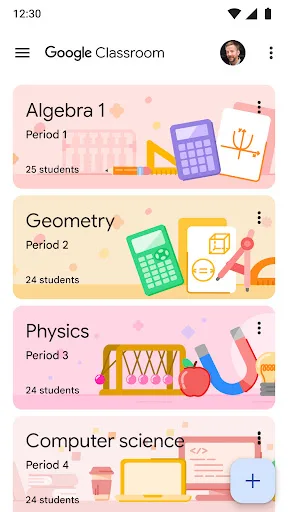
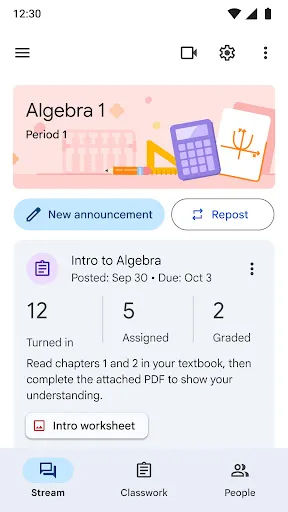
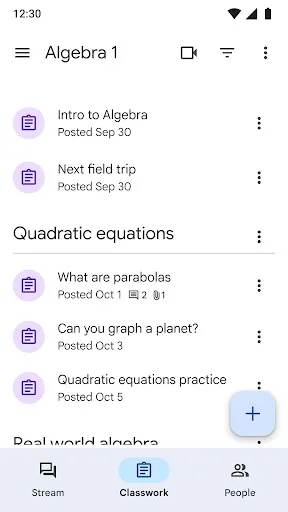
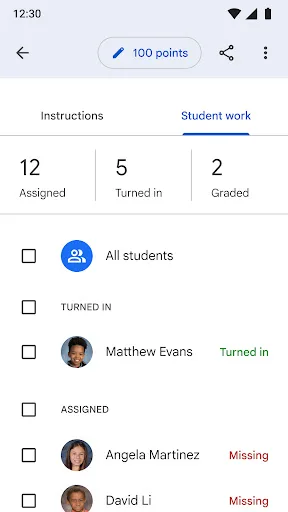
Google Classroom Screenshots
Official app screenshots from the Google Play Store.
Khan Academy Kids Screenshots
Official app screenshots from the Google Play Store.
Frequently Asked Questions
What are the ratings of Google Classroom and Khan Academy Kids?
Google Classroom has a rating of 2.81 on Google Play, while Khan Academy Kids has a much higher rating of 4.61. The lower rating for Classroom often stems from technical issues and user interface complaints, whereas Khan Academy Kids is highly praised for its engaging and educational content.
Do these apps work offline?
Google Classroom requires an internet connection for most features; offline access is limited to viewing previously opened files if cached. Khan Academy Kids offers full offline play once content is downloaded, making it ideal for travel or areas with spotty connectivity.
Are there ads or in-app purchases?
Both Google Classroom and Khan Academy Kids are completely free and contain no ads or in-app purchases. They are funded by their respective organizations (Google and Khan Academy) and are committed to providing ad-free educational experiences.
What are the device requirements for each app?
Google Classroom runs on Android 5.0 and up, with a recommended 2GB RAM for smooth performance. Khan Academy Kids requires Android 5.0 or later and at least 1.5GB RAM. Both apps are optimized for tablets and phones, and Classroom also works on Chromebooks.
Which app should I choose for my child?
If your child is between 2 and 8 years old and you want a fun, educational app for early learning, choose Khan Academy Kids. If you need a tool for managing school assignments and communication for older students or yourself, choose Google Classroom. For families with both age groups, using both apps together covers all bases.
Related Comparisons
 VS
VS
Duolingo vs ClassDojo: Which Education App Wins in 2026
VS

Khan Academy Kids vs Brilliant: Learn Math & Coding – Best Educational Apps for Kids
 VS
VS
Khan Academy vs Google Classroom: Which Education App Wins in 2026
 VS
VS

Udemy vs Prodigy Math: Which Education App Is Right for You?
 VS
VS
Vaia vs Math Tests: Best Education App for Studying & Math Practice
VS