Google Fit vs Home Workout: Which Fitness App Reigns Supreme?
Google Fit is designed for users who want comprehensive activity tracking and health insights, integrating with wearables and various apps. Home Workout targets individuals who prefer guided bodyweight exercises at home without any equipment. Both have over 100 million installs but cater to different fitness needs.

Google Fit: Activity Tracking
- Rating
- ★ 3.44
- Downloads
- 100,000,000+
- Developer
- Google LLC

Home Workout - No Equipment
Recommended- Rating
- ★ 4.86
- Downloads
- 100,000,000+
- Developer
- Leap Fitness Group
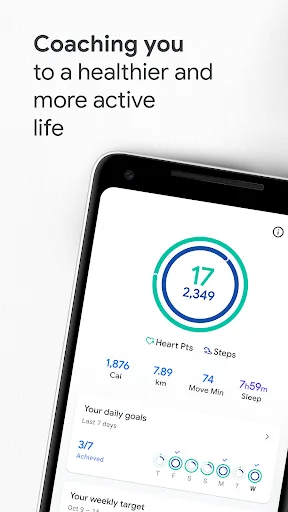
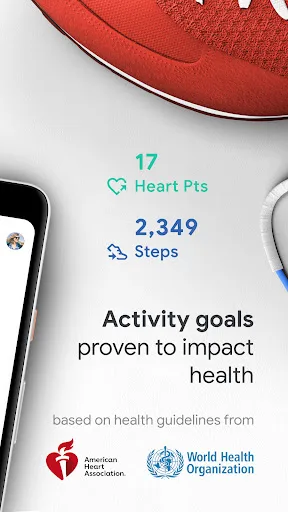
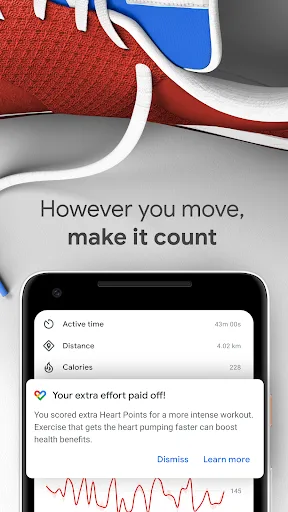
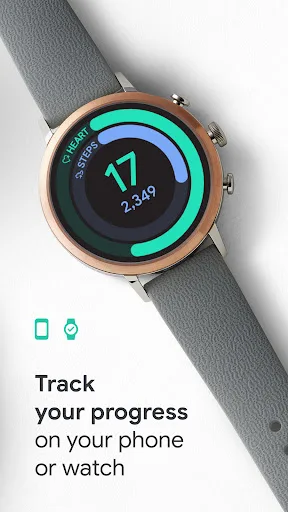
Get to a healthier and more active life with the new Google Fit! It's hard to know how much or what kind of activity you need to stay healthy. That's why Google Fit collaborated with the World Health Organization (WHO) and the American Heart Association (AHA) to bring you Heart P…
Pros
- Integrates with Google ecosystem and wearables like Wear OS.
- Collaborates with WHO and AHA for evidence-based Heart Points.
- Tracks a wide range of activities automatically.
- Provides personalized activity goals based on your health data.
- Free with no ads.
Cons
- Lower user rating compared to Home Workout.
- Lacks structured workout routines and guided exercises.
- May feel too passive for users wanting active coaching.
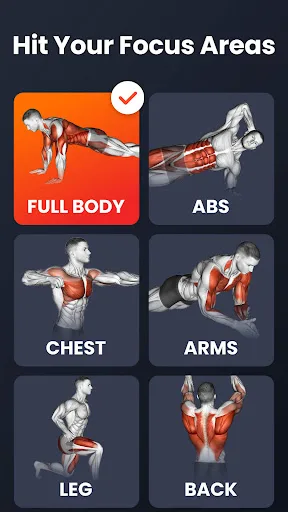
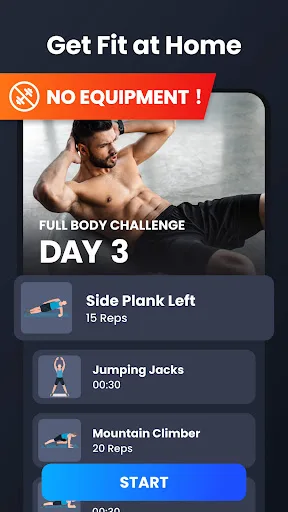
Build muscle, lose weight, gain strength, and get fit with Home Workouts through effective workout routines. Just 7 minutes a day with your online coach, and you can achieve your fitness goals at home with no equipment. Effective bodyweight exercises work all your main muscle gro…
Pros
- Extremely high user rating (4.86) and popularity.
- No equipment needed; all exercises use bodyweight.
- Short, effective 7-minute workouts for busy schedules.
- Clear video demonstrations and voice coaching.
- Works offline without internet connection.
Cons
- Does not track general daily activity like steps or heart rate.
- Limited to home-based workouts; no outdoor or gym integration.
- Some users may find the workout library less varied over time.
Final Verdict
Our pick: Home Workout - No Equipment
If you seek a holistic activity tracker that syncs with your lifestyle and devices, Google Fit is your go-to. However, for structured home workouts with no equipment needed, Home Workout offers superior guided routines and higher user satisfaction. Considering the higher rating and focused functionality, Home Workout is the winner for most users wanting effective at-home exercise.
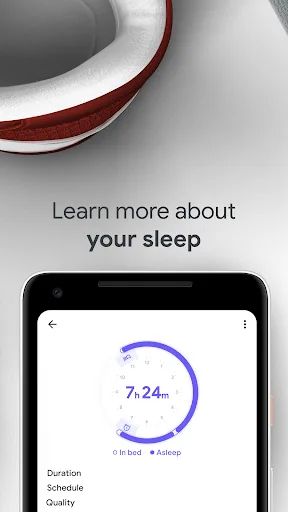
Google Fit: Activity Tracking Screenshots
Official app screenshots from the Google Play Store.
Home Workout - No Equipment Screenshots
Official app screenshots from the Google Play Store.



Frequently Asked Questions
Which app has a higher rating?
Home Workout has a significantly higher rating of 4.86 compared to Google Fit's 3.44.
Can I use Home Workout offline?
Yes, Home Workout works offline once you download the workouts.
Does Google Fit show ads?
Google Fit is ad-free.
What are the device requirements for each app?
Both apps require Android 5.0 or later. Google Fit may need sensors for step tracking; Home Workout needs a screen for video guidance.
Which app should I choose for home fitness?
For structured workouts at home, choose Home Workout. For overall activity tracking and health insights, choose Google Fit.
Related Comparisons
 VS
VS
Blast vs FitNotes: Best Gym Workout Tracker App for Strength Training
 VS
VS
Fitness App Showdown: Gym Workout Plan vs Blast Gym Log Tracker
VS

Fitness App: Gym Workout Plan vs Fitbod – Which Workout Planner Reigns Supreme?
 VS
VS
Gym Workout Tracker vs Fitbod: Which Fitness App Reigns Supreme
 VS
VS
Map My Fitness vs FitNotes: Which Workout Tracker Wins for Your Fitness Goals?
 VS
VS