Google Fit vs Noom: Best Health & Fitness App for Activity Tracking and Weight Loss
Google Fit is ideal for users who want a free, comprehensive activity tracker integrated with Android and Wear OS, focusing on heart-healthy movement. Noom is designed for individuals seeking structured weight loss support with coaching, meal logging, and habit-building tools. Both apps aim to improve health but cater to different needs: Google Fit for general activity, Noom for weight management. Choose based on whether you prefer automated tracking or guided behavior change.

Google Fit: Activity Tracking
- Rating
- ★ 3.44
- Downloads
- 100,000,000+
- Developer
- Google LLC

Noom: Weight Loss & GLP-1 Care
Recommended- Rating
- ★ 4.08
- Downloads
- 10,000,000+
- Developer
- Noom, Inc.
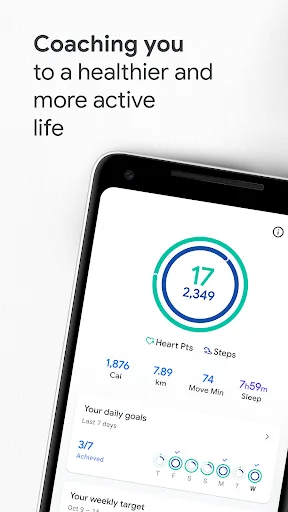
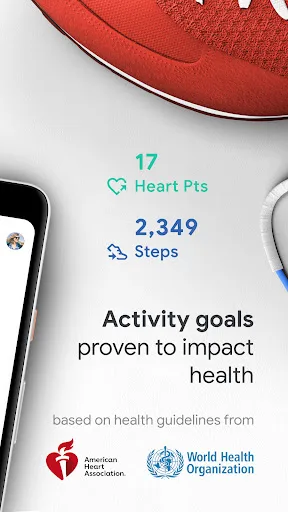
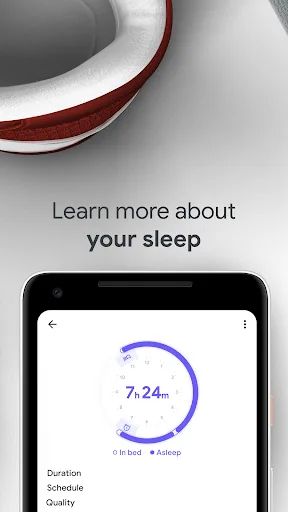
Get to a healthier and more active life with the new Google Fit! It's hard to know how much or what kind of activity you need to stay healthy. That's why Google Fit collaborated with the World Health Organization (WHO) and the American Heart Association (AHA) to bring you Heart P…
Pros
- Free with no subscription required
- Seamless integration with Android and Wear OS
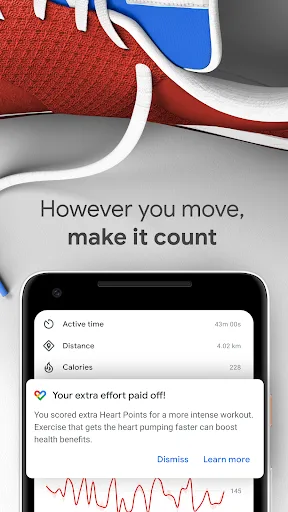
- Uses WHO and AHA guidelines for Heart Points
- Automatic activity detection for steps and workouts
- Syncs with many third-party fitness apps
Cons
- Lower user rating (3.44) compared to Noom
- No structured weight loss or meal planning features
- Limited personalized coaching or feedback
Build healthy habits that last with Noom. Noom helps you eat better, move more, and feel more in control of your health – without the pressure or guilt. Track steps. Log meals with AI. Scan your face and body for instant health insights. Earn rewards for showing up daily. Wheth…
Pros
- Higher user rating (4.08) with millions of positive reviews
- Comprehensive weight loss program with coaching and GLP-1 care
- AI-powered meal logging and face/body scan for health insights
- Rewards system to encourage daily habit formation
- Supports both free and premium tiers with medication options
Cons
- Requires subscription for full features
- Less focus on general activity tracking compared to Google Fit
- May be overwhelming for users seeking simple step counting
Final Verdict
Our pick: Noom: Weight Loss & GLP-1 Care
For most users seeking a well-rounded health app, Noom is the better choice due to its higher rating, structured weight loss program, and personalized coaching. Google Fit excels in seamless activity tracking and integration with Android devices but lacks the depth of behavioral support. If your primary goal is weight loss with accountability, Noom wins. If you want a free, no-frills activity tracker, Google Fit is sufficient. Overall, Noom's comprehensive approach and user satisfaction make it the recommended app.
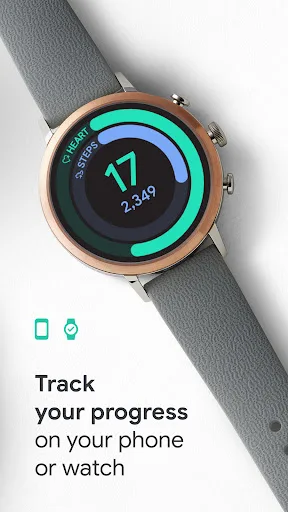
Google Fit: Activity Tracking Screenshots
Official app screenshots from the Google Play Store.
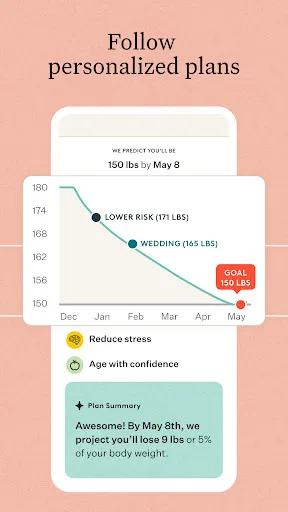
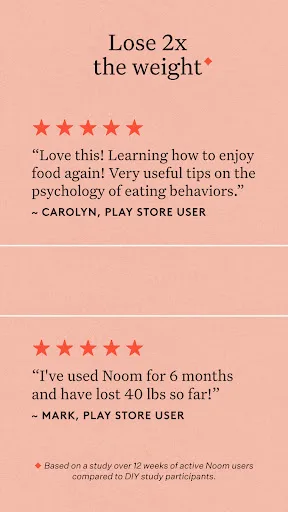
Noom: Weight Loss & GLP-1 Care Screenshots
Official app screenshots from the Google Play Store.



Frequently Asked Questions
Which app has a higher rating?
Noom has a higher rating of 4.08 compared to Google Fit's 3.44.
Can I use these apps offline?
Google Fit works offline for step tracking and basic activity logging. Noom requires an internet connection for most features, including meal logging and coaching.
Do these apps have ads?
Google Fit is ad-free. Noom's free version may show ads, but the paid subscription removes them.
What are the device requirements?
Google Fit requires Android 5.0+ and works best with Wear OS. Noom requires Android 6.0+ and supports most modern smartphones.
Which app should I choose for weight loss?
Choose Noom for a structured weight loss program with coaching and meal tracking. Google Fit is better for general activity monitoring.
Related Comparisons
 VS
VS
Map My Walk vs Noom: Walking Tracker vs Weight Loss & GLP-1 Care
 VS
VS
My Health vs Noom: Weight Loss & GLP-1 Care – Which Health App Reigns Supreme?
 VS
VS
Samsung Health vs Google Health (Fitbit): Which Health App is Best for You
 VS
VS
Verily Me vs Strava: Health App Comparison for Personalized Care vs Fitness Tracking
 VS
VS
OnePlus Health vs MyFitnessPal: Which Health App Reigns Supreme?
 VS
VS