HD Camera for Android vs Blackmagic Camera: Which Is the Best Camera App for You?
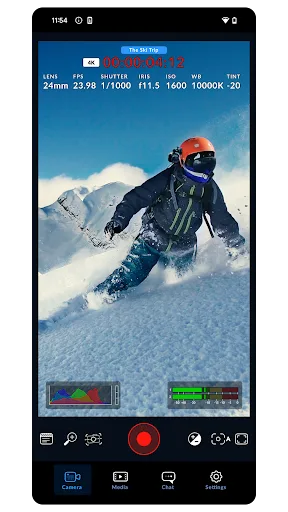
HD Camera for Android by iMediaStar is a versatile, feature-rich camera app designed for casual users who want to take beautiful selfies, apply filters, and edit photos and videos easily. It offers 4K recording, beauty modes, and collage tools. Blackmagic Camera by Blackmagic Design is a professional-grade app that brings Hollywood-level controls to your smartphone, allowing manual adjustment of frame rate, shutter angle, white balance, and more. It’s tailored for filmmakers and enthusiasts seeking cinematic quality. Both apps are free to download, but they cater to very different audiences.
HD Camera for Android: 4K Cam
- Rating
- ★ 4.55
- Downloads
- 10,000,000+
- Developer
- iMediaStar
Blackmagic Camera
Recommended- Rating
- ★ 4.59
- Downloads
- 1,000,000+
- Developer
- Blackmagic Design Inc.
HD Camera is a Free and full featured beauty camera, with 4K Camera, professional capture mode, amazing Camera Filter and quick snap, you can easily take incredible HD selfie photos or HD videos on Android phones and tablets! 💎 🌇 HD Camera also helps you easy to edit and cr…
Pros
- Free with comprehensive features including 4K video recording
- Built-in beauty filters and selfie enhancements
- Photo collage and video editing capabilities
- High install base of 10M+ indicating popularity and reliability
- Simple, user-friendly interface for quick snapshots
Cons
- Limited manual controls for advanced photography
- Contains ads which can be intrusive
- Some features may require in-app purchases
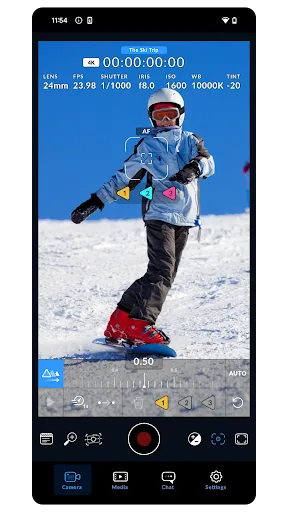
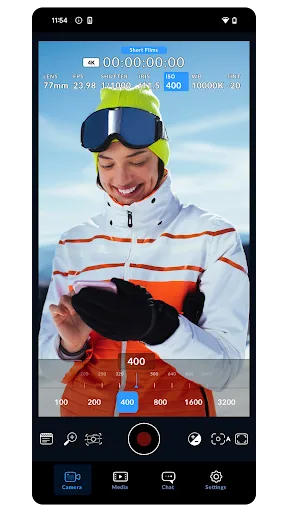
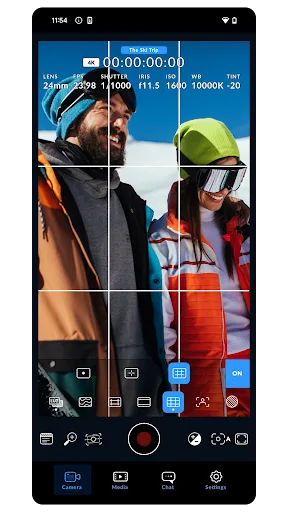
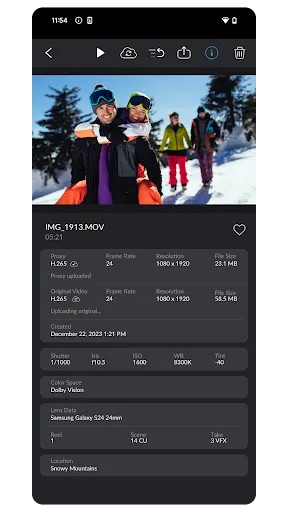
Blackmagic Camera unlocks the power of your phone by adding Blackmagic’s digital film camera controls and image processing! Now you can create the same cinematic ‘look’ as Hollywood feature films. You get the same intuitive and user friendly interface as Blackmagic Design�…
Pros
- Professional digital film camera controls (frame rate, shutter angle, ISO)
- Blackmagic’s renowned color science and image processing
- No ads, providing a clean user experience
- Free to use with no hidden costs
- High rating of 4.585 from knowledgeable users
Cons
- Steep learning curve for beginners
- Lacks beauty filters and photo editing tools
- Lower install base (1M+) may indicate niche appeal
Final Verdict
Our pick: Blackmagic Camera
If you are a casual user who wants a simple, all-in-one camera app for taking selfies, applying filters, and editing photos, HD Camera for Android is the better choice. It offers a wide range of beauty features and 4K recording with ease of use. However, if you are a filmmaker or content creator who needs precise manual controls and professional image processing, Blackmagic Camera is the clear winner. Its interface mimics professional cinema cameras and provides unmatched customization. For most users, HD Camera is more accessible, but for serious videography, Blackmagic Camera is superior. Overall, Blackmagic Camera edges ahead due to its unique professional capabilities and higher rating, despite fewer installs.
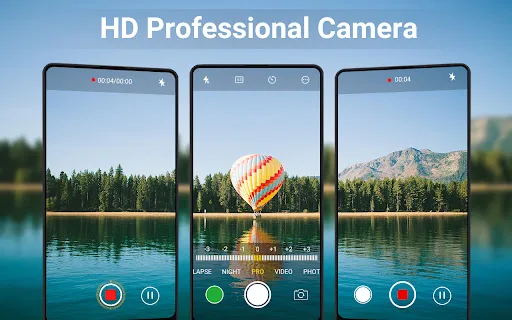
HD Camera for Android: 4K Cam Screenshots
Official app screenshots from the Google Play Store.
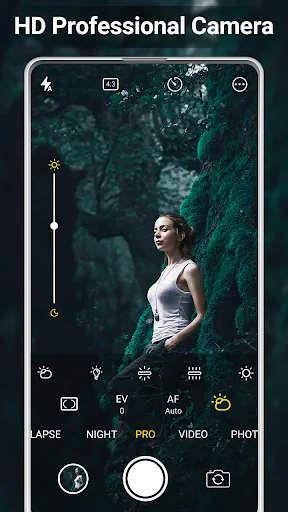
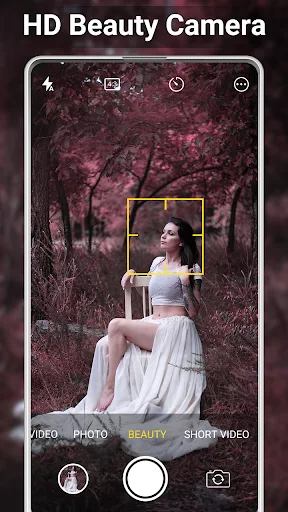
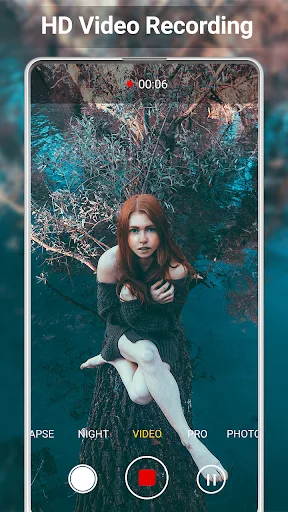
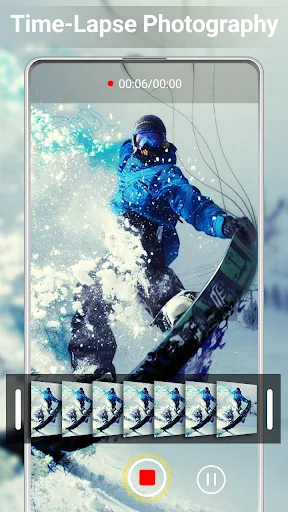
Blackmagic Camera Screenshots
Official app screenshots from the Google Play Store.
Frequently Asked Questions
Which app has a higher rating?
Blackmagic Camera has a slightly higher rating of 4.585 compared to HD Camera's 4.562, but both are highly rated.
Can I use these apps offline?
Both apps can be used offline for taking photos and videos, but some features like filters or editing may require initial download.
Do these apps have ads?
HD Camera for Android contains ads, while Blackmagic Camera is completely ad-free.
What are the device requirements?
Both apps require Android 5.0 or higher. Blackmagic Camera may need more recent hardware for optimal performance due to its advanced processing.
Which app should I choose?
Choose HD Camera for easy selfies, filters, and editing. Choose Blackmagic Camera for professional video controls and cinematic quality.
Related Comparisons
VS
Blackmagic Camera vs Ultra Camera HD: Pro DSLR – Which Cinematic App Wins
 VS
VS
Camera Pro vs Manual DSLR: Best Camera App for Android
 VS
VS
ProCam X Lite vs Professional HD Camera: Which Camera App Reigns Supreme?
 VS
VS
HD Camera Pro vs HD Camera PRO Beauty Camera: Which Android Camera App is Best for You?
VS

HD Camera vs ProCam X: Which Android Camera App is Best for You?
VS