Money Manager vs Wallet: Which Budgeting App Reigns Supreme?
Money Manager by Realbyte Inc. is ideal for users who prefer manual entry and want a straightforward, ad-supported expense tracker with robust reporting. Wallet by BudgetBakers, on the other hand, is perfect for those who want automatic bank syncing and a more modern, feature-rich experience. Both apps have over 10 million installs and high ratings, but they cater to different user preferences. This comparison will help you decide which one fits your budgeting style.

Money Manager Expense & Budget
- Rating
- ★ 4.63
- Downloads
- 10,000,000+
- Developer
- Realbyte Inc.

Wallet: Budget Expense Tracker
Recommended- Rating
- ★ 4.62
- Downloads
- 10,000,000+
- Developer
- BudgetBakers
Money Manager - the #1 financial planning, review, expense tracking, and personal asset management app for Android! Money Manager makes managing personal finances as easy as pie! Now easily record your personal and business financial transactions, generate spending reports, revie…
Pros
- Highly customizable categories and tags
- Detailed financial reports and charts
- Supports multiple currencies and accounts
- No internet required for manual entry
- Free with optional ad removal
Cons
- No automatic bank sync – manual entry only
- Interface feels dated compared to competitors
- Ads can be intrusive in the free version
Wallet is the all-in-one personal finance manager built to help you save money and plan for the future. Connect your bank accounts to track expenses automatically and know where every dollar is going. Dive into in-depth reports on your spending and cash flow to help you effective…
Pros
- Automatic bank synchronization with Plaid
- Modern, intuitive user interface
- Comprehensive budgeting and goal tracking
- Real-time expense categorization
- Secure cloud backup and multi-device sync
Cons
- Free version has limited features
- Bank sync may not work with all institutions
- Requires internet connection for most features
Final Verdict
Our pick: Wallet: Budget Expense Tracker
For most users, Wallet is the superior choice due to its automatic bank synchronization, modern interface, and comprehensive budgeting tools. It saves time by eliminating manual entry and provides deeper insights into spending patterns. However, if you prefer complete control over your data and don't mind manual tracking, Money Manager is a reliable and highly customizable alternative. Ultimately, Wallet wins for convenience and automation, while Money Manager wins for privacy and simplicity.
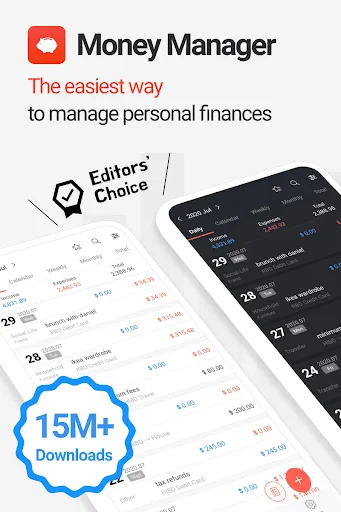
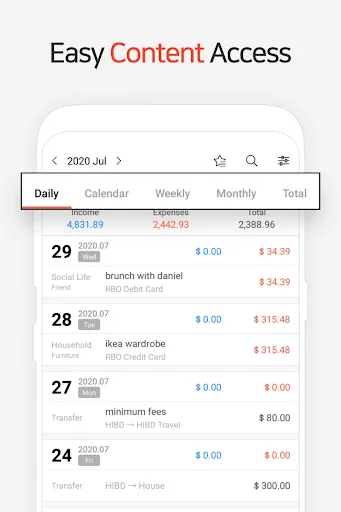
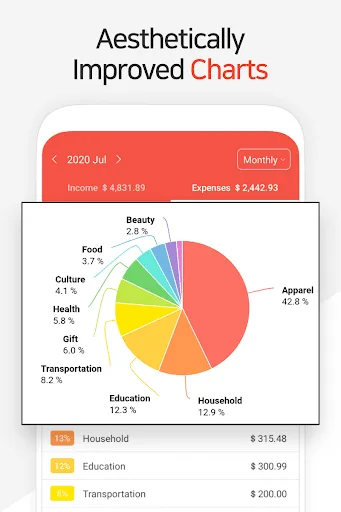
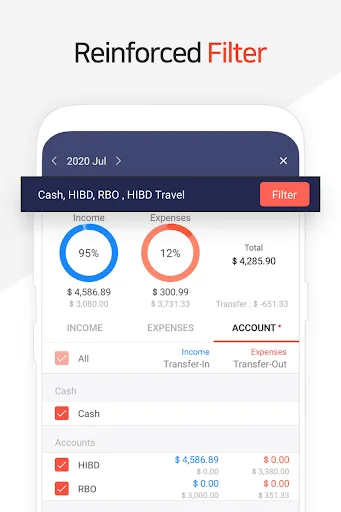
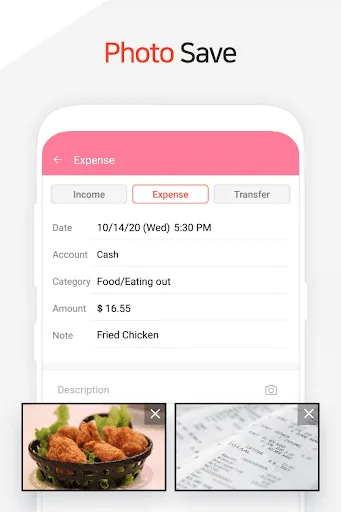
Money Manager Expense & Budget Screenshots
Official app screenshots from the Google Play Store.
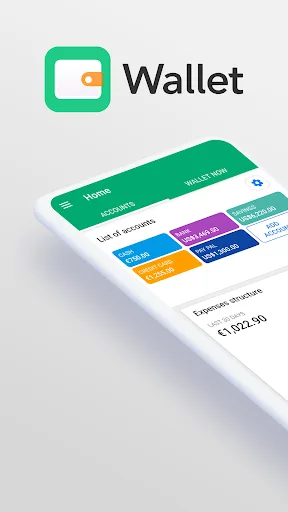
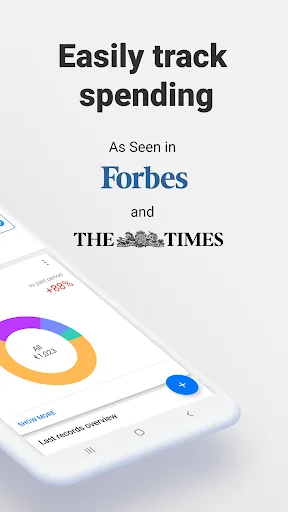
Wallet: Budget Expense Tracker Screenshots
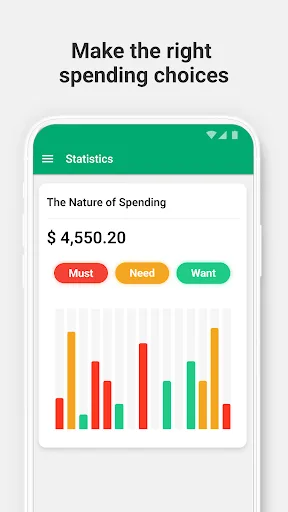
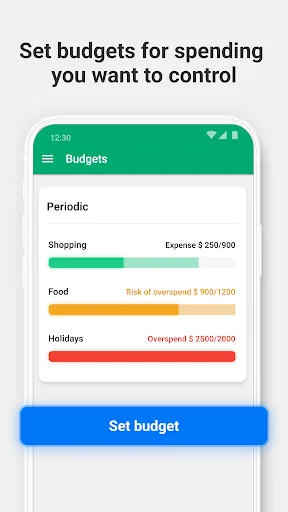
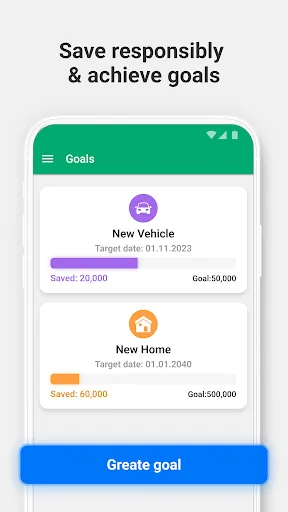
Official app screenshots from the Google Play Store.
Frequently Asked Questions
Which app has higher ratings?
Money Manager has a rating of 4.6279, while Wallet has 4.6163. Both are extremely close, but Money Manager holds a slight edge.
Can I use these apps offline?
Money Manager works fully offline for manual entry. Wallet requires an internet connection for bank sync and cloud features, but basic manual entry may work offline with limited functionality.
Do these apps contain ads?
Money Manager's free version shows ads, which can be removed via in-app purchase. Wallet's free version is ad-free but has limited features; premium unlocks full functionality.
What are the device requirements?
Both apps require Android 5.0 or later. Wallet also needs a stable internet connection for bank sync. No special hardware is needed.
Which app should I choose?
Choose Money Manager if you prefer manual control, offline use, and a simple interface. Choose Wallet if you want automatic tracking, modern design, and don't mind a subscription for premium features.
Related Comparisons
VS

Money Manager vs Spendee: Best Budgeting App for Android
VS
Wallet vs Spendee: Best Budgeting App for 2026
 VS
VS

Spending Tracker vs Monarch: Which Budgeting App is Right for You?
 VS
VS

Monefy vs Monthly Budget & Expense App: Which Budgeting Tool Wins?
 VS
VS
PocketGuard vs Monthly Budget & Expense App: Which Budgeting App Reigns Supreme
VS