Spotify vs Samsung Music: Which Music App Reigns Supreme
Spotify is a global streaming giant offering millions of songs, podcasts, and audiobooks, perfect for users who want a vast library and social features. Samsung Music is a lightweight, offline-focused player pre-installed on Galaxy devices, ideal for Samsung users who prefer local file playback. Both apps have over 1 billion installs but cater to different audiences. If you stream music and want discovery, Spotify wins; if you play your own files on a Samsung phone, Samsung Music excels.

Spotify: Music and Podcasts
Recommended- Rating
- ★ 4.34
- Downloads
- 1,000,000,000+
- Developer
- Spotify AB

Samsung Music
- Rating
- ★ 3.80
- Downloads
- 1,000,000,000+
- Developer
- Samsung Electronics Co., Ltd.
With the Spotify music and podcast app, you can play millions of songs, albums and original podcasts for free. We have even added audiobooks, so you can enjoy thousands of stories wherever you are! Stream music and podcasts, listen to audiobooks, discover albums, playlists or eve…
Pros
- Over 100 million songs and 5 million podcasts available
- Personalized playlists like Discover Weekly and Daily Mix
- Offline download for Premium users (up to 10,000 songs)
- Cross-platform support (Android, iOS, desktop, web)
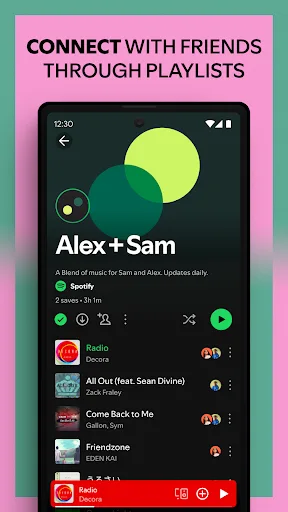
- Social features: share playlists, follow friends, see activity
Cons
- Free tier has ads and limited skips
- Requires internet for streaming (offline only with Premium)
- No high-res audio (max 320kbps Ogg Vorbis)
Samsung Music is optimized for Samsung android device and provides a powerful music play functionality and the best user interface. Key Features 1. Supports playback of various sound formats such as MP3, AAC, FLAC. (Supported file formats may vary depending on the device.) 2. Hel…
Pros
- Optimized for Samsung devices with smooth performance
- Supports high-resolution audio (FLAC, WAV up to 32-bit/384kHz)
- No ads or internet required for local files
- Built-in equalizer with presets and customization
- Lightweight app (under 50MB) with minimal bloat
Cons
- Limited to Samsung devices (not available on other brands)
- No streaming service; only plays local files
- Basic interface lacks advanced discovery features
Final Verdict
Our pick: Spotify: Music and Podcasts
For most users, Spotify is the better choice due to its massive library, personalized playlists, and cross-platform support. It offers free ad-supported streaming and premium offline downloads. However, Samsung Music is unbeatable for Samsung device owners who primarily play local audio files, with support for high-res formats and a clean interface. If you rely on streaming and discovery, go with Spotify. If you have a Samsung phone and a large local music collection, Samsung Music is ideal. Ultimately, Spotify's versatility makes it the winner for general use.
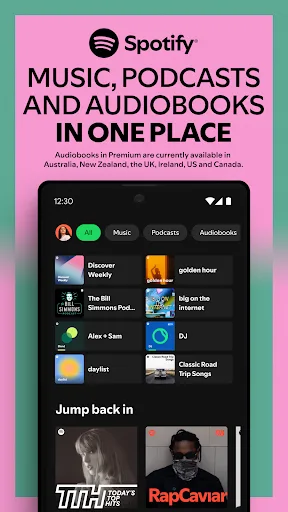
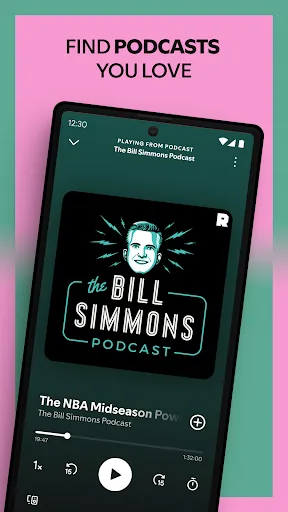
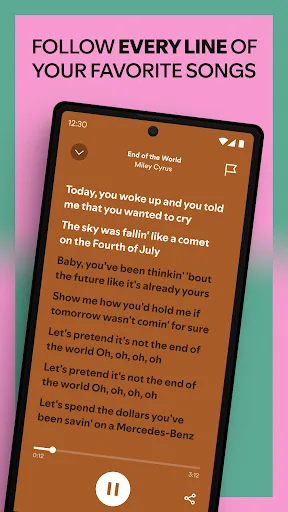
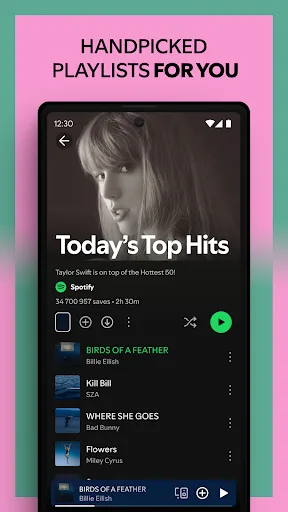
Spotify: Music and Podcasts Screenshots
Official app screenshots from the Google Play Store.
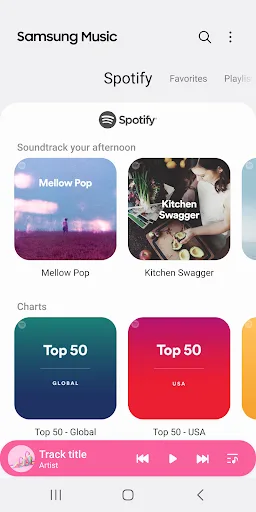
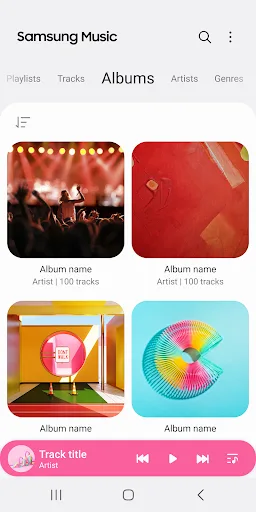
Samsung Music Screenshots
Official app screenshots from the Google Play Store.

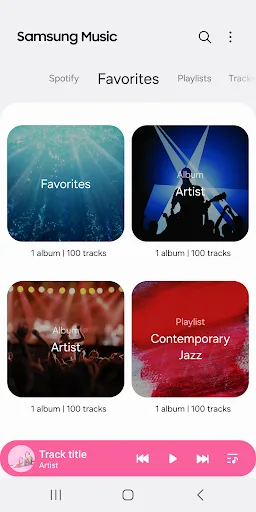
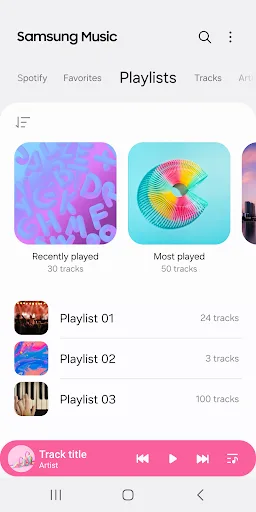
Frequently Asked Questions
Which app has a higher rating?
Spotify has a rating of 4.33, while Samsung Music is rated 3.80. Spotify is generally more popular among users.
Can I listen offline without paying?
Samsung Music allows offline playback of local files for free. Spotify requires a Premium subscription to download songs for offline listening.
Does the free version of Spotify have ads?
Yes, Spotify's free tier includes audio and visual ads, and you have limited skips. Samsung Music has no ads at all.
Do I need a Samsung device to use Samsung Music?
Yes, Samsung Music is only available on Samsung Galaxy devices. It cannot be installed on other Android phones.
Which app should I choose if I stream music?
Choose Spotify for streaming, as it offers a vast library, podcast support, and cross-platform access. Samsung Music is for local file playback only.
Related Comparisons
 VS
VS

Music Player vs Shazam: Which Music App Reigns in 2026
VS
Shazam vs SoundCloud: Which Music App Reigns Supreme in 2026
 VS
VS
TIDAL Music vs Shazam: Which Music App Should You Choose
 VS
VS

Pandora vs Poweramp: Music Streaming vs Local Player Comparison
VS

SoundCloud vs Deezer: Which Music App Is Best for You
 VS
VS