Notepad - simple notes
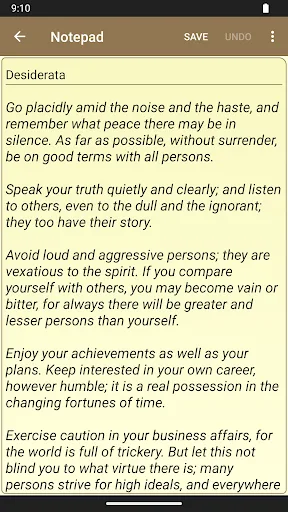
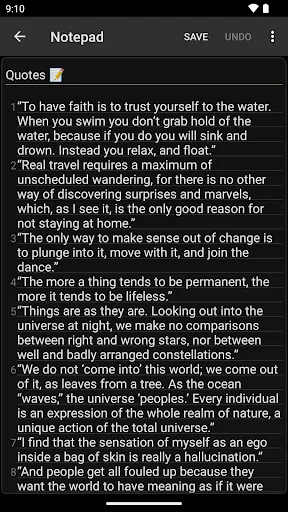
Notepad is a small and fast notetaking app for making notes, memos, or just any plain text content. Features: * simple interface that most of the users find easy to use * no limits on note's length or number of notes (of course there's a limit to phone's storage) * creating and editing text notes * importing notes from txt files, saving notes as txt files * sharing notes with other apps (e.g. sending a note by email)…
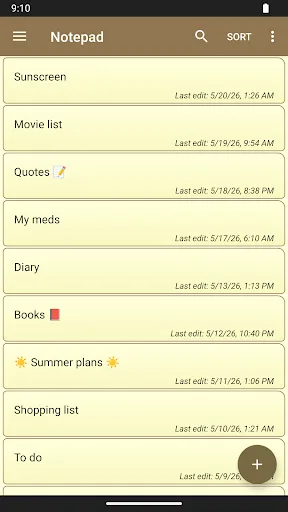
Notepad - simple notes Screenshots
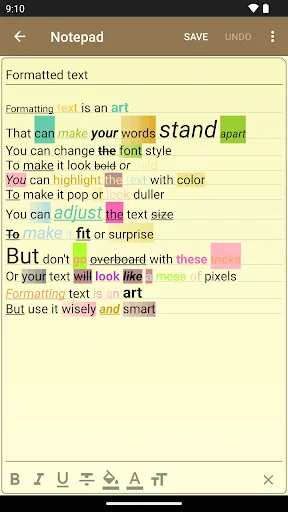
Official app screenshots from the Google Play Store.
About Notepad - simple notes
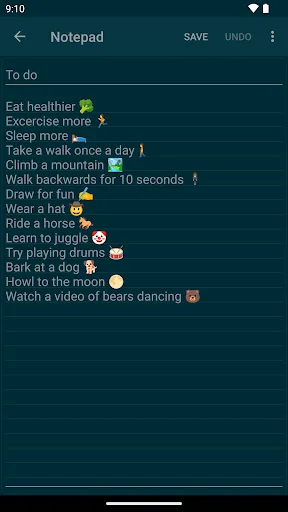
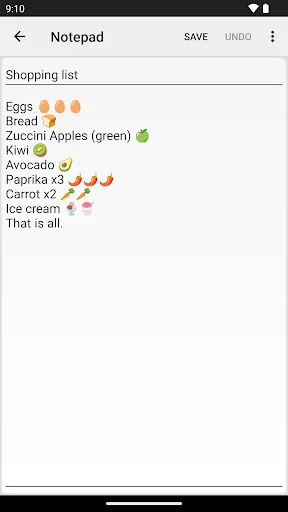
Notepad is a small and fast notetaking app for making notes, memos, or just any plain text content. Features: * simple interface that most of the users find easy to use * no limits on note's length or number of notes (of course there's a limit to phone's storage) * creating and editing text notes * importing notes from txt files, saving notes as txt files * sharing notes with other apps (e.g. sending a note by email) * notes widget allowing to quickly create or edit notes, working like post it notes (stick a memo to home screen) * backup function for saving and loading notes from a backup file (zip file) * app password lock * color themes (including dark theme) * note categories * automatic note saving * undo/redo changes in notes * lines in background, numbered lines in a note * technical support * search function that can quickly find text in notes * unlock app with biometrics (e.g. fingerprint or face recognition) It may be obvious, but notes in the app can be used in many ways. For example as a to do list to increase productivity. A sort of digital planner to store shopping list or to organize the day. Notes can be put on the home screen as reminders. Each task could be stored…