MyScript Notes vs Notepad - simple notes: Best AI Handwriting vs Minimalist Text
MyScript Notes is designed for users who want to combine handwriting with digital power—students, professionals, and creatives who prefer writing by hand but need search, edit, and export capabilities. Notepad - simple notes is built for users who need a fast, no-frills text editor for quick memos, lists, and plain text notes without any complexity. Both are highly rated, but they serve very different note-taking styles.
MyScript Notes: AI Note Taking
Recommended- Rating
- ★ 4.54
- Downloads
- 1,000,000+
- Developer
- MyScript
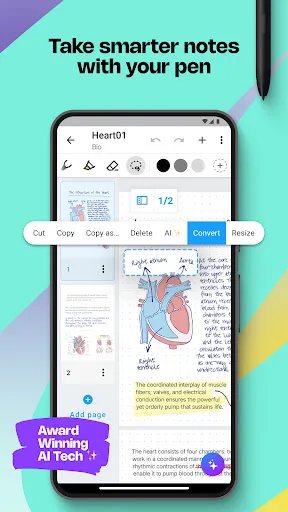
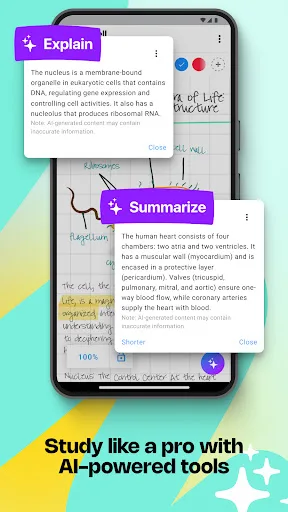
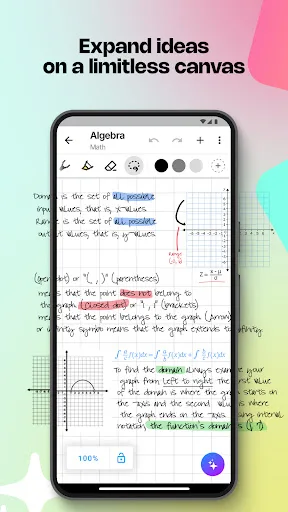
Create stunning notes and professional documents effortlessly by hand, brainstorm ideas on an infinite canvas, and annotate PDFs seamlessly. Powered by the world's leading AI handwriting recognition technology, MyScript Notes offers a dynamic platform where handwriting, text, dra…
Pros
- World-leading AI handwriting recognition converts handwritten notes to text accurately
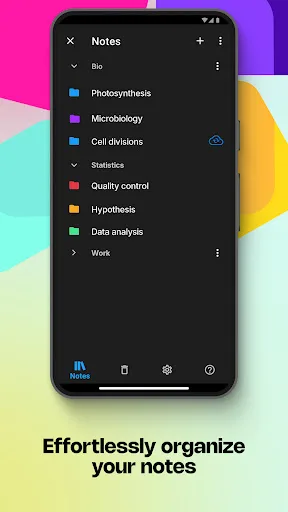
- Infinite canvas allows freeform brainstorming and diagramming
- Seamless mix of handwriting, typed text, drawings, and images
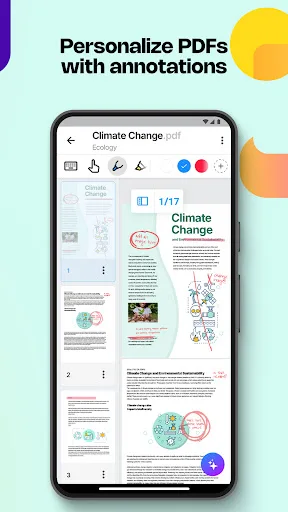
- PDF annotation and markup support for reviewing documents
- Export options include PDF, Word, text, and image formats
Cons
- Higher learning curve due to rich feature set
- Requires internet for some advanced AI features (though offline mode available)
- App size larger (around 100 MB) may not suit low-storage devices
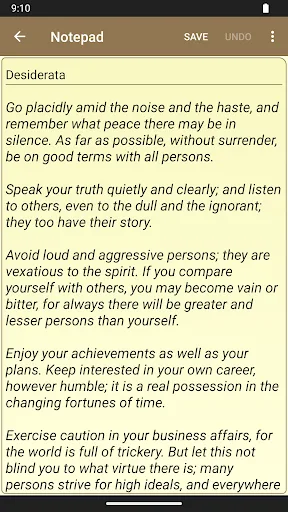
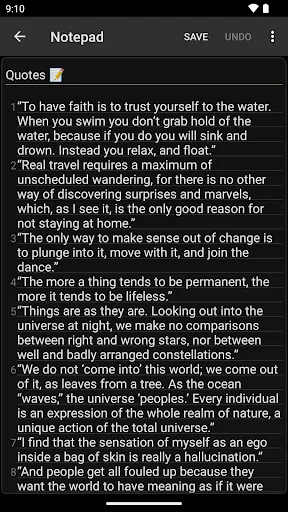
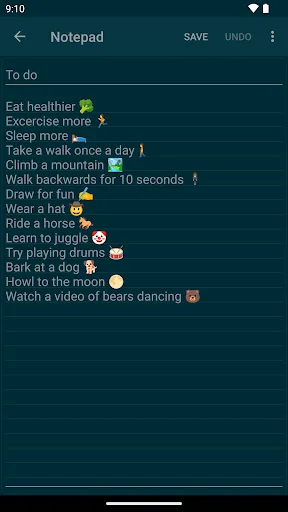
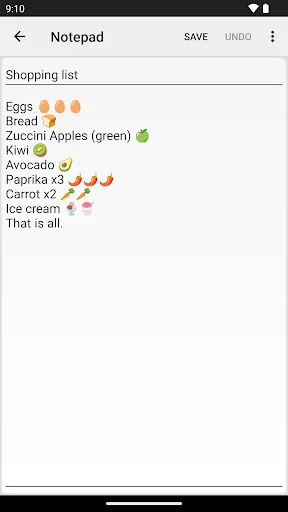
Notepad is a small and fast notetaking app for making notes, memos, or just any plain text content. Features: * simple interface that most of the users find easy to use * no limits on note's length or number of notes (of course there's a limit to phone's storage) * creating and e…
Pros
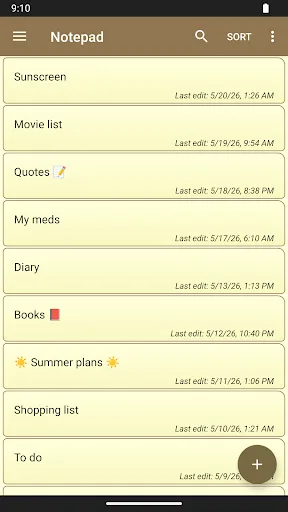
- Extremely simple and intuitive interface, usable by anyone
- No limits on note length or number of notes (storage-dependent)
- Import and export plain text files (.txt) easily
- Share notes directly to other apps like email or messaging
- Lightweight app (under 5 MB) and works fully offline
Cons
- No handwriting support, only plain text input
- Lacks formatting options (bold, lists, images, etc.)
- No search or organization features beyond basic list
Final Verdict
Our pick: MyScript Notes: AI Note Taking
If you need advanced handwriting recognition, infinite canvas, and PDF annotation, MyScript Notes is the clear winner despite higher complexity. If you only require a lightning-fast, offline text note app with zero learning curve, Notepad - simple notes is better. For most users seeking versatile note-taking, MyScript Notes offers more value. However, for pure text simplicity, Notepad excels. Winner: MyScript Notes for its unique AI features.
MyScript Notes: AI Note Taking Screenshots
Official app screenshots from the Google Play Store.
Notepad - simple notes Screenshots
Official app screenshots from the Google Play Store.
Frequently Asked Questions
Which app has better ratings?
MyScript Notes has a rating of 4.54 (1M+ installs), while Notepad - simple notes has 4.45 (10M+ installs). Both are highly rated, but MyScript Notes scores slightly higher.
Can I use these apps offline?
Notepad - simple notes works fully offline. MyScript Notes can work offline for basic handwriting recognition, but some advanced AI features require internet connection.
Do these apps contain ads?
MyScript Notes is ad-free. Notepad - simple notes is also ad-free. Both apps have no advertisements.
What are the device requirements?
Notepad - simple notes runs on Android 4.0+ and needs minimal storage (under 5 MB). MyScript Notes requires Android 6.0+ and about 100 MB of storage for full features.
Which app should I choose?
Choose MyScript Notes if you value handwriting recognition, rich media, and flexible canvas. Choose Notepad - simple notes if you need a fast, lightweight text-only note-taker without any complexity.
Related Comparisons
 VS
VS

ColorNote vs Noteshelf 3: Which Note-Taking App Reigns Supreme
 VS
VS

Google Keep vs Microsoft OneNote: Which Note-Taking App Wins
 VS
VS
Freenotes vs Easy Notes: Which Note-Taking App Reigns Supreme?
 VS
VS
Samsung Notes vs Notion: Which Note-Taking App Reigns Supreme
VS
ColorNote vs Zoho Notebook: Which Notes App is Best for You?
VS