Samsung Notes vs Zoho Notebook: Best Note-Taking App for Android
Samsung Notes is a powerhouse for Samsung device users, offering deep S Pen integration and seamless sync across Galaxy devices. Zoho Notebook is a cross-platform note-taking app focused on privacy, AI features, and rich media support. If you're a Samsung ecosystem user, Samsung Notes is a natural fit; for others seeking a versatile, ad-free notebook, Zoho Notebook is a strong contender. Both apps are free but target different audiences.

Samsung Notes
- Rating
- ★ 4.78
- Downloads
- 1,000,000,000+
- Developer
- Samsung Electronics Co., Ltd.

Notebook – Notes, Tasks, AI
Recommended- Rating
- ★ 4.10
- Downloads
- 5,000,000+
- Developer
- Zoho Corporation
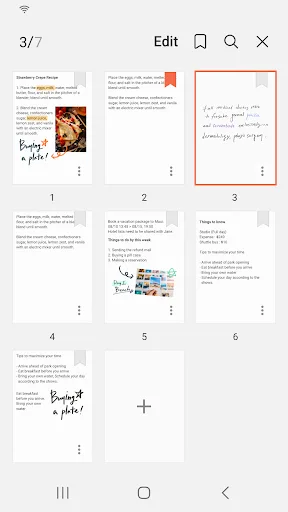
Samsung Notes can create and edit documents on mobile, tablet, or PC and collaborate with others. User can add annotations to the PDF using S Pen and create documents with images or voices. It can also be used by connecting documents with various apps such as PDF, Microsoft Word,…
Pros
- Seamless S Pen support for handwriting and PDF annotation
- Syncs across Samsung devices and Windows via Samsung Cloud
- Rich formatting options including images, voice recordings, and drawing
- Integration with Microsoft Office and PDF export
- High reliability with over 1 billion installs
Cons
- Limited to Samsung ecosystem; no native iOS or web app
- No AI-powered features like smart search or auto-tagging
- Can feel bloated with Samsung-specific features
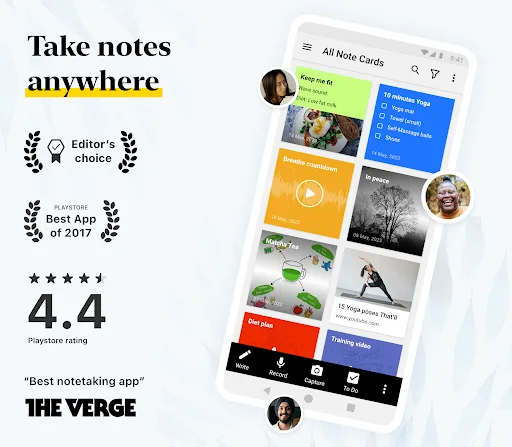
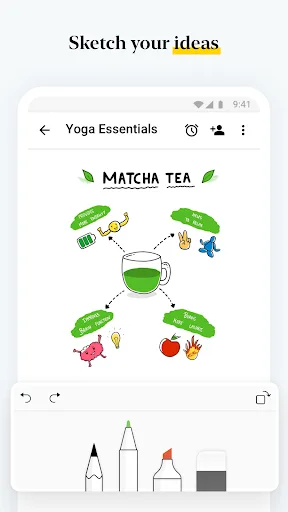
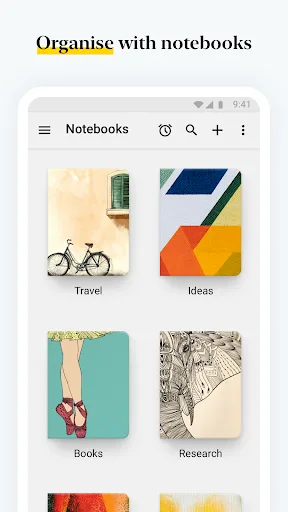
Zoho Notebook is a note‑taking app and digital notepad for capturing ideas, to‑do lists, tasks, meeting notes, journal entries and more. Organize everything with notebooks, tags and AI‑powered tools. Sync across mobile, desktop and web while staying private and ad‑free.…
Pros
- Cross-platform support: Android, iOS, Web, Desktop
- AI-powered search and smart organization
- Ad-free and privacy-focused with end-to-end encryption
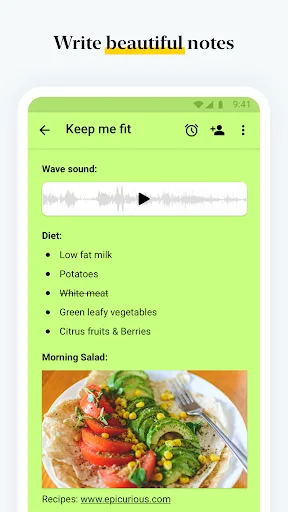
- Rich media notes: text, audio, images, checklists, tables
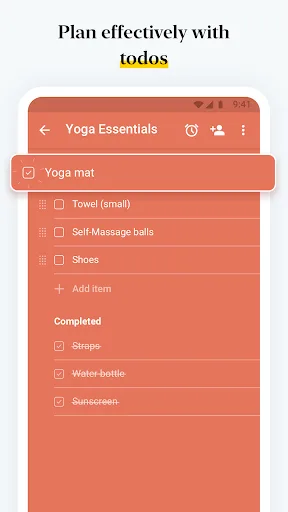
- Task management with to-do lists and reminders
Cons
- Smaller user base; fewer community resources
- No native handwriting support (no S Pen optimization)
- Some advanced AI features require subscription
Final Verdict
Our pick: Notebook – Notes, Tasks, AI
For most users, especially those outside the Samsung ecosystem, Zoho Notebook offers better cross-platform support, AI-powered organization, and privacy. However, if you own a Samsung device and heavily use the S Pen, Samsung Notes is unmatched for handwritten notes and PDF annotations. Zoho Notebook wins for versatility and features like AI search and task management. Samsung Notes wins for deep hardware integration. Choose based on your device and need for AI assistance.
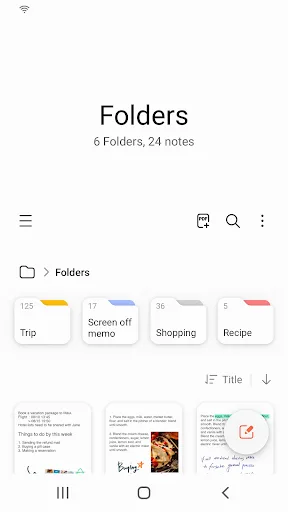
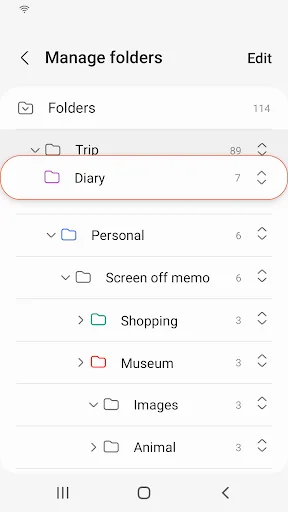
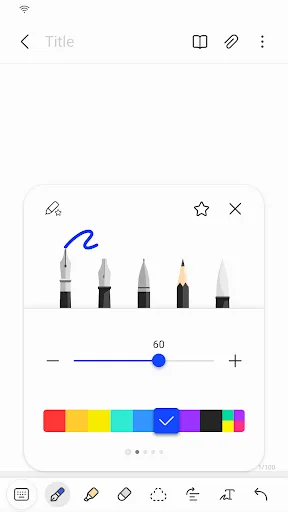
Samsung Notes Screenshots
Official app screenshots from the Google Play Store.

Notebook – Notes, Tasks, AI Screenshots
Official app screenshots from the Google Play Store.
Frequently Asked Questions
Which app has a higher rating?
Samsung Notes has a 4.78 rating from over 1 billion installs, while Zoho Notebook has a 4.10 rating from 5 million installs. Samsung Notes is more popular among Samsung users.
Can I use these apps offline?
Both apps support offline note-taking. Samsung Notes stores notes locally and syncs when online. Zoho Notebook also works offline and syncs when connected.
Do these apps show ads?
Neither Samsung Notes nor Zoho Notebook display ads. Both are free with optional cloud storage limits.
What are the device requirements?
Samsung Notes requires a Samsung device (Galaxy S, Note, Tab) running Android 5.0+. Zoho Notebook works on any Android 5.0+ device with at least 2GB RAM.
Which app should I choose?
Choose Samsung Notes if you own a Samsung device with S Pen and want deep integration. Choose Zoho Notebook if you need cross-platform access, AI features, and privacy.
Related Comparisons
 VS
VS

ColorNote vs Noteshelf 3: Which Note-Taking App Reigns Supreme
 VS
VS

Google Keep vs Microsoft OneNote: Which Note-Taking App Wins
 VS
VS
Freenotes vs Easy Notes: Which Note-Taking App Reigns Supreme?
VS

Samsung Notes vs Notion: Which Note-Taking App Reigns Supreme
VS
ColorNote vs Zoho Notebook: Which Notes App is Best for You?
 VS
VS