Freenotes vs Easy Notes: Which Note-Taking App Reigns Supreme?
Freenotes is designed for users who need advanced PDF annotation and realistic handwriting, ideal for students and professionals seeking a paperless workflow. Easy Notes, on the other hand, targets general users looking for a simple, colorful, and feature-rich note-taking app with sticky notes widgets and checklist capabilities. Both apps are free but cater to different audiences: Freenotes for heavy annotation tasks, Easy Notes for everyday quick notes and organization.

Freenotes - Notes Taking & PDF
- Rating
- ★ 3.48
- Downloads
- 1,000,000+
- Developer
- Freenotes Inc
Easy Notes - Note Taking Apps
Recommended- Rating
- ★ 4.70
- Downloads
- 10,000,000+
- Developer
- Gulooloo Tech Co., Ltd.
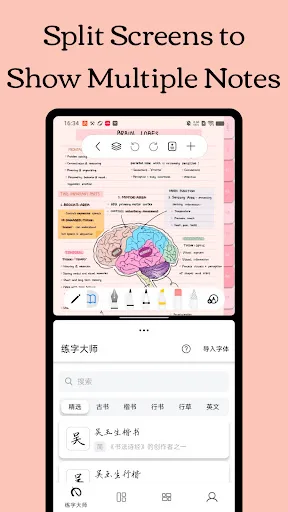
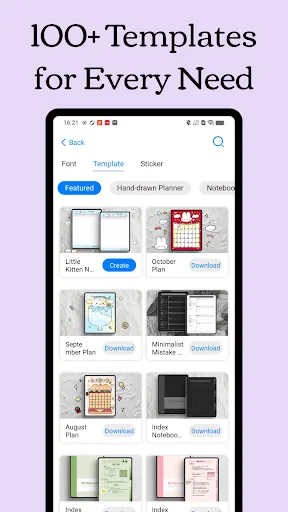
Freenotes: The Ultimate Digital Note-Taking Solution for Study and Work Freenotes lets you experience true paperless learning, combining the pleasure of realistic handwriting with features that boost your study and work efficiency. Whether you're a college student needing PDF ann…
Pros
- Realistic handwriting experience with pressure sensitivity
- Advanced PDF annotation and import/export
- Supports study and work workflow with notebook organization
- Free to use with essential features
- Active development and updates from Freenotes Inc
Cons
- Lower user rating (3.48) indicates stability or UX issues
- Fewer installs (1 million) suggesting smaller community
- Lacks sticky notes widget and colorful themes found in competitors
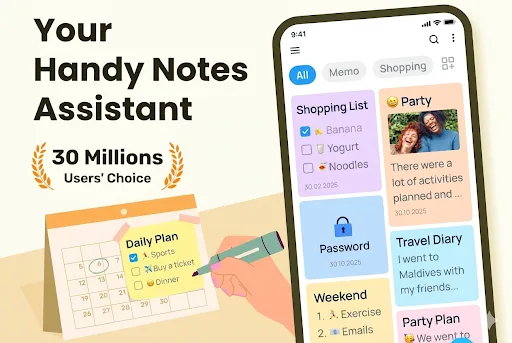
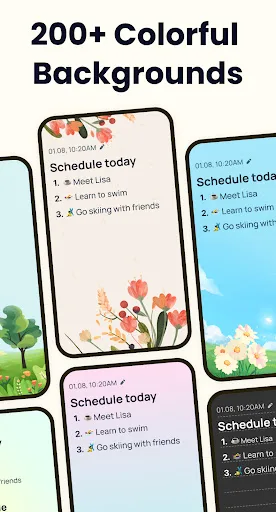
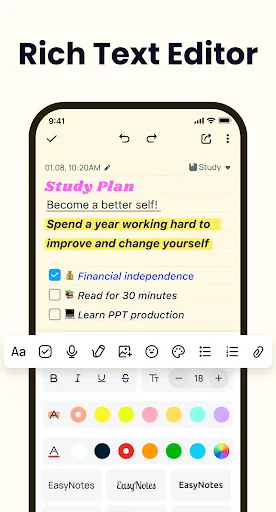
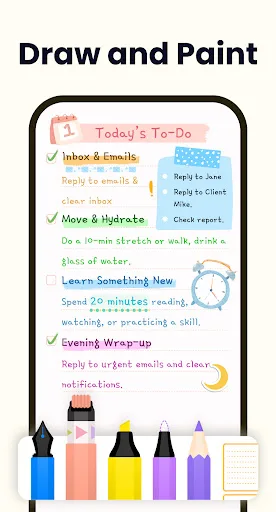
Create notes, memos and lists with the best note-taking app for Android! Want free note-taking apps to take notes and memo? Want sticky notes widget with colorful notepad themes? Want free goodnotes app to take good notes? Then, this notepad free, memo, notebook app is exactly wh…
Pros
- Highly rated (4.7) with over 10 million installs, showing reliability
- Includes sticky notes widget with customizable themes
- Supports checklists, memos, and private notes
- Lightweight and fast performance
- Regular updates and good developer support from Gulooloo Tech
Cons
- No advanced PDF annotation capabilities
- Limited handwriting recognition compared to Freenotes
- May have ads or in-app purchases (check app description)
Final Verdict
Our pick: Easy Notes - Note Taking Apps
For most users, Easy Notes is the better choice due to its higher rating (4.7 vs 3.5), larger install base, and comprehensive feature set including widgets and themes. However, if you specifically need advanced PDF annotation with handwriting recognition for studying or work, Freenotes is a viable GoodNotes alternative. Easy Notes wins on polish, stability, and user satisfaction, while Freenotes offers niche functionality. We recommend Easy Notes for general note-taking and Freenotes only if PDF annotation is your primary need.
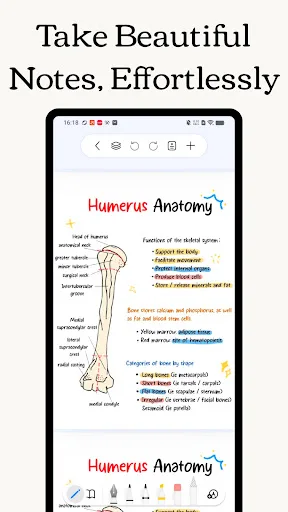
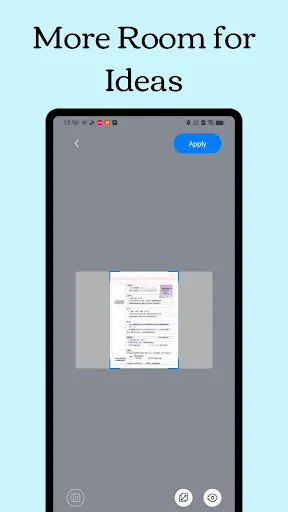
Freenotes - Notes Taking & PDF Screenshots
Official app screenshots from the Google Play Store.
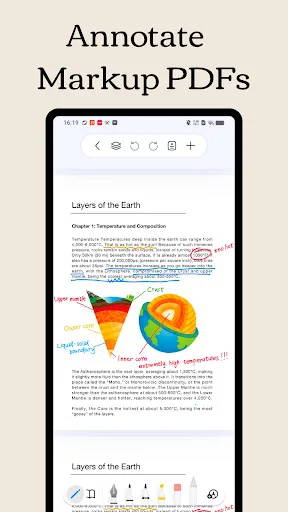
Easy Notes - Note Taking Apps Screenshots
Official app screenshots from the Google Play Store.

Frequently Asked Questions
Which app has better ratings?
Easy Notes has a significantly higher rating of 4.70 compared to Freenotes' 3.48, indicating higher user satisfaction.
Can I use these apps offline?
Both apps support offline note-taking. Freenotes allows offline PDF annotation, while Easy Notes lets you create and edit notes without internet.
Do these apps contain ads?
Easy Notes may include ads or offer in-app purchases to remove them; Freenotes is ad-free based on its summary.
What are the device requirements?
Both apps require Android 5.0 or higher. Easy Notes is optimized for lower-end devices, while Freenotes may need more RAM for smooth handwriting.
Which app should I choose for studying?
If you need PDF annotation and handwriting, choose Freenotes. For quick notes, checklists, and organization, Easy Notes is better.
Related Comparisons
 VS
VS

ColorNote vs Noteshelf 3: Which Note-Taking App Reigns Supreme
 VS
VS

Google Keep vs Microsoft OneNote: Which Note-Taking App Wins
 VS
VS

Samsung Notes vs Notion: Which Note-Taking App Reigns Supreme
VS

ColorNote vs Zoho Notebook: Which Notes App is Best for You?
VS
Samsung Notes vs Zoho Notebook: Best Note-Taking App for Android
 VS
VS