
Freenotes - Notes Taking & PDF
Freenotes: The Ultimate Digital Note-Taking Solution for Study and Work Freenotes lets you experience true paperless learning, combining the pleasure of realistic handwriting with features that boost your study and work efficiency. Whether you're a college student needing PDF annotation or a professional seeking a high-efficiency meeting note tool, Freenotes is the best GoodNotes alternative for a seamless, productiv…
Freenotes - Notes Taking & PDF Screenshots
Official app screenshots from the Google Play Store.
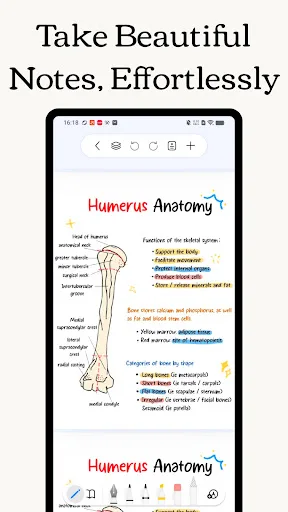
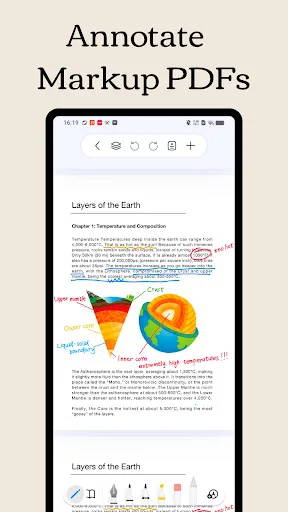
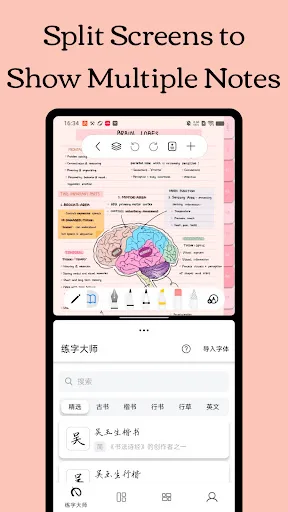
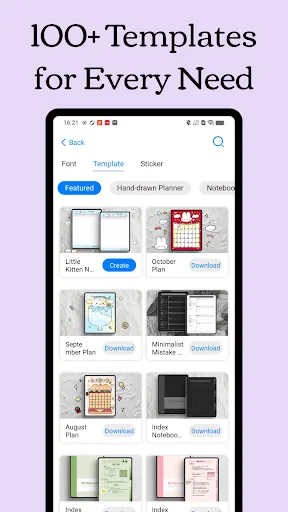
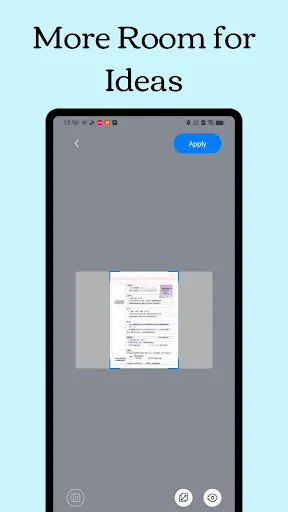
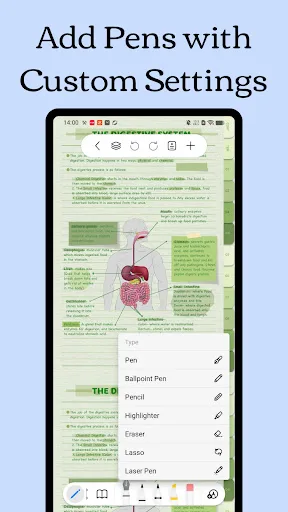
About Freenotes - Notes Taking & PDF
Freenotes: The Ultimate Digital Note-Taking Solution for Study and Work Freenotes lets you experience true paperless learning, combining the pleasure of realistic handwriting with features that boost your study and work efficiency. Whether you're a college student needing PDF annotation or a professional seeking a high-efficiency meeting note tool, Freenotes is the best GoodNotes alternative for a seamless, productive experience across all your devices. AI Integration: Your Smart Study Assistant A handwriting app with built-in AI to summarize long notes or check grammar/spelling in handwritten text? Freenotes is equipped with a powerful AI Assistant designed to optimize your learning and reviewing process: - Instant Summaries & Answers: Take a screenshot or upload a document (PDF or photo) to instantly get answers to questions and AI-generated summaries of content. Perfect for quickly understanding long documents or creating study outlines for exams. - AI Study Companion: Use the assistant to clarify concepts, define terms, and check your handwritten notes for accuracy, turning passive review into active recall. High-Efficiency Note-Taking & Organization What's a high-quality app…
Comparisons Featuring Freenotes - Notes Taking & PDF
VS
Freenotes vs Easy Notes: Which Note-Taking App Reigns Supreme?
VS
Freenotes vs ColorNote: Which Note-Taking App Reigns Supreme
 VS
VS
Microsoft OneNote vs Freenotes: Best Note-Taking App for Productivity & Study
 VS
VS
Google Keep vs Freenotes: Which Note-Taking App Wins for You?
VS