Google Keep vs Freenotes: Which Note-Taking App Wins for You?
Google Keep is ideal for users who need quick, cross-platform note capture with voice memos, checklists, and seamless Google integration. Freenotes targets students and professionals who require realistic handwriting, PDF annotation, and a paperless workflow. While Keep excels in simplicity and speed, Freenotes offers advanced tools for in-depth study and meeting notes.

Google Keep - Notes and lists
Recommended- Rating
- ★ 4.69
- Downloads
- 1,000,000,000+
- Developer
- Google LLC

Freenotes - Notes Taking & PDF
- Rating
- ★ 3.48
- Downloads
- 1,000,000+
- Developer
- Freenotes Inc
Quickly capture and share your thoughts, manage your to-dos, and stay organized. Google Keep has all of the functionality you need, with advanced security and privacy measures to keep your information safe. Capture what’s on your mind • Inspiration strikes anywhere. Jot down…
Pros
- Highly rated (4.7) with over 1 billion installs, trusted by millions.
- Seamless integration with Google Workspace and Android ecosystem.
- Supports voice memos, image capture, and location-based reminders.
- Real-time collaboration and sharing via Google account.
- Free with no ads and unlimited notes (within storage limits).
Cons
- Limited formatting options (no handwriting, no rich text).
- No PDF annotation or advanced organizational features like notebooks.
- Dependent on Google account; no true offline mode without sync.
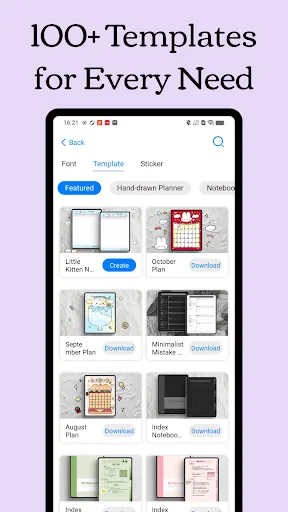
Freenotes: The Ultimate Digital Note-Taking Solution for Study and Work Freenotes lets you experience true paperless learning, combining the pleasure of realistic handwriting with features that boost your study and work efficiency. Whether you're a college student needing PDF ann…
Pros
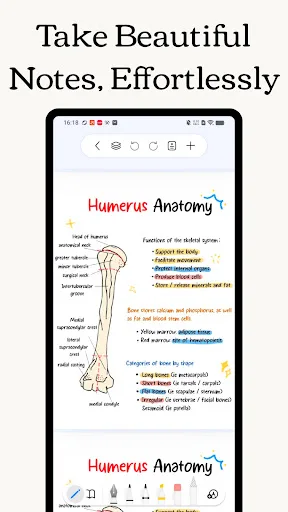
- Realistic handwriting experience with stylus support.
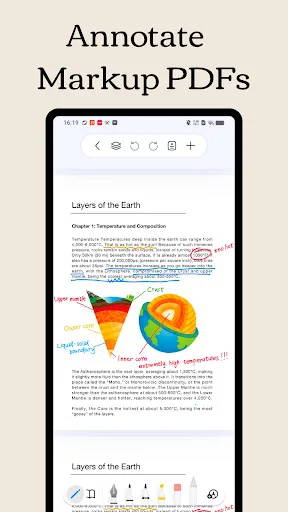
- PDF annotation and markup for study and work.
- Organized notebooks and folders for structured note-taking.
- Free to use with essential features.
- GoodNotes alternative for Android users.
Cons
- Lower rating (3.5) and fewer installs (1 million+).
- Limited cross-platform sync; mainly Android-focused.
- Some users report bugs and less polished UI compared to Keep.
Final Verdict
Our pick: Google Keep - Notes and lists
For most users, Google Keep is the better choice due to its reliability, extensive feature set, and massive install base. Its 4.7 rating and billion-plus downloads speak to its universal appeal. However, if you need handwriting support and PDF editing, Freenotes is a worthy alternative despite its lower rating. We recommend Google Keep for general note-taking and Freenotes for specialized academic or professional use.
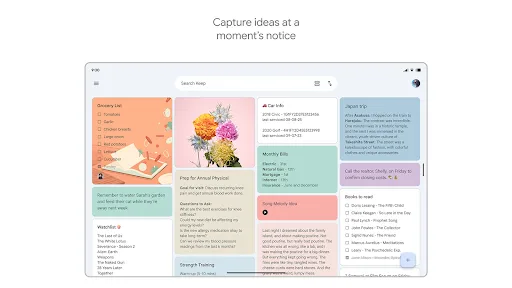
Google Keep - Notes and lists Screenshots
Official app screenshots from the Google Play Store.
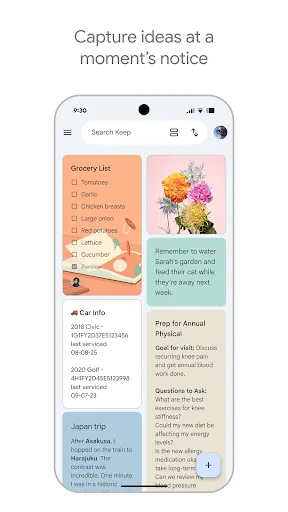
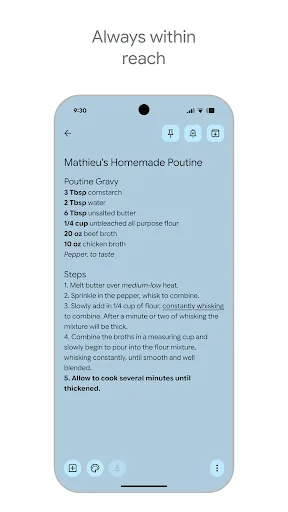
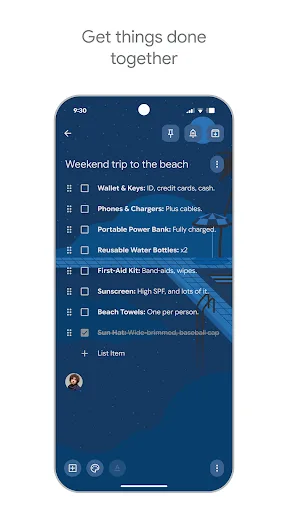
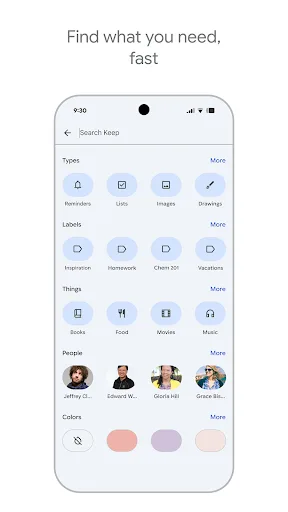
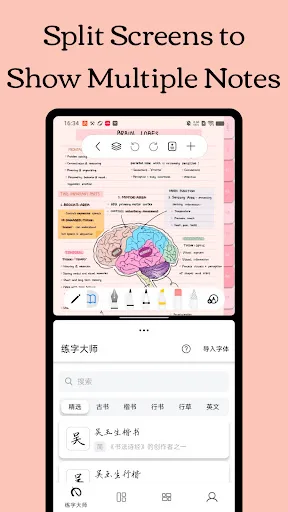
Freenotes - Notes Taking & PDF Screenshots
Official app screenshots from the Google Play Store.

Frequently Asked Questions
Which app has a higher rating?
Google Keep has a 4.69 rating, while Freenotes has a 3.49 rating.
Can I use these apps offline?
Google Keep allows offline access to previously synced notes; changes sync when online. Freenotes also works offline for local notes, but syncing requires internet.
Do these apps have ads?
Google Keep is completely ad-free. Freenotes may show ads in the free version, but they are not intrusive.
What are the device requirements?
Google Keep works on Android 5.0+ and any device with Google Play. Freenotes requires Android 6.0+ and supports stylus input.
Which app should I choose for quick notes vs. detailed study?
Choose Google Keep for quick capture, lists, and reminders. Choose Freenotes for handwritten notes, PDF annotation, and academic work.
Related Comparisons
 VS
VS

ColorNote vs Noteshelf 3: Which Note-Taking App Reigns Supreme
VS

Google Keep vs Microsoft OneNote: Which Note-Taking App Wins
VS
Freenotes vs Easy Notes: Which Note-Taking App Reigns Supreme?
 VS
VS

Samsung Notes vs Notion: Which Note-Taking App Reigns Supreme
VS

ColorNote vs Zoho Notebook: Which Notes App is Best for You?
VS