Google Keep vs Microsoft OneNote: Which Note-Taking App Wins
Google Keep is ideal for users who need quick, lightweight note-taking with tight Google integration. Microsoft OneNote targets power users who require advanced organization, rich formatting, and cross-platform sync across Windows and Office apps.

Google Keep - Notes and lists
Recommended- Rating
- ★ 4.69
- Downloads
- 1,000,000,000+
- Developer
- Google LLC

Microsoft OneNote: Save Notes
- Rating
- ★ 4.57
- Downloads
- 1,000,000,000+
- Developer
- Microsoft Corporation
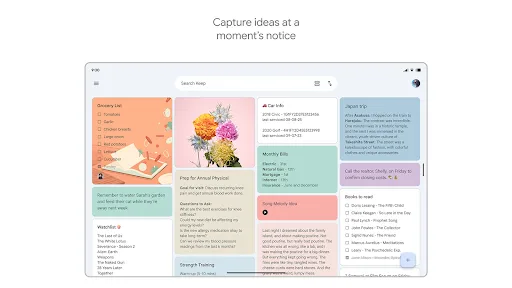
Quickly capture and share your thoughts, manage your to-dos, and stay organized. Google Keep has all of the functionality you need, with advanced security and privacy measures to keep your information safe. Capture what’s on your mind • Inspiration strikes anywhere. Jot down…
Pros
- Lightning-fast note creation with voice, text, and image
- Seamless sync with Google account across all devices
- Color-coded notes and labels for easy organization
- Reminders based on time or location
- Collaboration with shared notes and lists
Cons
- Limited formatting options (no tables, rich text)
- No notebook structure; all notes are flat
- No handwriting or drawing support
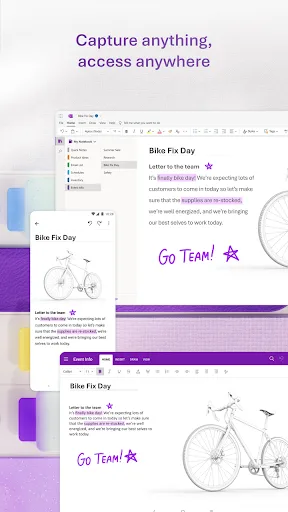
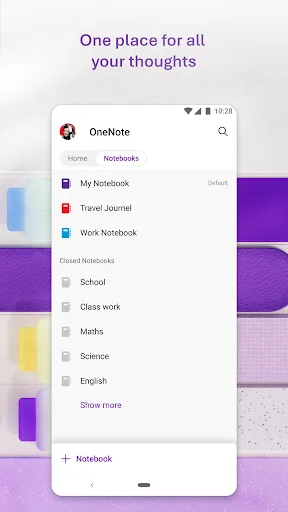
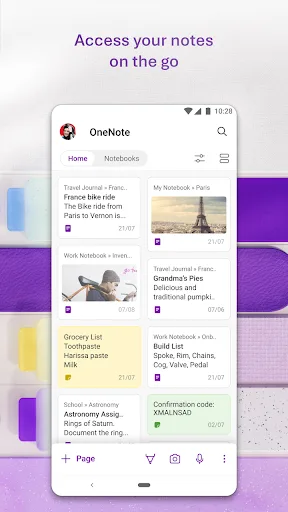
Supercharge your productivity with OneNote. Organize your thoughts and ideas, and simplify planning important moments with your digital note-taking. Secure notes on your phone can sync across all smart devices with Microsoft OneNote. Start your week off strong by organizing your…
Pros
- Powerful notebook organization with sections and pages
- Rich formatting including tables, ink, and multimedia
- Excellent cross-platform sync (Windows, Mac, iOS, Android)
- Handwriting and drawing support with stylus
- Integration with Microsoft Office and Outlook
Cons
- Heavier app with slower startup time
- Can be overwhelming for simple note-taking
- Free version limited to 5 GB of storage
Final Verdict
Our pick: Google Keep - Notes and lists
For most users, Google Keep wins due to its simplicity, speed, and seamless integration with Google services. OneNote is better for those who need structured notebooks, extensive formatting, and deep Office integration. If you value quick captures and minimalism, choose Keep. If you need a full-featured digital binder, choose OneNote.
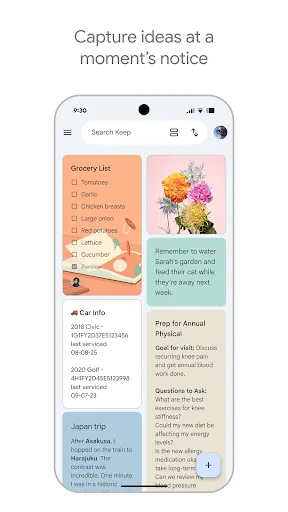
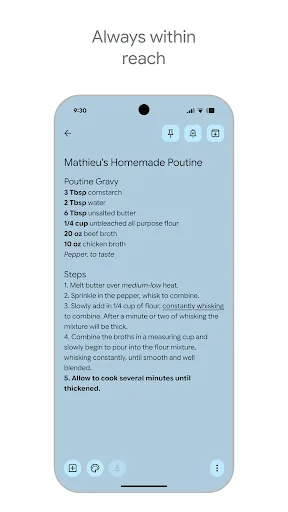
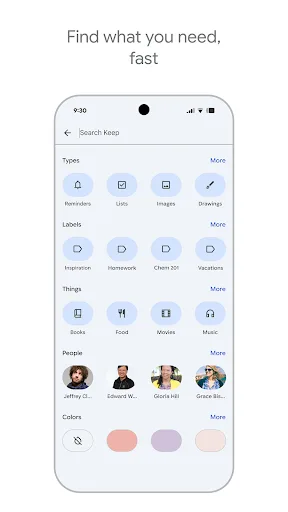
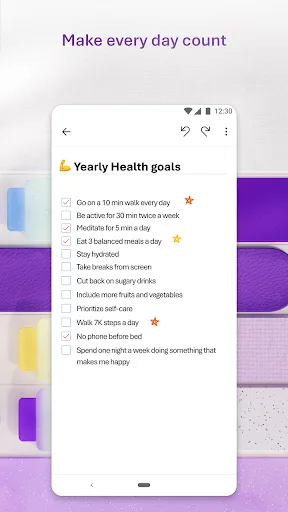
Google Keep - Notes and lists Screenshots
Official app screenshots from the Google Play Store.

Microsoft OneNote: Save Notes Screenshots
Official app screenshots from the Google Play Store.

Frequently Asked Questions
Which app has a higher rating on Google Play?
Google Keep has a rating of 4.69, while Microsoft OneNote has 4.57. Both are highly rated, but Keep edges ahead.
Can I use these apps offline?
Yes, both apps support offline access. Notes sync when you reconnect to the internet.
Are there ads in these apps?
Both Google Keep and Microsoft OneNote are ad-free.
What are the device requirements?
Both apps require Android 6.0 or higher. OneNote may need more storage and RAM due to its richer features.
Which app should I choose for simple quick notes?
Google Keep is better for quick captures and lists. OneNote is overkill for simple notes.
Related Comparisons
 VS
VS

ColorNote vs Noteshelf 3: Which Note-Taking App Reigns Supreme
 VS
VS
Freenotes vs Easy Notes: Which Note-Taking App Reigns Supreme?
 VS
VS

Samsung Notes vs Notion: Which Note-Taking App Reigns Supreme
VS

ColorNote vs Zoho Notebook: Which Notes App is Best for You?
VS
Samsung Notes vs Zoho Notebook: Best Note-Taking App for Android
 VS
VS